

Starten Sie noch heute Ihre Migration von Zen Cart zu Shift4Shop!
Migrieren Sie Ihren Shop mit einem sicheren, geführten und auf Ihr Unternehmen abgestimmten Prozess von Zen Cart zu Shift4Shop.


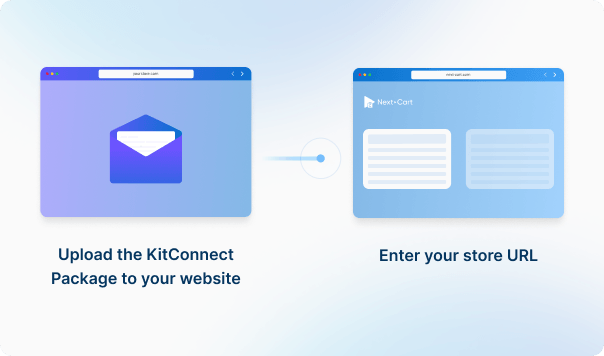
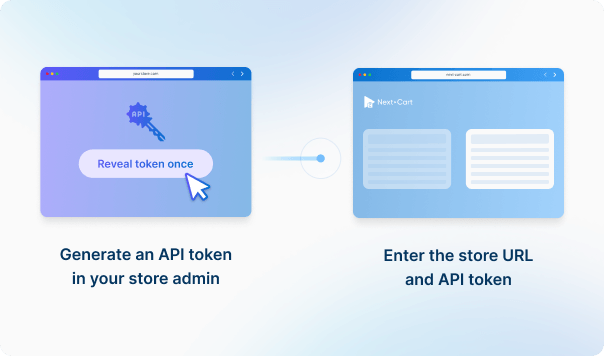








 Zen Cart
 Shift4Shop
 Zen CartShift4Shop

If you are going to migrate orders to Shift4Shop, please go to Settings > Store Settings > Checkout and uncheck all settings inside the Order Notification section. It ensures no emails will be sent to your customers during the migration. Don't forget to turn on the notifications settings when the site goes live.
In Zen Cart, product images typically follow a specific naming convention when there are multiple images for a single product. The images are named in the format: [name]_[position].[extension]. For example, if a product has three images and the main image is named "shirt.jpg", the images would be named as follows:
Our migration tool is designed to detect and migrate images according to this naming rule. However, some Zen Cart websites are customized to allow flexible naming for product images, which may not follow this convention. In such cases, only the main image will be transferred during the migration, as additional images may not be detected by our standard migration tool.
If your Zen Cart store has been customized to allow arbitrary image naming, and you're experiencing this issue, we can customize the migration tool to accommodate your specific setup. Please let us know, and we'll adjust the tool accordingly.


Migrieren Sie Ihren Shop mit einem sicheren, geführten und auf Ihr Unternehmen abgestimmten Prozess von Zen Cart zu Shift4Shop.


































































































