Bắt đầu di chuyển từ QuickBooks sang Zen Cart ngay hôm nay!
Chuyển cửa hàng từ QuickBooks sang Zen Cart bằng quy trình an toàn, có hướng dẫn và phù hợp với doanh nghiệp của bạn.






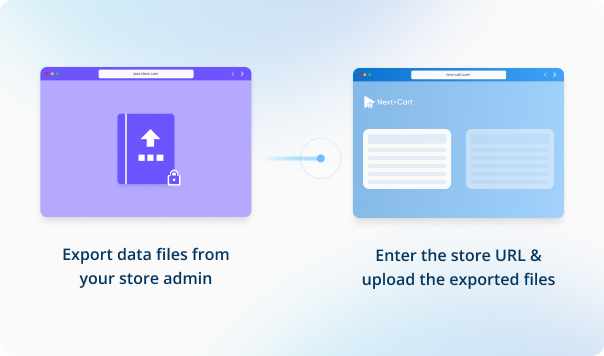
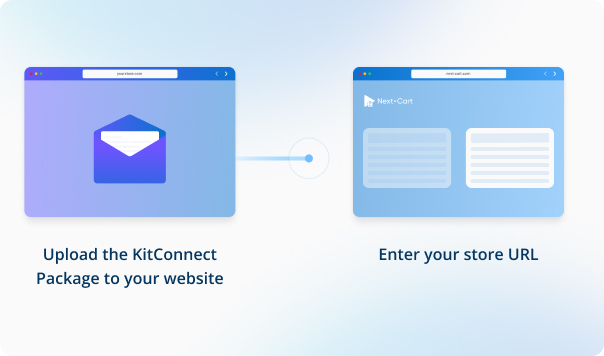
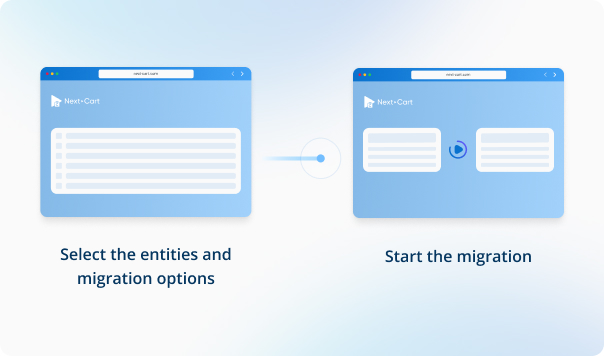


Nhập URL cửa hàng QuickBooks của bạn và tải lên các tệp dữ liệu cần thiết để thiết lập kết nối.



 QuickBooksZen Cart
 QuickBooksZen Cart

In Zen Cart, when a product has multiple images, the images are typically named according to the following format: [name]_[position].[extension]. For example, for a product with three images named "shirt.jpg", the images would be:
Our migration tool is designed to upload images to Zen Cart following this naming convention. However, if your Zen Cart website has been customized to allow flexible image naming, the storefront may only display the main image, even though all images were uploaded. This happens because the customized settings on your Zen Cart may not recognize or display the additional images correctly.
If your Zen Cart store has been customized in this way, we can modify the migration tool to work with your setup. Let us know, and we’ll make the necessary adjustments.


Chuyển cửa hàng từ QuickBooks sang Zen Cart bằng quy trình an toàn, có hướng dẫn và phù hợp với doanh nghiệp của bạn.