















Product Types: Simple Product, Configurable Product, Grouped Product, Bundle Product, Virtual Product, Downloadable Product
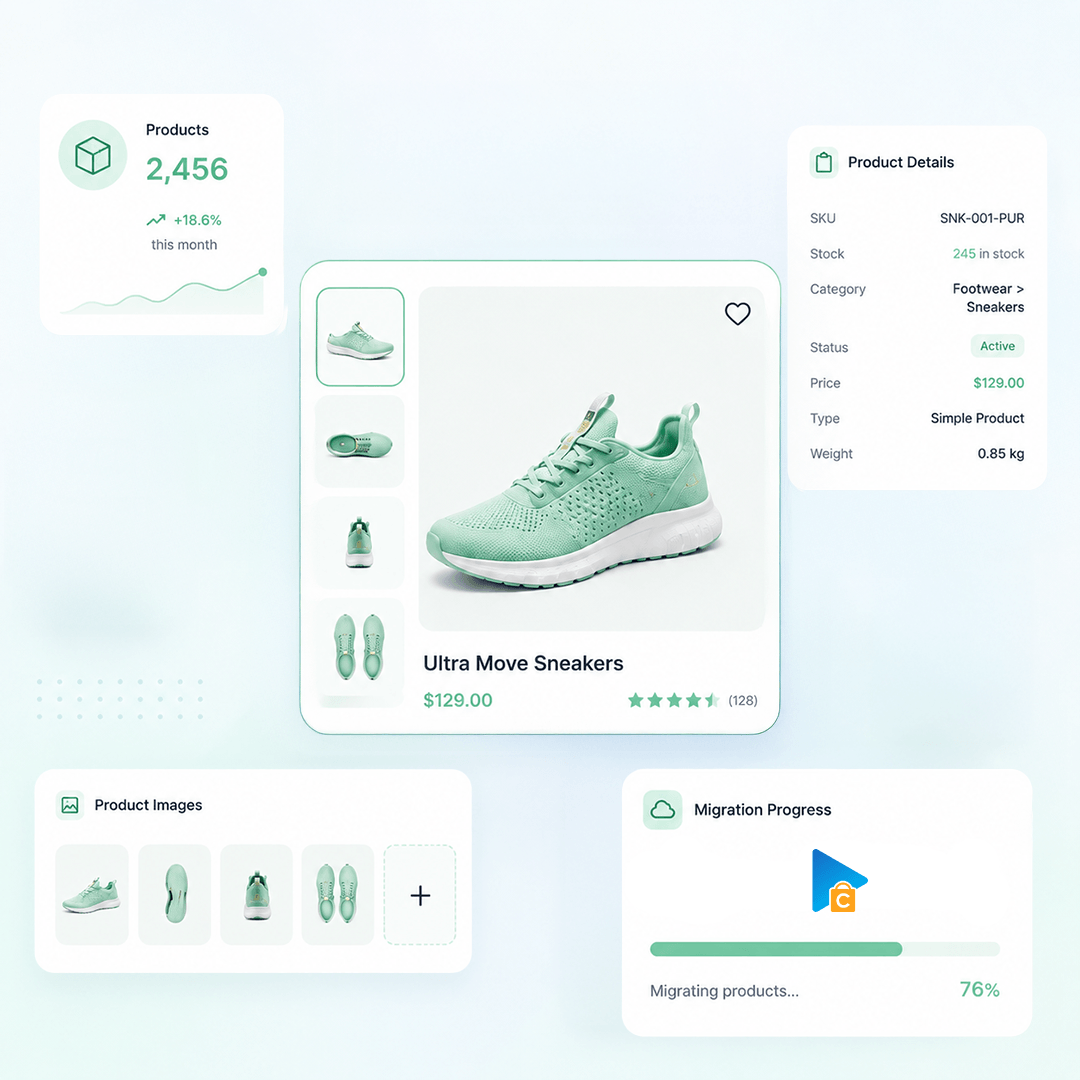
Product Information: Name, SKU, Weight, Description, UPC / EAN / GTIN, Length / Width / Height, Visibility, Tags, URL Key, Enable / Disable, Short Description
Product Pricing: Price, Special Price, Tier Price
Product Options: Name, Value, Position, Attribute, Attribute Option, Stock per option, Qty (Simple Product), Swatch options, Visual Swatch/ Text Swatch, Input Type
Product Variants: SKU, Price, Weight, Dimensions, Stock quantity, Variant Attributes, Image, Status, Attribute (Used for Variations), Length / Width / Height, Quantity
Product Images: Main image, Gallery Images, Variant Images, Alt Text, Position, Images in Description, Base Image, Additional Images, HTML Editor, Label
Product Inventory: Manage Inventory, Stock Quantity, Stock Status, Backorders Allowed, Inventory Locations, Manage Stock, Quantity, Backorders, Sources
External Links / Relationships: Categories, Related Products, Up-sells, Cross-sells, Child Products, Associated Products, Brands
Product Attributes & Custom Fields: Attribute Name , Attribute Value, Visible On Product Page, Position, Attribute Set, Attribute Groups, Attribute Types, Attribute Swatches, Attribute Code, Visible on Storefront, Input Type, Visual Swatch
Product Downloads: File name, File URL, File Size, Download Limit, Download Expiry, Downloadable File, Title, Download Links, Maximum Downloads, Expiration, Downloadable Product
Product SEO / Structured Data: Meta Title, Meta Description, Redirect Rules, Meta Keywords, URL Path, 301 Redirect, URL Rewrite, URL Key