
Thu, 29 Oct 2026 - 21:23









These four data types are used to estimate the price. Other supported data, including categories, coupons, and reviews, is also migrated at no extra charge.
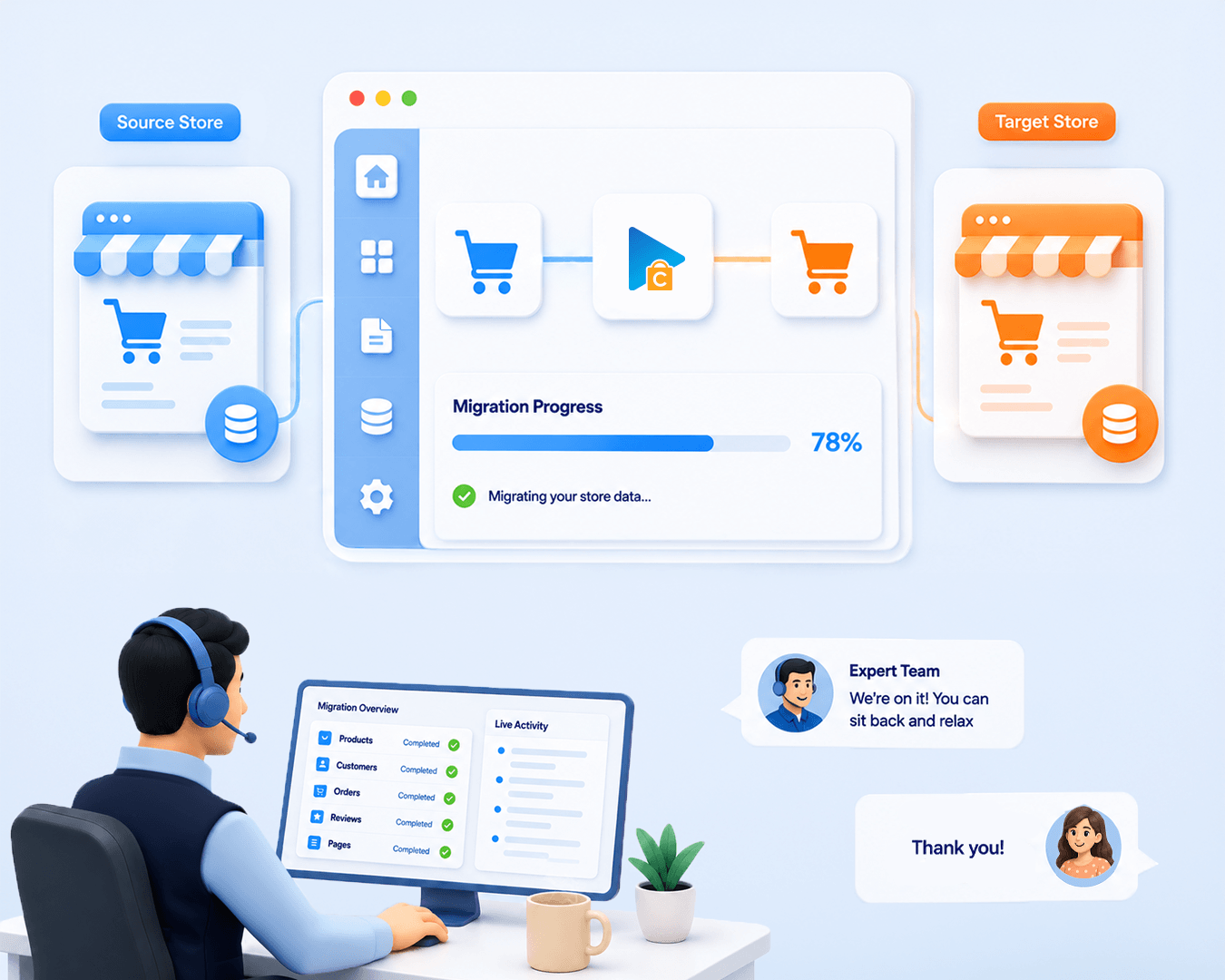
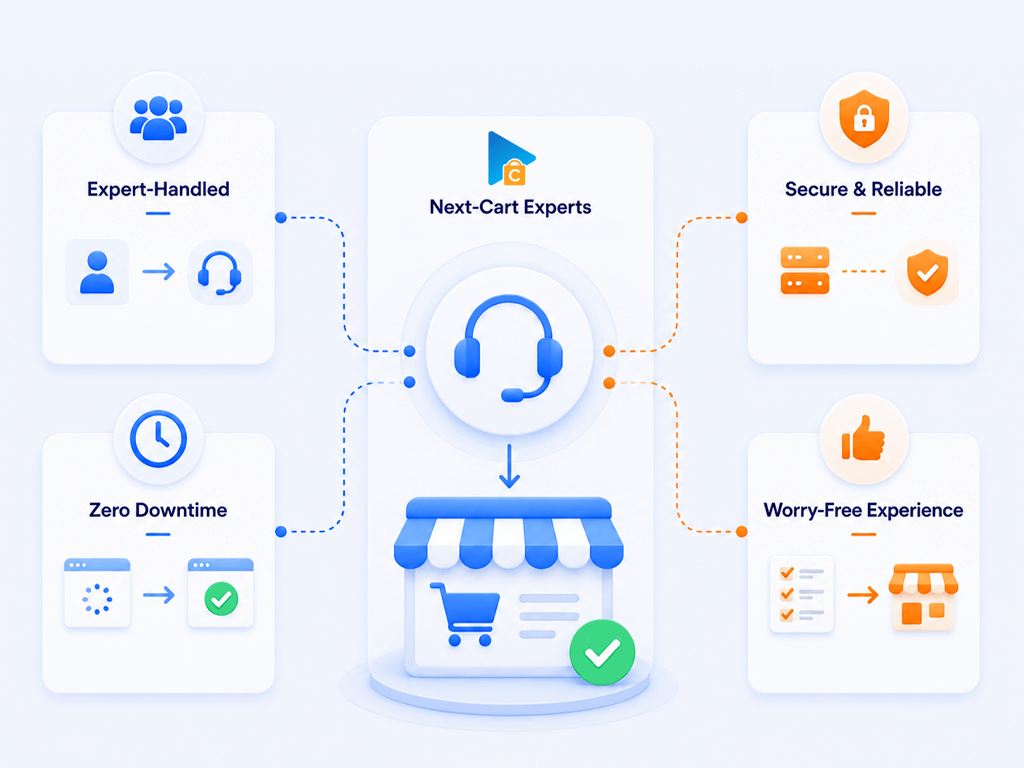
Managed Migration is a good fit if you want Next-Cart technicians to operate the supported standard migration for you instead of handling the technical steps yourself. Our team connects the stores, configures the migration, runs the agreed migrations, checks the migrated data, and troubleshoots migration-related issues before handover. You stay involved for access, scope decisions, approvals, and final acceptance.
We may contact you if we need clarification or approval before going live.
Prepare access to your current and new stores, plus hosting or server access if Kitconnect is required. Tell us what data must move, any exclusions or date ranges, and any business rules that affect mapping. It also helps to confirm basic settings on the new store, name a contact person, define what a successful result looks like, and share your intended go-live window. Clear inputs upfront reduce delays and back-and-forth during validation.
Yes. Your current store can keep accepting orders while we copy data to your new store. This process does not delete or change the data in your current store.
Before you switch to the new store, our team can transfer new or updated data on request, within the agreed scope and your plan’s data limit. We’ll agree on the timing of this additional transfer with you.
Managed Migration covers the same supported standard migration capabilities as Standard Migration; the main difference is that Next-Cart operates the process for you. Standard Add-ons can handle supported filtering, data transformation, and field mapping needs. If your request involves non-standard data, complex custom fields, app/plugin/extension data, custom tables, non-standard relationships, data restructuring, or bespoke migration logic, it should be reviewed under Custom Migration rather than assumed to be included in Managed Migration.
Yes. If new requirements go beyond the standard capabilities included in Managed Migration, you can upgrade to Custom Migration after we review them. Share your requirements with our team so we can assess feasibility and agree on the additional work and price before proceeding.
The upgrade applies to your existing migration while your license is valid. Previous payments are taken into account, and you only pay the additional amount. You do not need to purchase a separate migration, and your license expiry date stays the same.
Yes. With Managed Migration, Next-Cart technicians can perform Re-migration and Recent Data Migration on request within the active migration lifetime. Re-migration is useful when the configuration or mapping needs to be corrected and run again. Recent Data Migration is for syncing new or changed data once the main setup is stable, usually close to go-live. You should still review and approve the final result before launch.

 WooCommerce
 Shopify


































































































Not sure which platform your store uses? Send us your store URL or tell us what you need to migrate.
Our team will help identify your platform and recommend a solution, including a custom-built migration tool if needed.
Talk to an Expert

Not sure which platform your store uses? Send us your store URL or tell us what you need to migrate.
Our team will help identify your platform and recommend a solution, including a custom-built migration tool if needed.
Talk to an Expert