Next-Cart

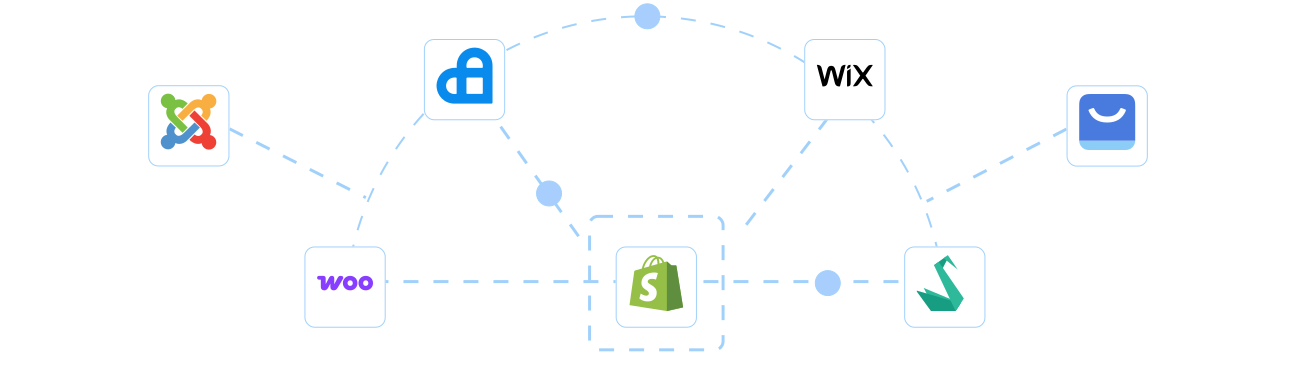
More than 80+ popular Migration Paths

The most common data migration routes chosen by merchants worldwide.
How Our Migration

How Our Migration Process Works

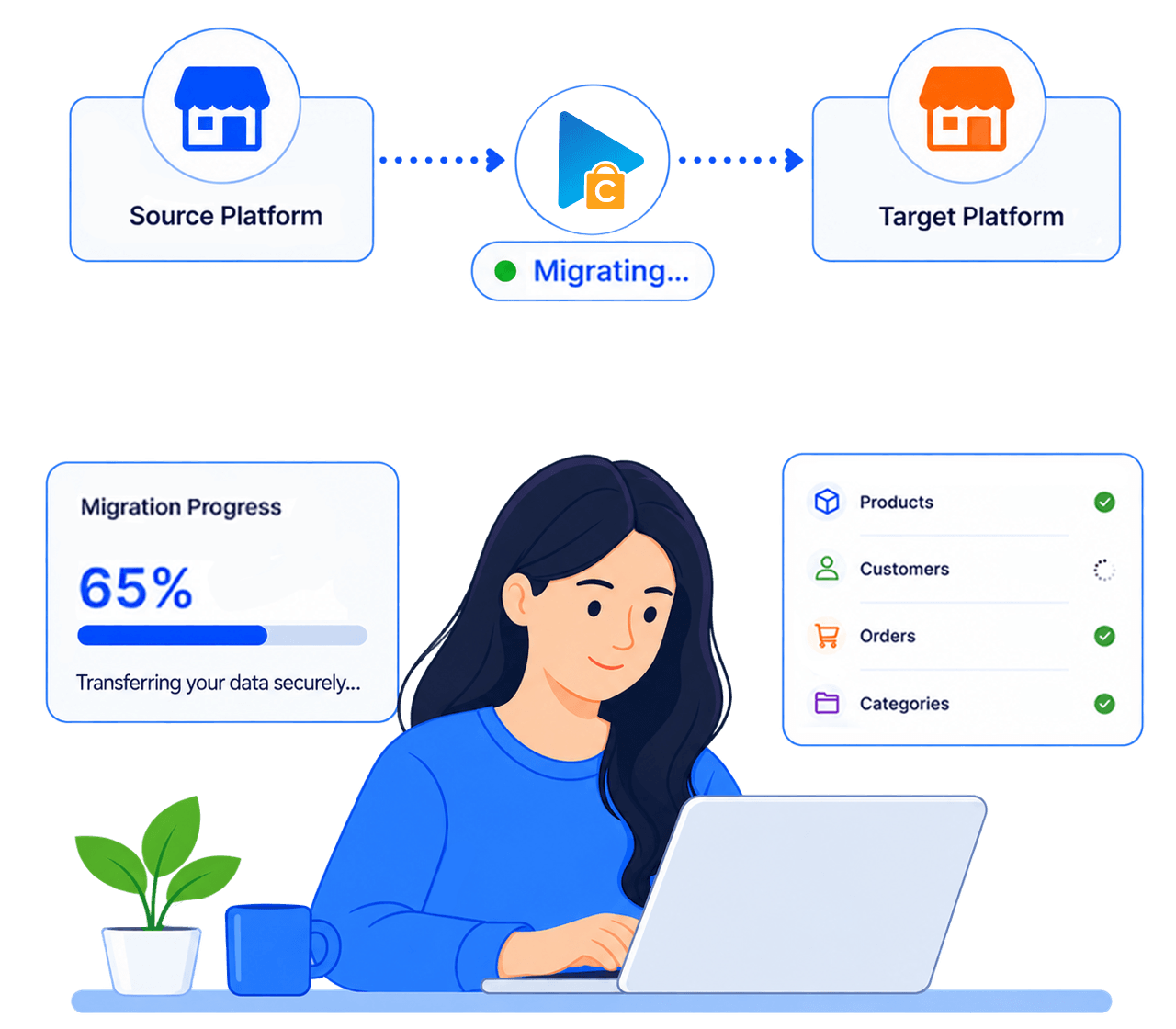
A clear flow from secure connection to Demo and Full Migration.

Run it yourself or get expert help whenever you need it.
STEP1
Set up the connection
Connect Source Platform and Target Platform
STEP2
Configure Migration
Choose data, options, and migration mappings.
STEP3
Launch Full Migration
Move selected data to Target Platform.

Why merchants choose Next-Cart

Moving a store should feel manageable, not risky. Next-Cart combines secure connections, flexible migration options, and 24/7 expert support so you can move supported data with less stress while your Source Platform stays live.
Fast and accurate migration

Fast and accurate migration

No downtime during transfer

No downtime during transfer

Real expert support

Real expert support

Easy to use

Easy to use

SEO ranking preservation

SEO ranking preservation

Data sercurity GDPR

Data sercurity GDPR

background

Case Studies

Stories from merchants who trusted us with what they had encountered and already walked through
A custom migration from Volusion to BigCommerce for The Guitar Sanctuary store 
This field contained detailed technical specifications for guitars and musical equipment, information that customers rely on when deciding to make purchases. Therefore, Brian made ...
From MijoShop to J2Store: A migration story about trust, persistence, and precision
Victoria Albi is an established online retailer operating on the Joomla platform with the MijoShop extension. The store operates a bilingual eCommerce environment that offers ...
From 700,000 order revisions to a flawless WooCommerce store: How Next-Cart engineered a year-long migration for Keediet.co.uk
From 700,000 order revisions to a flawless WooCommerce store: How Next-Cart engineered a ...
When Rob Wood, Senior Web Developer at Synax Web Solutions, reached out to Next-Cart for a new migration project, he delivered a friendly message and a clear brief, as he had in ...
How an Italian web developer transformed a complex PrestaShop store into a high-performing Shopify site - VIP custom migration with Next-Cart
How an Italian web developer transformed a complex PrestaShop store into a high-performing ...
When Fabrizio Spanu, an Italian web developer at Digital Fast Mind, took on the responsibility of migrating rugbysport.com from PrestaShop to Shopify, he knew it wasn’t a ...
How Next-Cart resolved a 27,951 variation migration for developer Akshay Sihag
Akshay used Next-Cart’s 100-Entity Migration Plan and expected a straightforward transfer process. However, he encountered one of the most complex scenarios: tens of ...
Shopify to WooCommerce Migration and the Journey Next-Cart Guided a Client Through Every Challenge
This is Doug's story of how he overcame initial confusion and unexpected errors to finally achieve a fully successful migration. Next-Cart became his trusted partner, solving every ...

Frequently Asked Questions

What data can Next-Cart migrate?

Next-Cart handles two types of data. Standard data is listed on the Product Detail Page for your specific Source Platform → Target Platform pair and is migrated by default. It usually includes products, categories, customers, orders, blog posts, CMS pages, reviews, coupons, images, SEO data, variants, options, attributes, and other supported records.

Extended data outside that listed scope, such as non-standard fields, app or plugin data, custom tables, or special structures, requires Custom Migration.   

 

Yes. Next-Cart copies your data without deleting or changing anything on your current store, so you can keep selling while the migration runs.

To avoid conflicts, we recommend not editing migrated data on your new store while a migration is running.

The process has three simple steps:

  • Connect your stores.
  • Choose the data and migration settings.
  • Start the migration and check the results. 

Demo Migration moves a sample of up to 10 products, 10 customers, 10 orders, 10 blog posts, and 10 CMS pages. Other supported standard data types are migrated in full during the Demo, except Reviews and Coupons, which are not included.

No. You can start Full Migration whenever you are ready. Demo Migration is simply a free way to see how a small sample of your data will appear on the Target Store before migrating everything.

  • Standard Migration is a good fit when you want to operate the tool yourself with technical support available when needed.
  • Managed Migration is designed for merchants who prefer Next-Cart experts to handle the agreed migration steps.
  • Custom Migration is best for non-standard data, custom fields, third-party sources, or special rules.

You can upgrade your service after purchase if your requirements grow.

Think of Entity Points as the size of your migration plan. Next-Cart only counts four data types, and each one has a Weight:

  • Product Weight: 1.0
  • Customer Weight: 0.5
  • Order Weight: 0.8
  • Blog post Weight: 0.6

Multiply the number of records in each data type by its Weight, then add the results together.

Example: 100 Products + 100 Customers + 100 Orders + 100 Blog Posts = 100 + 50 + 80 + 60 = 290 Entity Points.

Other supported standard data, such as categories, reviews, coupons, CMS pages, taxes, and manufacturers, is still migrated and does not add Entity Points.

The quantities you enter help you choose a suitable plan; they do not filter or limit the records that can be migrated.

Add-ons give you a simple way to handle basic customization without building a fully custom migration:

  • Data Filter: filters which records are migrated based on field values.
  • Data Transformation: changes field values using defined rules during migration.

  • Advanced Field Mapping: remaps source fields to other target fields or custom fields.

Add-ons work within defined limits. More complex requirements may need Custom Migration.

In many cases, yes. For basic needs, Add-ons may be enough to filter records, transform values, or remap fields.

More complex data from apps, plugins, extensions, custom tables, unsupported entities, or special business rules may require Custom Migration.

Additional Migration Options give you three choices for the same migration path:

  • Continue with the last used configuration: reuse the previous settings to bring over later source-store data.
  • Continue with a new configuration: review or change mapping, filters, selected data, or Add-ons before continuing.
  • Perform a new migration: create a fresh result when the earlier result in your new store should be replaced.

Choose the option based on the result you want in your new store, then check the migrated data afterward.

Only new Product, Customer, Order, and Blog Post records use Entity Points when they are migrated for the first time.

Records already counted under the same service license do not use Entity Points again, even if you continue the migration or perform a new migration.

Example: 20 new Orders use 16 Entity Points (20 × 0.8); previously counted Orders use 0 additional points.

Make sure your plan has enough remaining capacity for new counted records.

Looking for more?

Try a migration yourself

Try a migration yourself

Your platform isn’t listed?

Your platform isn’t listed?

Want to learn more about migrations?

Want to learn more about migrations?