











Next-Cart
osCMax Migration

osCMax Migration: Move Your Store Seamlessly

Migrate your legacy osCMax data without starting over. Transfer products, customers, orders, categories, and supported records to or from osCMax with clean mapping.

Start Free Demo
Key Features

osCMax Migration Features

Migrate to or from osCMax with a 1-year license, re-migration options, and dedicated support. Available features depend on your platforms, store setup, and chosen service.

No Downtime, No Data Loss

Keep selling while Next-Cart migrates your data safely in the background.

Support for 80+ eCommerce Platforms

Migrate from 80+ supported eCommerce platforms, giving you more flexibility to choose the right path.

1-Year License With Unlimited Re-migration

Re-run migrations when needed during 12 months, giving you more time to review and refine your store.

Dedicated Support Team

Get dedicated expert support when questions or migration issues come up, so you can keep moving forward with confidence.

Migration

Choose Your Migration Path

Move your existing store data from osCMax to another platform.
Move your existing store data into osCMax from any platform.
Supported Data Types

Data Supported for osCMax Migration

Explore the main data types supported by this platform. Exact fields, mappings and options depend on the other platform and your store setup. Choose a migration path to review the details.
Compatibility Overview
osCMaxosCMax
Version Range
1.x - 2.x
Language & Localization
Multilingual, Multicurrency, RTL, Localized URLs
Main Editions
osCmax eCommerce Shopping Cart
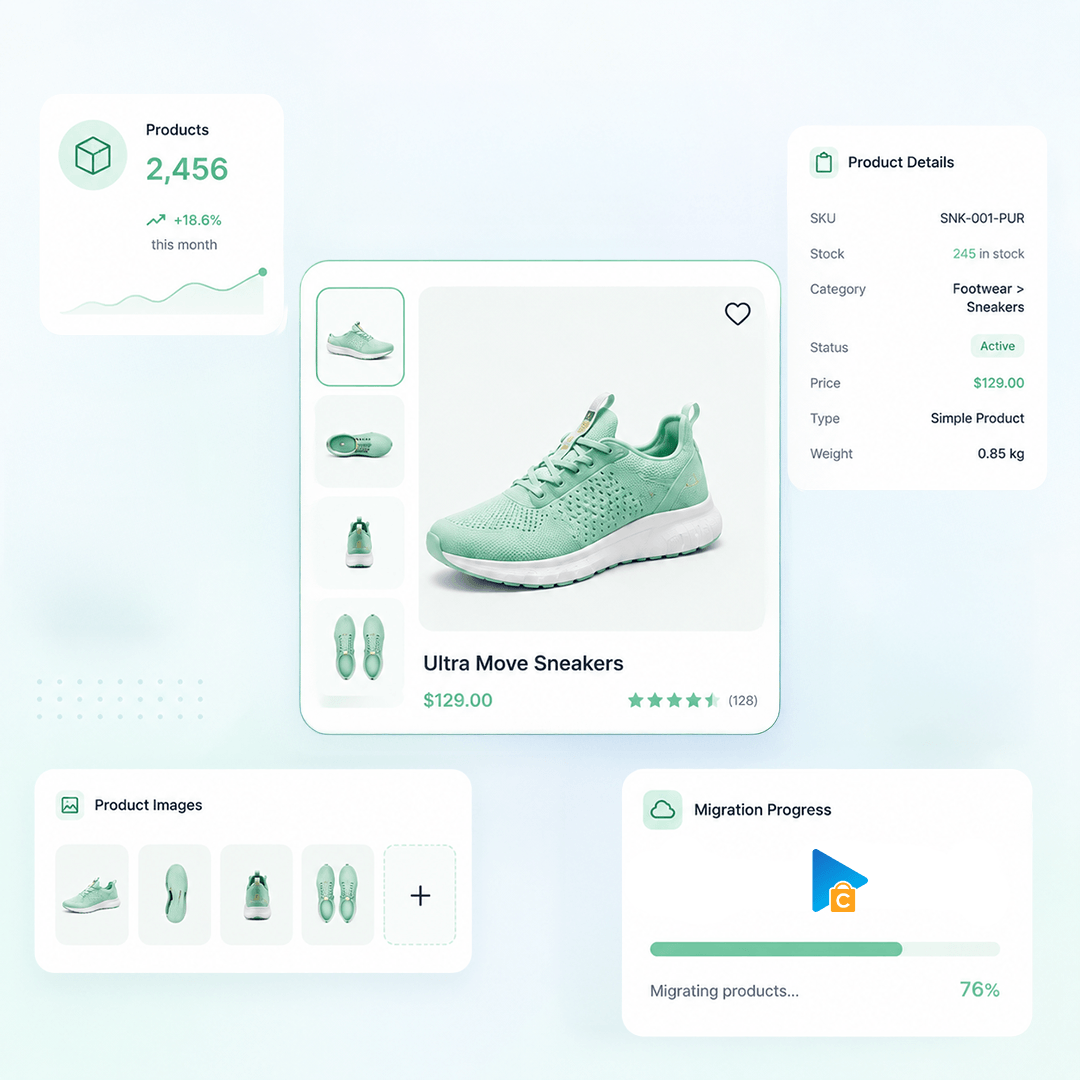
Products
Product Types: Simple Product, Product Variants, Product Bundles, Downloadable Product
Product Information: Name, Model, UPC, Short Description, Description, Weight, Length / Width / Height, Manufacturer, Status
Product Pricing: Price, Special Price, Quantity Discounts
Product Options: Option, Option Value, Sort Order, Option Quantity, Type
Product Variants: Model, Option, Weight, Quantity, Status
Product Images: Product Image, Additional Images, Description
Product Inventory: Subtract Stock, Quantity, Stock Status, Allow Checkout
External Links / Relationships: Categories, Related Products, Manufacturers
Product Attributes & Custom Fields: Attribute Name , Attribute Value, Display, Type
Product Downloads: File name, Download Links, Download Limit, Expiry, Download
Product SEO / Structured Data: Meta Title, Meta Description, Meta Keywords
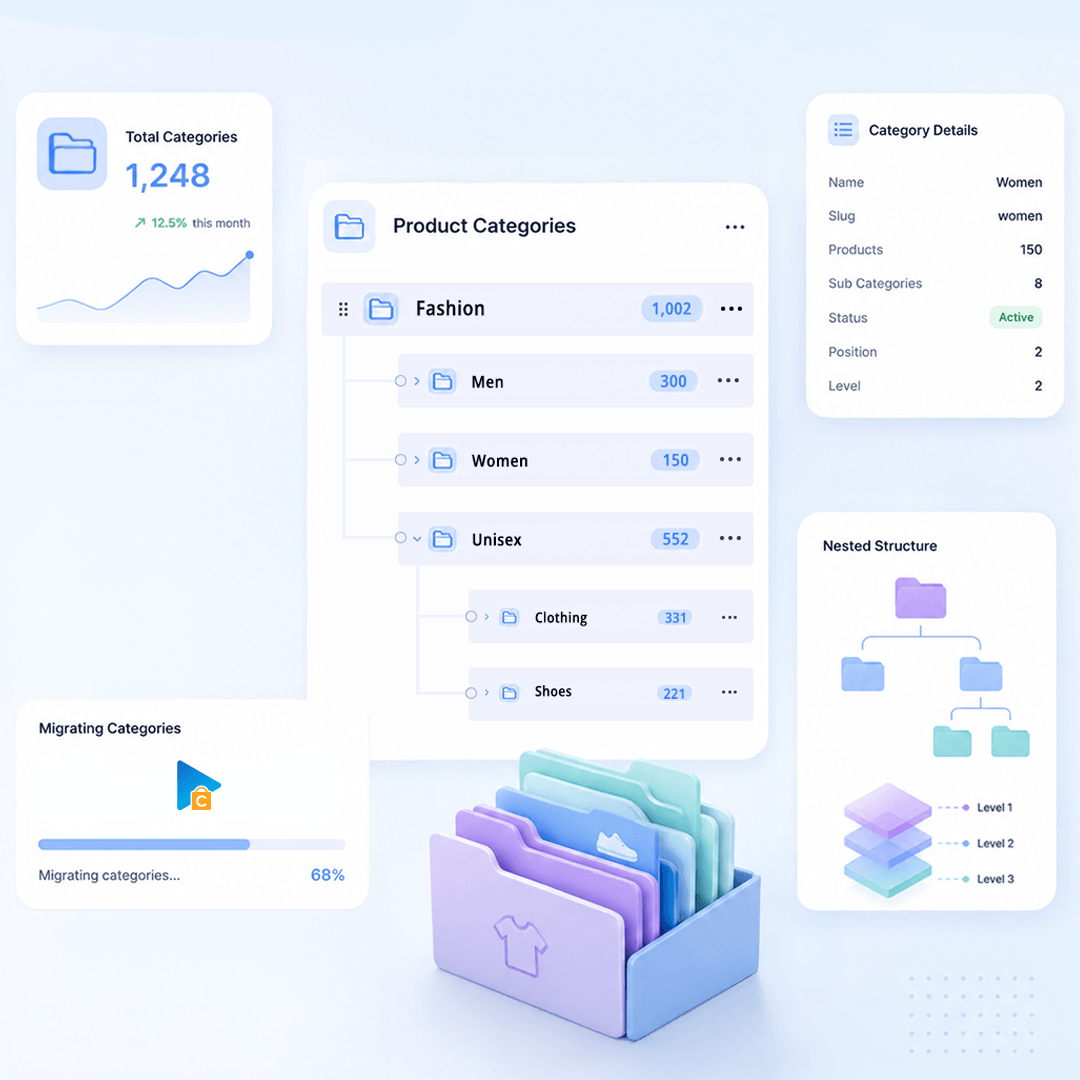
Product Categories
Category Information: Name, Description, Status, Meta Title, Meta Description
Category Images: Image
Category Structure / Hierarchy: Parent Category, Subcategories, Sort Order
Taxes
Tax Rules: Tax Rule, Tax Class, Country, State, Postcode, Rate, Tax Shipping, Product
Manufacturers
Manufacturer Information: ID, Name, Description
Manufacturer Branding : Image
Customers
Customer Information: First Name, Last Name, Email, Phone, Status, Date Created, Password, MD5
Customer Addresses: ID, First Name, Last Name, Company, Address, Address 2, City, State, Country, Zip, Phone, Type, Yes / No
Customer Order History: Orders
Orders
Order Information: Order ID, Status, Currency, Subtotal, Discount, Shipping, Tax, Total, Payment, Tracking, Comments, Date Created, Updated
Product Details: Product Name, Model, Quantity, Price, Total, Tax, Discount, Options
Customer Details: First Name, Last Name, Company, Address, City, State, Country, Zip, Phone
Order Relationships: Customer ID, Products
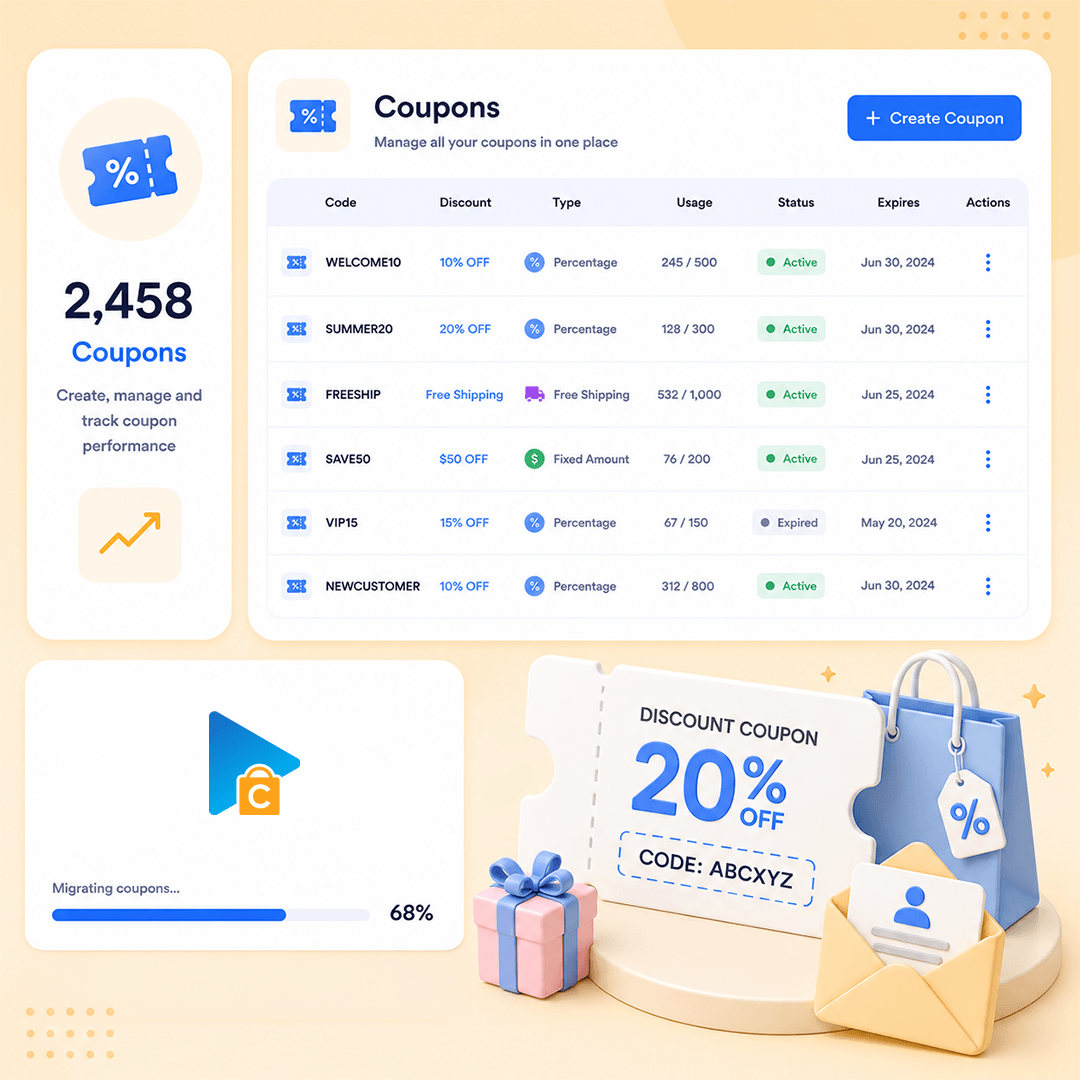
Coupons
Coupon Information: Code, Description, Type, Discount, Status, Start Date, Date End
Usage Restrictions: Total, Uses Per Customer, Exclude Sale, Products, Excluded Products, Categories, Excluded Categories, Usage Limit
Reviews
Review Information: Title, Review, Rating, Status, Date
Reviewer Information: Customer ID, Email, Name
Product Relationship: Product ID, Option Value
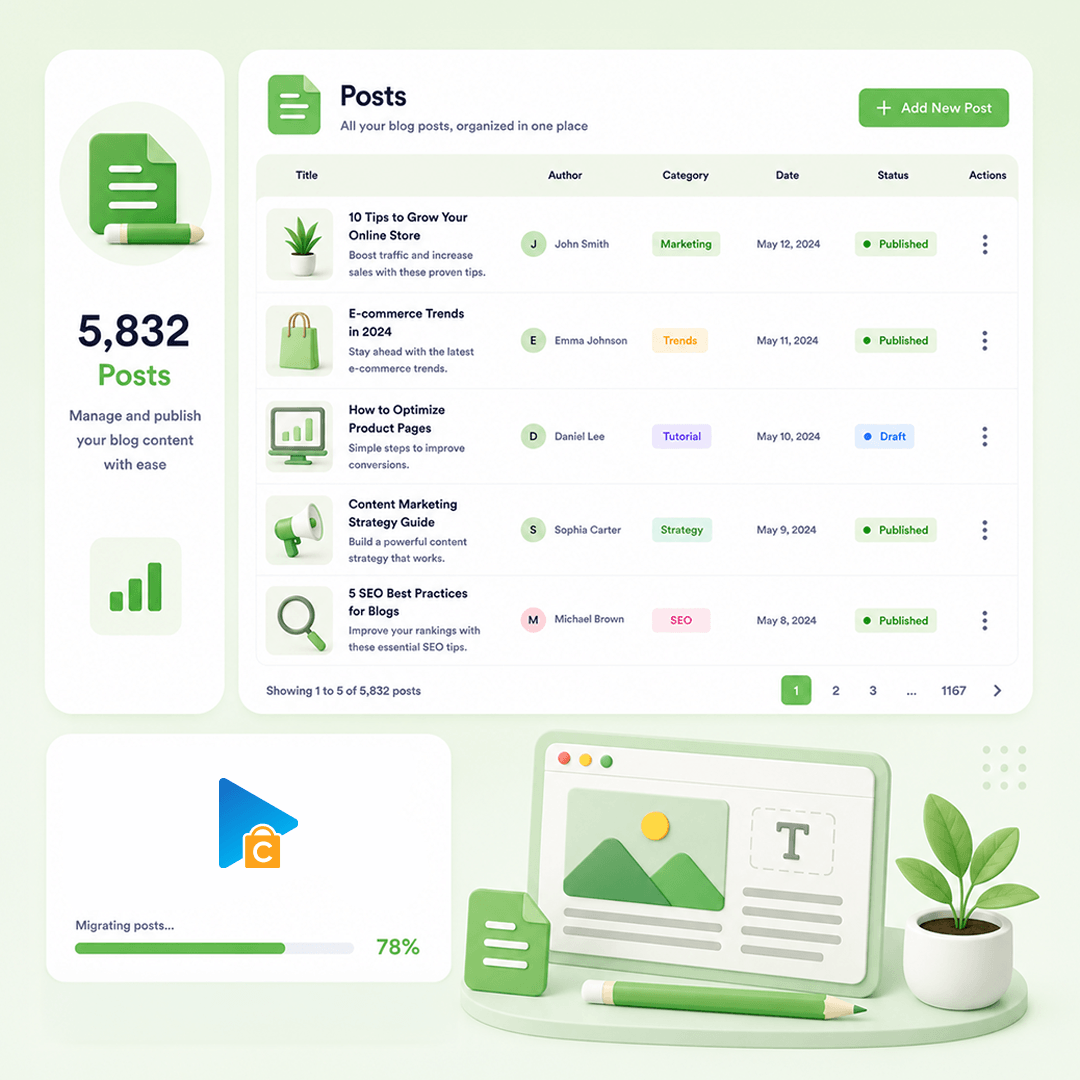
Blog Posts
Post Information: Title, Content, Summary, Status
Post Images: Images In Content
Post Categories: Category, Parent, Sort
Post SEO / Structure Data: Meta Title, Meta Description
Post Comments: Name, Email, Comment, Date, Status
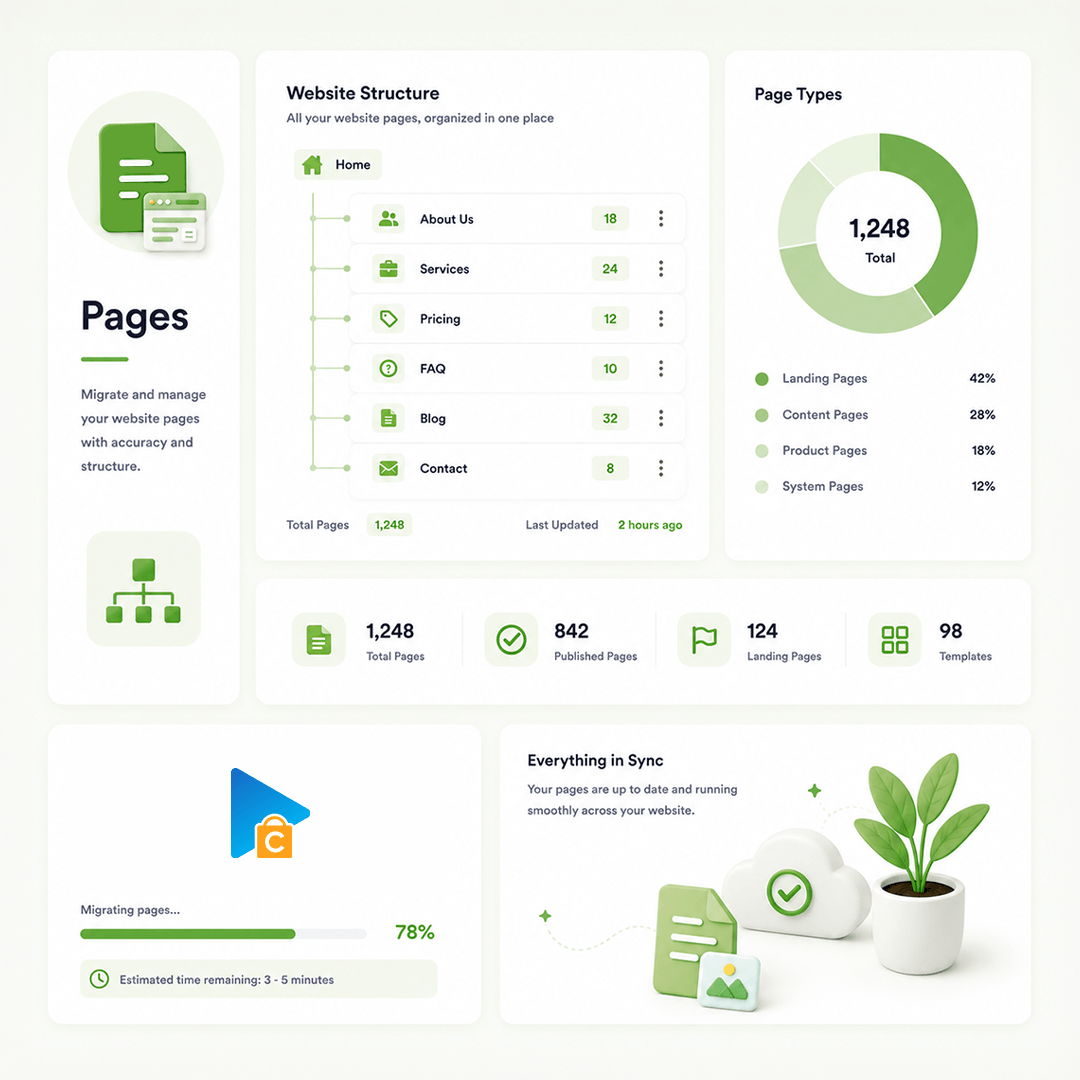
CMS Page
Page Information: ID, Title, Content, Summary, Status, Visibility, Parent, Sort, Created, Updated
Page Images: Images In Content
Page SEO / Structure Data: Meta Title, Meta Description

How Our Migration Process Works

A clear flow from secure connection to Demo and Full Migration.
Run it yourself or get expert help whenever you need it.
STEP1
Connect Your Stores
Connect Source Store and Target Store
STEP2
Configure Your Migration
Choose data, options, and migration mappings
STEP3
Run Full Migration
Migrate selected data to Target Store
Pricing

Pricing for osCMax Migration

Flexible pricing based on the service you choose
  • Use our migration tool
  • Full documentation & support
  • Unlimited re-migration (12 months)
  • Free demo migration
  • We run the migration for you
  • Dedicated migration expert
  • Unlimited re-migration (12 months)
  • Priority email & chat support
  • Tailored migration plan
  • Custom data mapping & scripts
  • Unlimited re-migration (12 months)
  • 24/7 dedicated support
Testimonials

osCMax Migration Reviews

Read reviews from customers who chose Next-Cart for their osCMax migration.
Excellent communication & support
Excellent communication & support. Migration is always first class
David Lewis

Frequently Asked Questions

Answers to common questions about osCMax migration.

Why might an osCMax product produce more variant combinations than expected?

The source workflow builds combinations from option values, then looks up stock for each resulting combination; a combination without a matching stock row receives quantity zero. Its current shared generation guard allows up to 3,000 combinations and returns no generated combinations above that count. Review large option sets and the resulting choices, especially where only some combinations were intended to be sold.

The import process converts a supplied percentage into a monetary adjustment. It calculates that amount from the active sale price when applicable, otherwise from the regular price, and stores the result as the option's price adjustment. It will not remain a dynamic percentage rule when the base price later changes.

Not through the default import. It transfers ordinary product attributes and their price adjustments, but does not import the source’s separate variant records. This is different from exporting variants out of osCMax. If your catalog relies on a SKU and stock quantity for each combination, agree the destination setup and test those products before the full migration.

Yes. For supported products, Next-Cart copies the supplied main image and gallery to osCMax. Keep the original image links accessible and allow files to be written to the destination until you have checked the gallery. Images from extensions must be included in the source data. Images inside descriptions need the separate copying option, where available; check them before removing the old hosting.

Available services depend on your migration path. Standard Migration lets you use the tool yourself with technical support. With Managed Migration, our technicians carry out the agreed migration. Custom Migration covers tailored requirements, with the migration carried out by you or our team as agreed. Data types must be supported by both connections; choosing expert handling does not by itself add unsupported data.

Where a self-service Demo Migration is available for your migration path, you can try it for free before purchasing. It transfers a small sample of supported data so you can check the result. Add-ons and custom work are not included in the self-service demo. For a file-based, custom or technician-assisted evaluation, contact us first to agree the test scope and any applicable cost.

Your data types and quantities determine the Entity Points total and the plan you need. The cost also depends on your chosen service, add-ons, and any custom work. Use the pricing calculator for an estimate; custom work is reviewed and quoted separately.

If you are migrating from a live store, it can normally keep taking orders while Next-Cart copies its data. The migration does not delete or change the source data. Plan the final update and the switch to the new store separately so recent orders and other changes are included. For file-based migrations, changes made after an export require a fresh export; an uploaded file is not a live connection to the store.

Yes. Your license allows repeat runs for the same store and migration path for 12 months from purchase, within your plan’s data limit. Continuing the previous migration can add eligible new records without importing the same mapped records again.


Changing records already migrated is separate: the paid Data Update add-on can update selected fields where your source, target version and those fields are supported. Keep the existing migration links and leave target-data clearing off. It does not automatically update every field or provide continuous synchronization.



Yes. While your license is valid, you can increase your plan’s data limit and upgrade to a higher service where it is available for your migration path. You can move from Standard Migration to Managed Migration or Custom Migration, or from Managed Migration to Custom Migration.

If you already use Custom Migration, you can add custom work after a review and quote. You pay only the additional amount, and your license expiry date stays the same.

Start Your osCMax Migration Today!

Plan your osCMax migration with a clear process, secure data transfer, and expert support.