For years, WooCommerce had been the foundation of a successful online business. It supported the store through its early days, helped attract customers, and made daily operations possible.
But as the business grew, so did its needs. The product catalog expanded, operations became more complex, and the team began looking for a platform that could better support its next stage of growth.
That's when Magento entered the picture.
Finding the Right Solution for a Smooth Migration
Moving from WooCommerce to Magento was more than just switching platforms. The business needed to preserve years of accumulated store data while ensuring that daily operations could continue with minimal disruption.
Products, customer records, orders, and other essential information all needed to make the transition safely and accurately.
To address these challenges, the business needed a migration solution that could accommodate its specific workflow rather than simply transfer data from one platform to another.
This is where Next-Cart steps in!
How Next-Cart Makes the Transition Easier
Next-Cart provides an eCommerce migration solution designed to help businesses transfer their store data between platforms, including WooCommerce and Magento.
Rather than treating migration as a one-time data transfer, Next-Cart offers a structured process with flexible configuration options, data mapping, and additional customization when needed.
With the right migration plan in place, businesses can prepare their new Magento store while minimizing disruption to their existing WooCommerce operations.
Let's take a closer look at how the migration works.
How to Migrate from WooCommerce to Magento in 3 Simple Steps
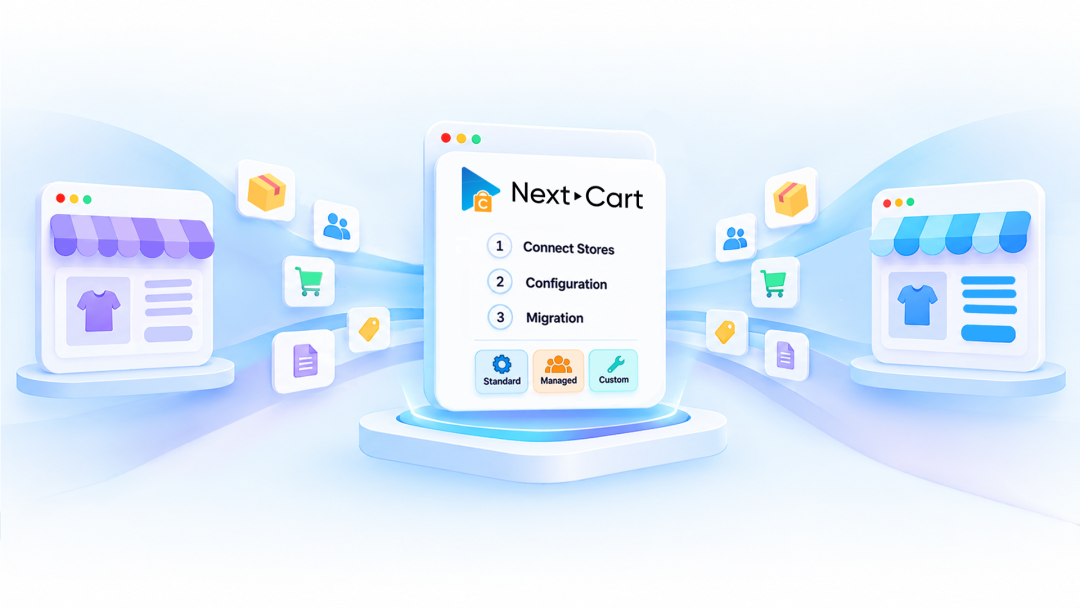
With Next-Cart, the migration process follows three main stages: connecting your stores, configuring your data, and running the migration.
Step 1: Connect Stores
- Select WooCommerce as your source platform.
- Select Magento as your destination platform.
- Provide the required connection details to establish access to both stores.
- Test the connections to ensure everything is ready.
Step 2: Configuration
- Select the data entities you want to transfer from WooCommerce.
- Review the available migration settings and field mapping.
- Adjust data configurations or enable additional customization options when required.
- Review your selected entities and settings before proceeding.
Step 3: Migration
- Start the migration process.
- Monitor the progress as your selected data is transferred.
- Review the migrated information in your Magento store.
- If you need technical assistance, submit a ticket for the support team to review.
Start Your WooCommerce to Magento Migration
Whether you're looking for a flexible migration tool or a dedicated WooCommerce to Magento migration service, Next-Cart provides a structured approach to help you transfer your store data with confidence.