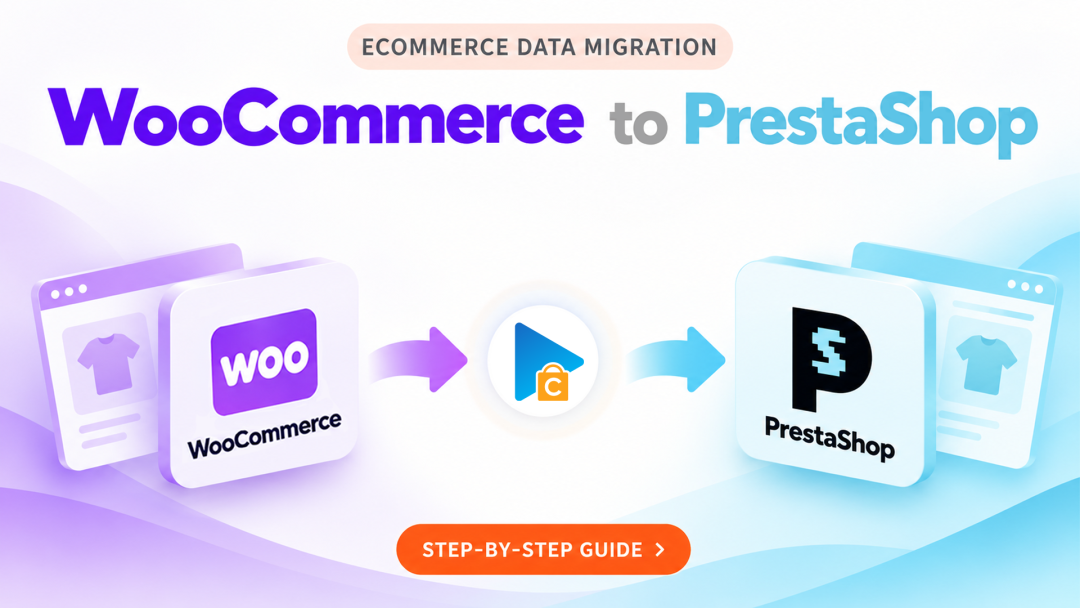
WooCommerce to PrestaShop Migration with Next-Cart
Planning to move your online store from WooCommerce to PrestaShop? One of the biggest considerations is how to bring your existing store information into a new platform without manually recreating everything.
Products, customer records, order history, and other business information are part of your store's existing ecosystem. Transferring them requires more than simply exporting and importing files, especially when two platforms organize data differently.
Next-Cart helps simplify this transition by providing a structured way to transfer selected data from WooCommerce to PrestaShop.
How Does WooCommerce to PrestaShop Migration Work?
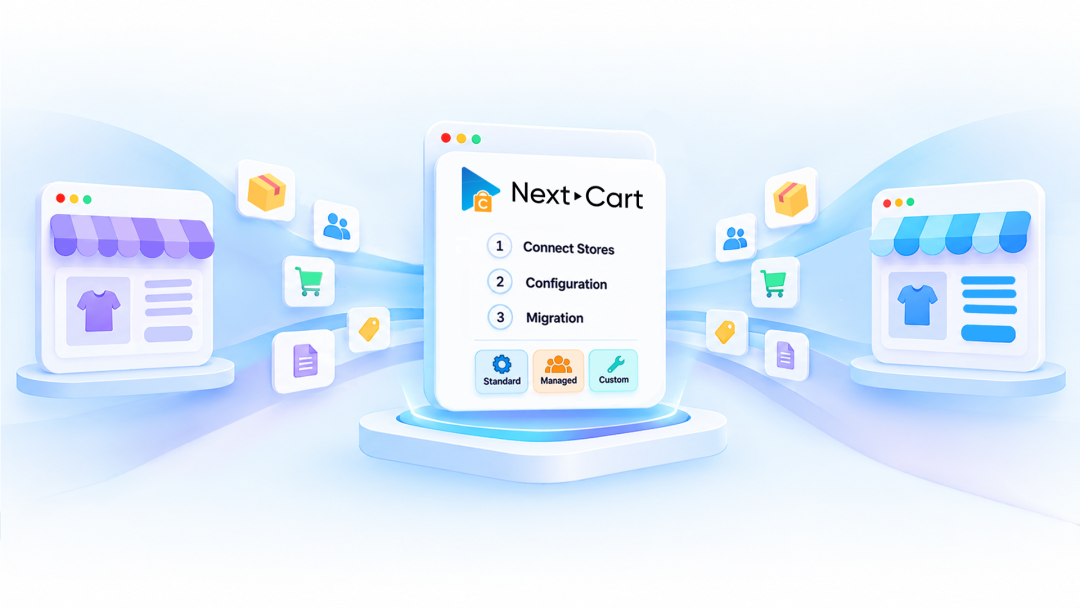
The migration process involves three main stages: establishing connections, preparing your data, and transferring it to PrestaShop. Here's what each stage involves.
Step 1: Connect Stores
- Choose WooCommerce as your source platform.
- Choose PrestaShop as your destination platform.
- Provide the required connection details to establish access to both stores.
Step 2: Configuration
- Choose the data entities you want to transfer from WooCommerce.
- Review the available migration settings and field mapping.
- Adjust data configurations or enable additional customization options when required.
- Check your selected entities and settings before proceeding.
Step 3: Migration
- Start the migration process.
- Track the progress as your selected data is transferred.
- Review the migrated information in your PrestaShop store.
- Contact the support team through a helpdesk ticket if you need technical assistance.
What Happens to Your Store Data During Migration?
WooCommerce and PrestaShop use different data structures and terminology. As a result, some information may need to be mapped to corresponding fields or adapted to the way PrestaShop organizes its store data.
Depending on the supported entities and your migration configuration, the transfer can include:
- Product Information: Names, descriptions, SKUs, prices, and other supported product attributes.
- Product Variants: Available combinations and their associated information.
- Categories: Product classification and category relationships.
- Customer Records: Existing customer information.
- Order History: Historical orders and their associated details.
- Additional Store Data: Images, coupons, reviews, CMS pages, and other supported entities.
The exact data available for migration depends on the capabilities of both platforms. Reviewing the available mapping before proceeding helps you understand how your existing information will be handled in PrestaShop.
Handle Platform Differences with Data Customization
Not every field in WooCommerce has an identical counterpart in PrestaShop. Differences in product attributes, data formats, and relationships can affect how information appears in the destination store.
When the default configuration does not fully meet your requirements, additional customization options can help:
- Data Filter: Select specific records to migrate instead of transferring the entire dataset.
- Data Transformation: Adjust values or formats to better fit the destination platform.
- Advanced Data Mapping: Define how source fields should correspond to fields in PrestaShop.
- Advanced Database Mapping: Address specialized database mapping requirements for more complex data structures.
These capabilities are useful when your WooCommerce store contains specific data requirements that need additional handling during the transition.
Test Your Migration Before Moving Everything
Before committing to a full migration, it's worth checking how your WooCommerce data will appear in PrestaShop.
A Demo Migration allows you to transfer a sample of your selected data and inspect the actual results in the destination store. You can use this opportunity to:
- Check product information and images.
- Review category structures and product variants.
- Evaluate how customer and order information is transferred.
- Identify mapping adjustments that may be needed.
We recommend running a Demo Migration before purchasing a full migration package. This gives you a clearer picture of the expected results and helps you make informed decisions before proceeding.
Continue Your WooCommerce to PrestaShop Migration
Changing eCommerce platforms doesn't mean you need to abandon the business information you've accumulated over time. With proper data preparation and mapping, you can bring essential store records into PrestaShop and continue building on your existing business foundation.
Explore the migration process with Next-Cart and choose the configuration that fits your store's requirements.