













Next-Cart
WooCommerce Migration

WooCommerce Migration: Move Your Store Seamlessly

WooCommerce is an open-source eCommerce plugin built on WordPress, offering full control over store customization and functionality. It allows businesses to tailor every aspect of their store, from design to advanced features, making it suitable for complex or content-driven websites.

Start Free Demo
WooCommerce
Key Features

Why Businesses Trust Next-Cart for WooCommerce Migration

Get a fully guided, expert-handled migration from start to finish. We ensure a smooth, secure, and zero-downtime transition every time.
banner
No downtime, no data loss

No downtime, no data loss

Keep selling while Next-Cart copies your data safely in the background.

Support for 80+ eCommerce platforms

Support for 80+ eCommerce platforms

Migrate from 80+ supported eCommerce platforms, giving you more flexibility to choose the right path.

1-year license with unlimited re-migration

1-year license with unlimited re-migration

Re-run migrations when needed during 12 months, giving you more time to review and refine your store.

Dedicated support team

Dedicated support team

Get dedicated expert support when questions or migration issues come up, so you can keep moving forward with confidence.

banner
Migration

Choose The Platform You Want to Migrate To

Move your existing store data from WooCommerce to another platform.
Move your existing store data into WooCommerce from any platform.
Supported Data Types

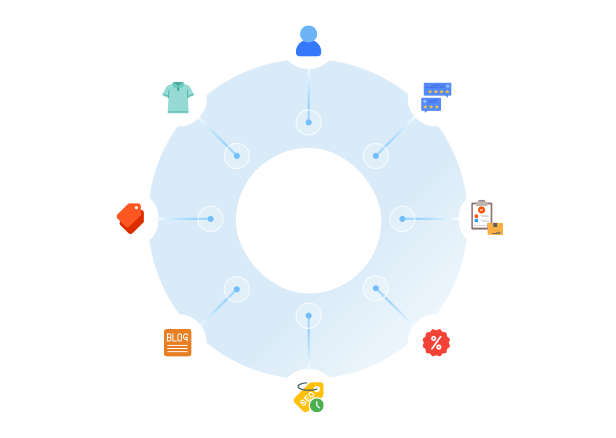
What Data Can You Migrate With Our WooCommerce Migration Tool

A clear, step-by-step workflow where our technicians handle everything. You only review the final result, we take care of the rest.
Compatibility Overview
WooCommerceWooCommerce
Version Rangetooltip
10.4.0 - beta 2 (and all previous versions)
Language & Localization
Multilingual, Multicurrency, RTL, Localized URLs powered by WPML and Polylang
Main Editionstooltip
WooCommerce extension
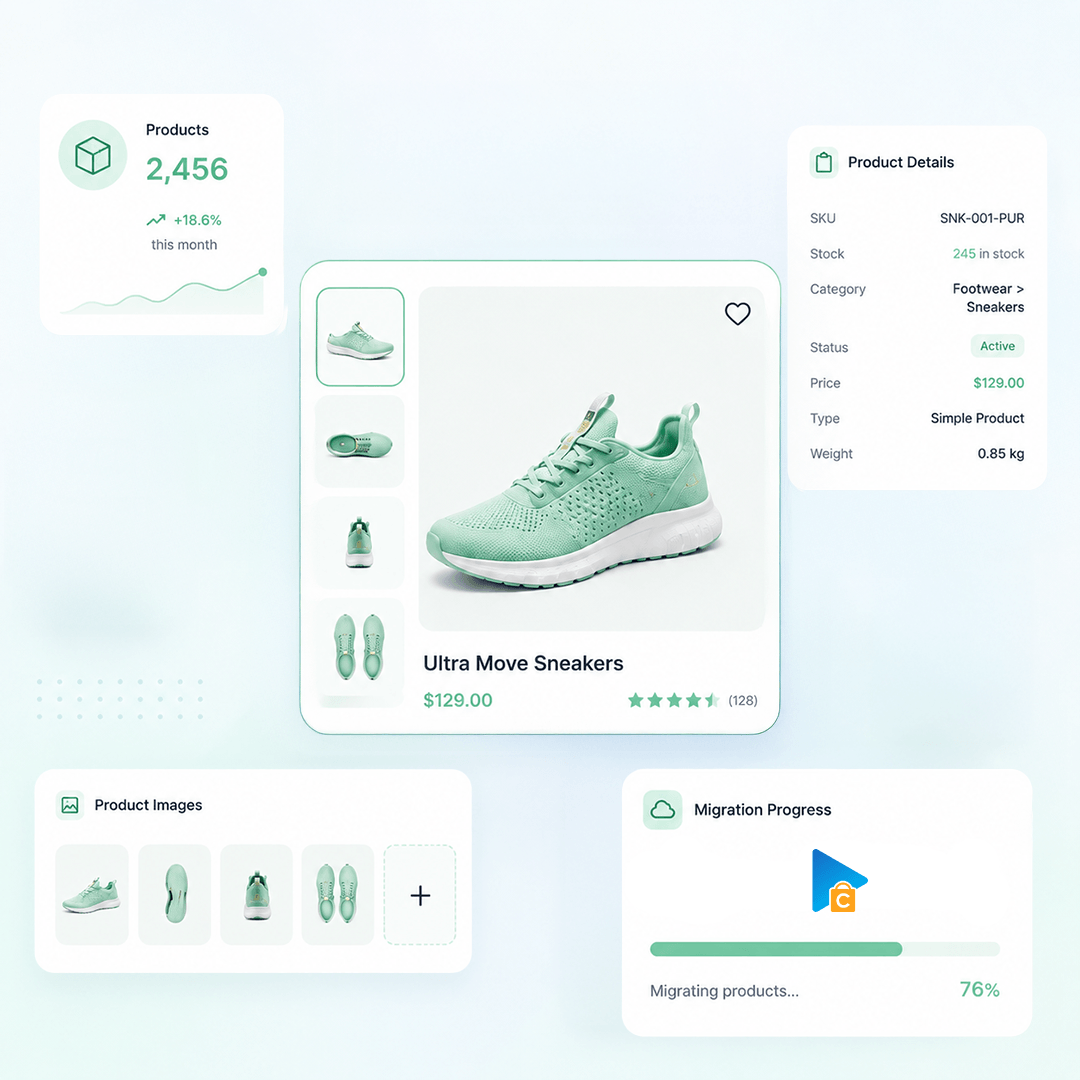
Products
Product Types: Simple Product, Variable Product, Grouped Product, Product Bundles, Virtual Product, Downloadable Product
Product Information: Name, SKU, UPC / EAN / GTIN, Description, Short Description, Weight, Length / Width / Height, Tags, Slug, Published, Catalog visibility, Barcode, Title, URL and Handle, Status
Product Pricing : Regular Price, Regular Price (when Sale active), Sale Price
Product Options: Attribute, Attribute Value, Menu Order, Stock (Variation), Color Swatch (plugin/theme), Product Attribute Type
Product Variants : SKU, Regular Price / Sale Price, Weight, Length / Width / Height, Stock Quantity, Image, Status, Attribute (Used for Variations)
Product Images: Product Image, Product Gallery, Variant Images, Alt Text, Menu Order, Description
Product Inventory : Manage Stock, Stock Quantity, Stock Status, Allow Backorders
External Links / Relationships : Categories, Linked Products, Up-sells, Cross-sells
Product Attributes & Custom Fields : Name , Terms, Menu Order, Visible On Product Page, Type, Swatch (Plugin)
Product Downloads: File name, File URL, Download Limit, Download Expiry, Downloadable Product
Multi-language Product Information: Name, Attributes, URL Path, Short Description, Description
Product SEO / Structured Data: Meta Title, Meta Description, Redirect, Slug
Product Categories
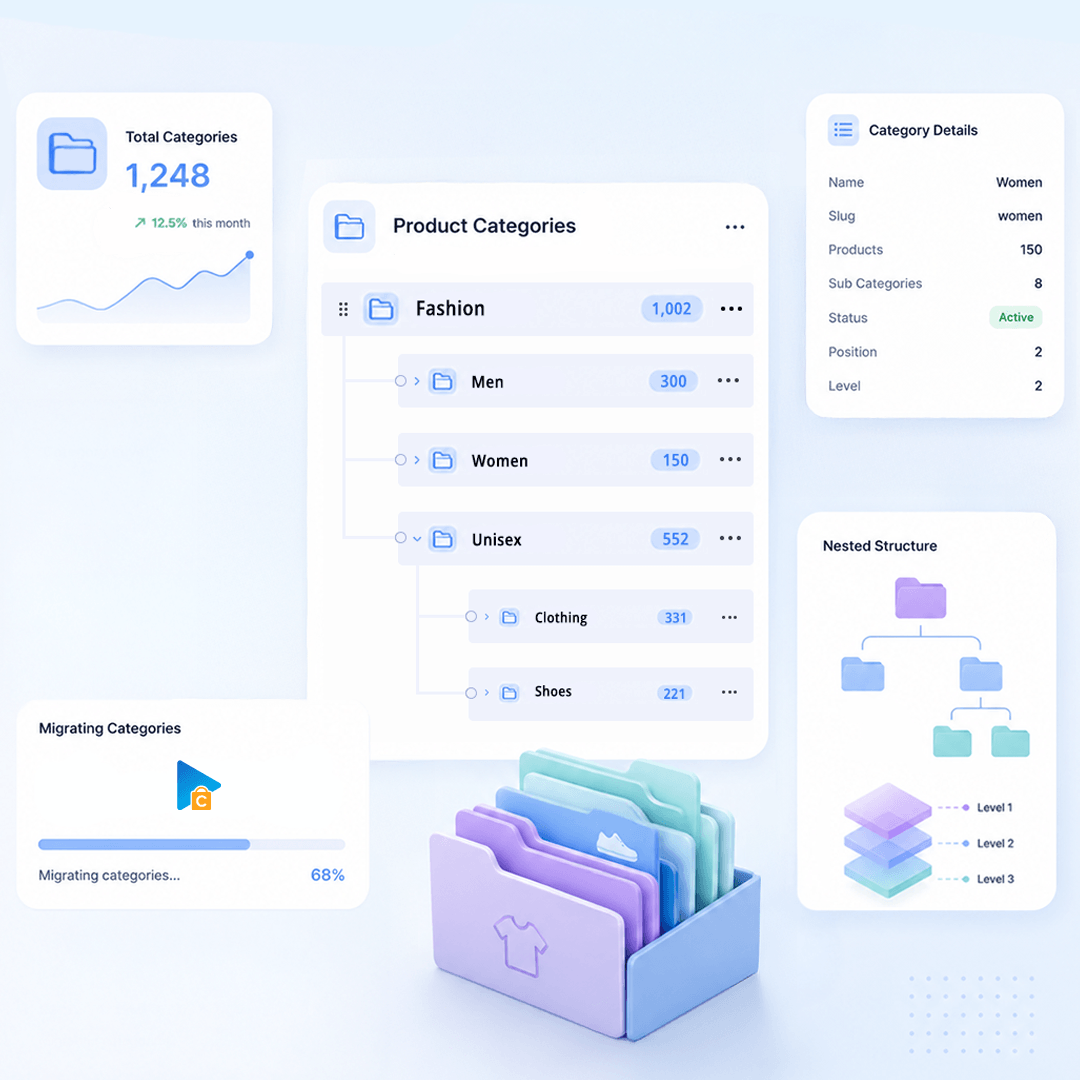
Category Information: Slug, Description, Published, Redirect, Meta Title, Meta Description, Name
Category Images: Thumbnail, Alt Text
Category Structure / Hierarchy: Parent Category, Subcategories, Menu Order
Multi-language Category Information: Name, Description, Meta Title, Meta Description, URL Path
Taxes
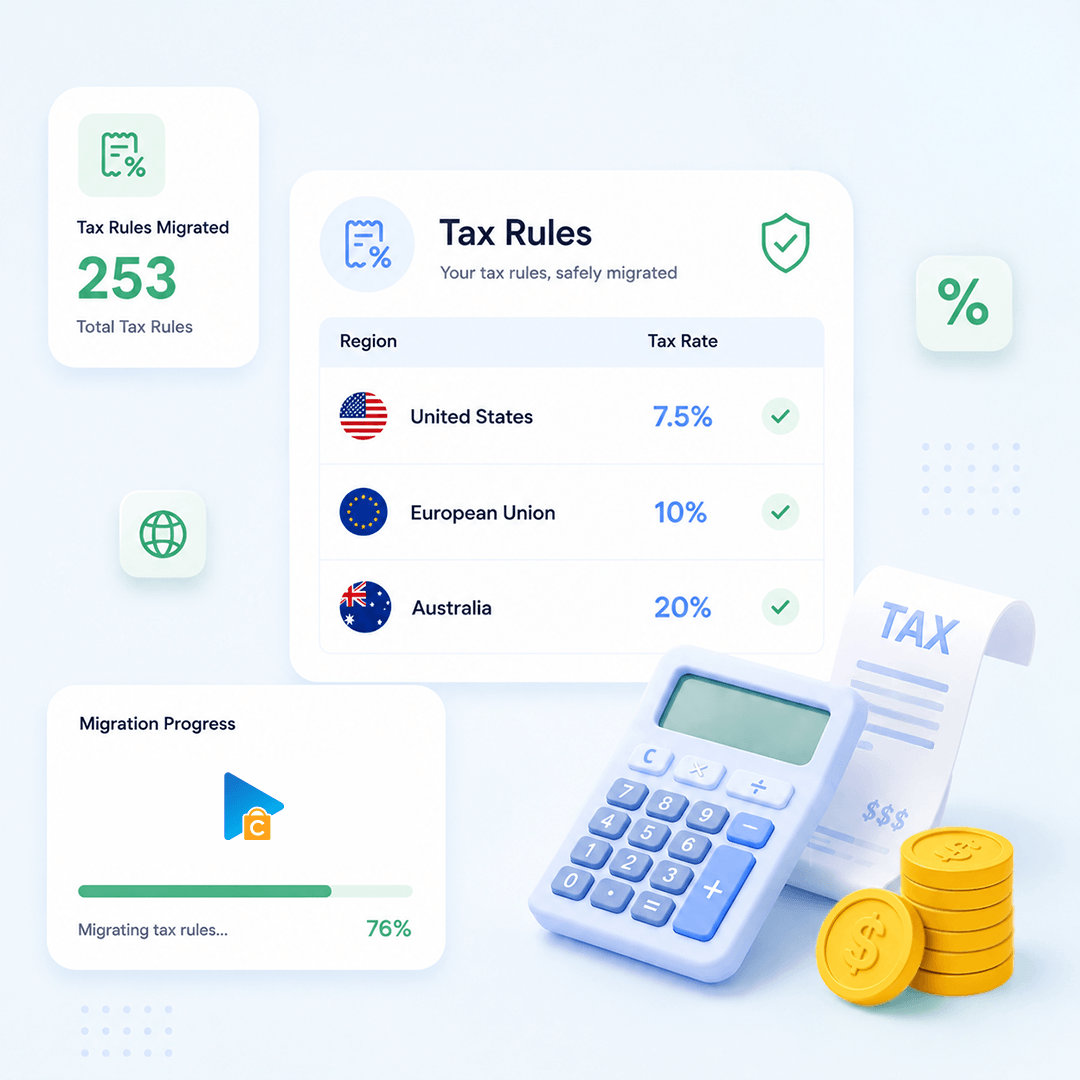
Tax Rules: Tax Rate, Tax Class, Country, State, Postcode, Rate, Tax Shipping, Product
Manufacturers
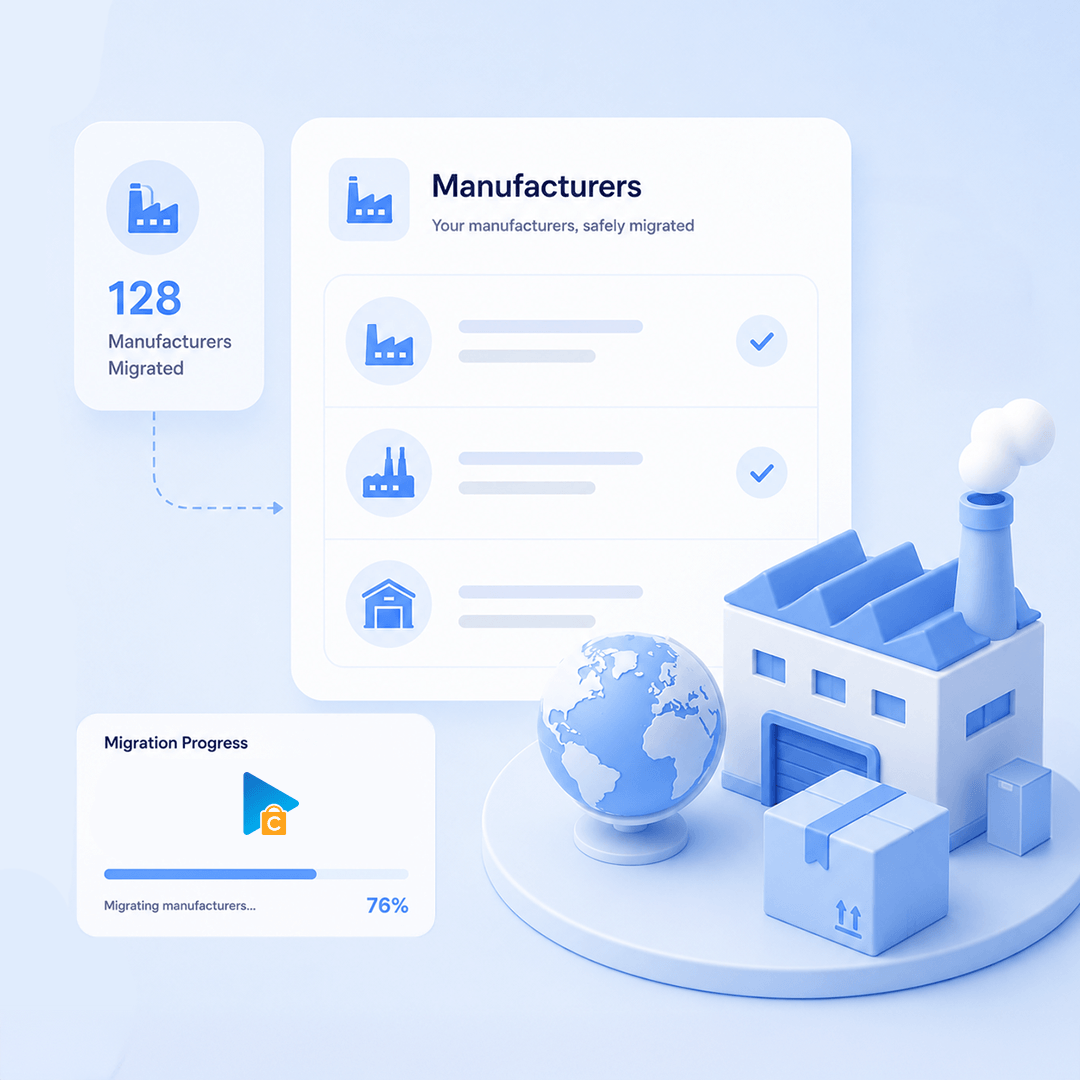
Manufacturer Information: Name, ID, Slug, Description
Manufacturer Branding : Image, Alt

Manufacturer SEO: Meta Title, Meta Description
Customers
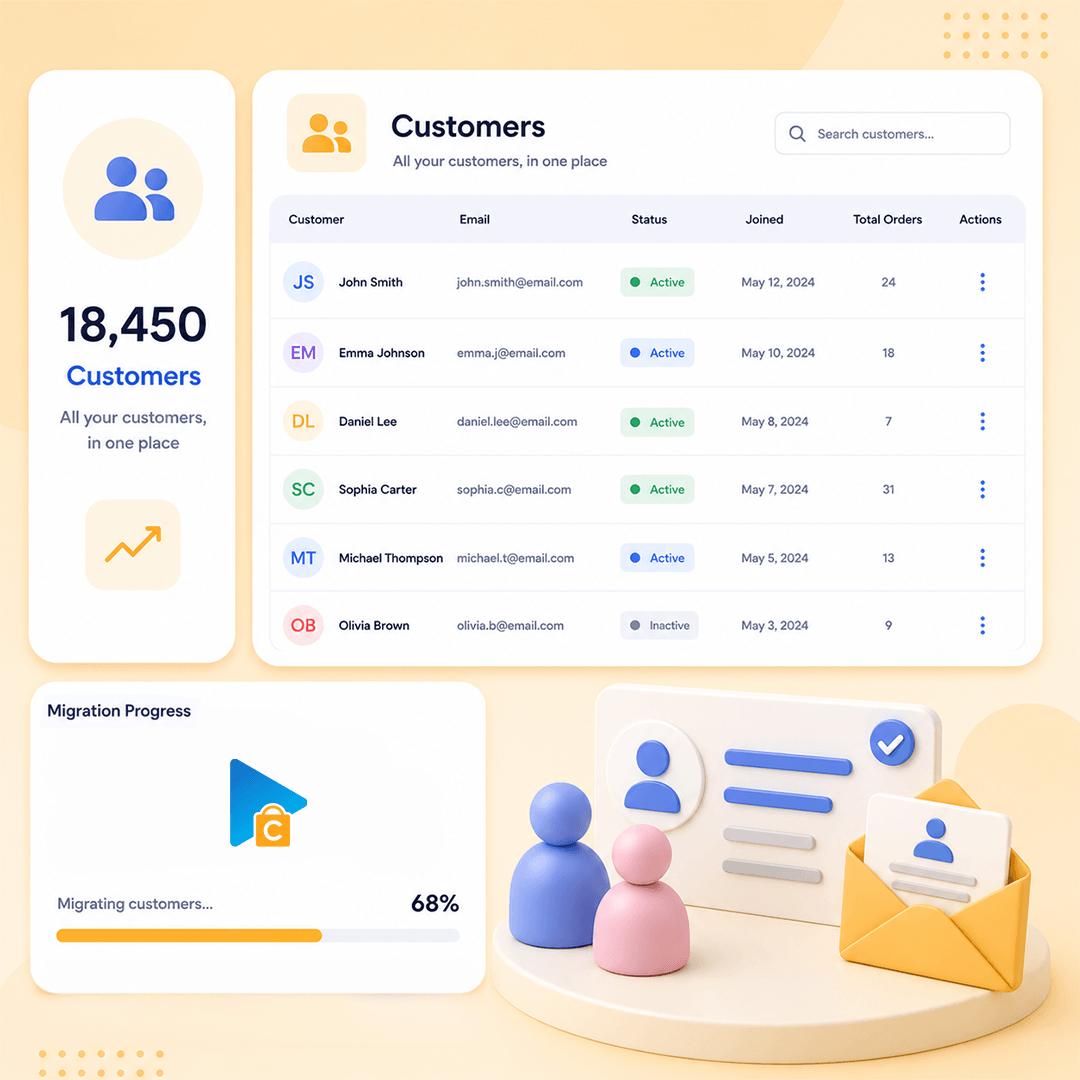
Customer Information : First Name, Last Name, Email, Phone, Status, Registered Date, Password, bcrypt
Customer Addresses: ID, First Name, Last Name, Company, Address 1, Address 2, City, State, Country, Postcode, Phone, Billing / Shipping
Customer Order History: Orders
Orders
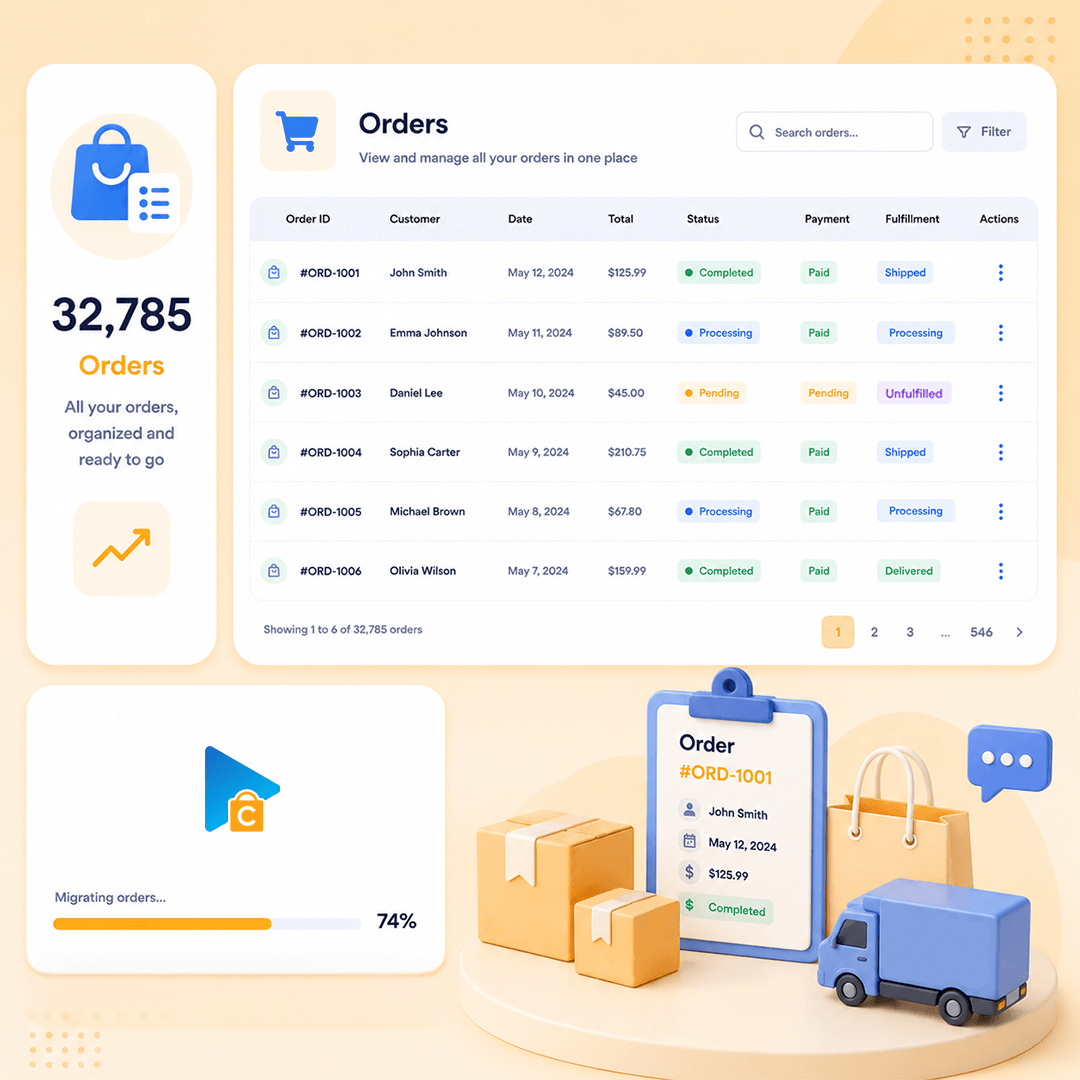
Order Information: ID, Number, Status, Currency, Subtotal, Discount, Shipping Total, Tax, Total, Payment Method, Shipping Method, Tracking, Customer Note, Date Modified, Created Date
Product Details: Name, SKU, Quantity, Price, Total, Tax, Variation, Discount
Customer Details: First Name, Last Name, Company, Address 1, City, State, Country, Postcode, Phone
Order Relationships: Customer ID, Line Items
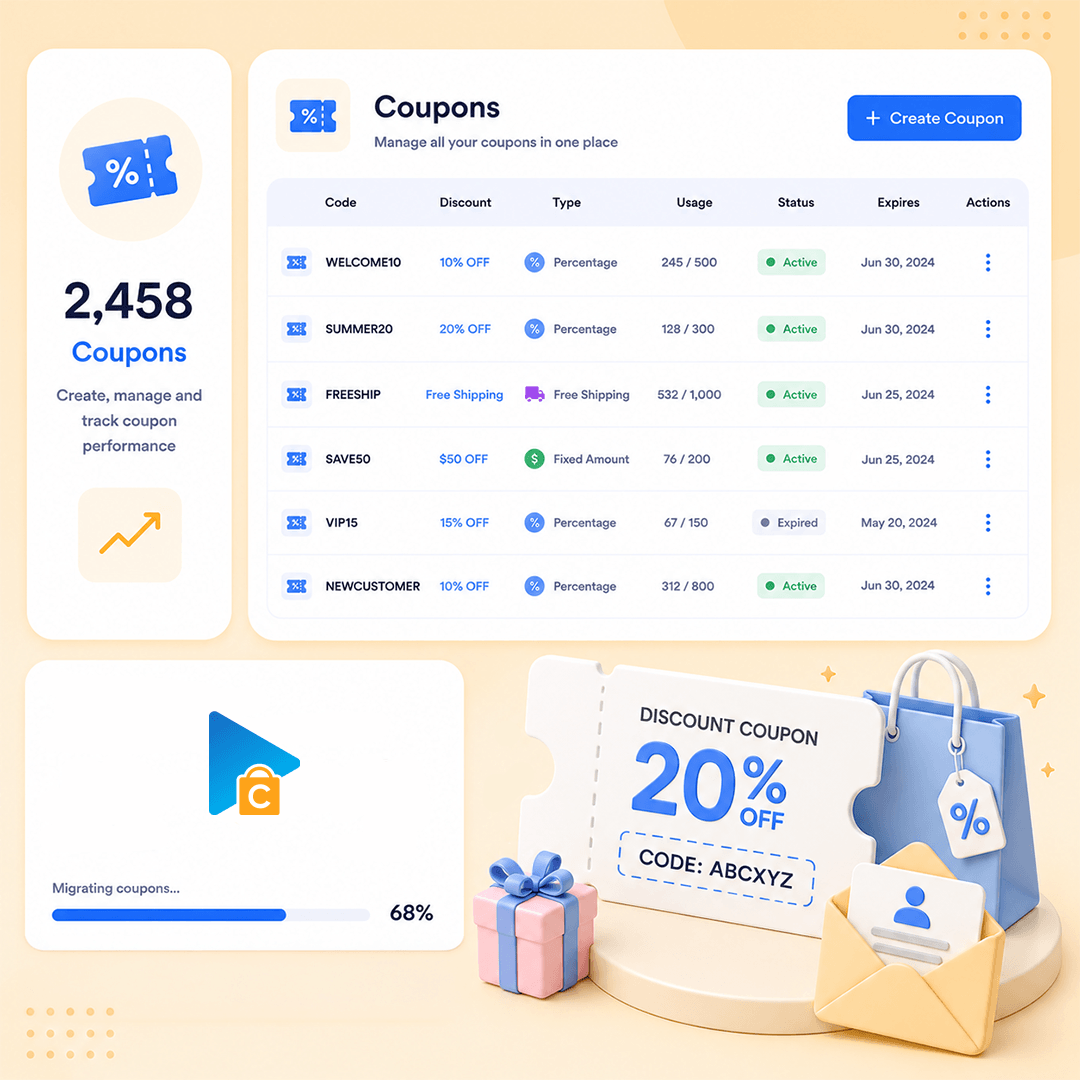
Coupons
Coupon Information: Code, Description, Discount Type, Coupon Amount, Date Created, Date Expires
Usage Restrictions: Maximum Spend, Exclude Sale, Products, Excluded Products, Categories, Excluded Categories, Usage Limit, Usage Per User, Minimum Spend, Individual Use
Multi-language Coupon Information: Name, Description
Reviews
Review Information: Title, Comment, Rating, Approved, Date
Reviewer Information: Customer ID, Email, Name, Verified Purchase
Product Relationship: Product ID, Variation ID
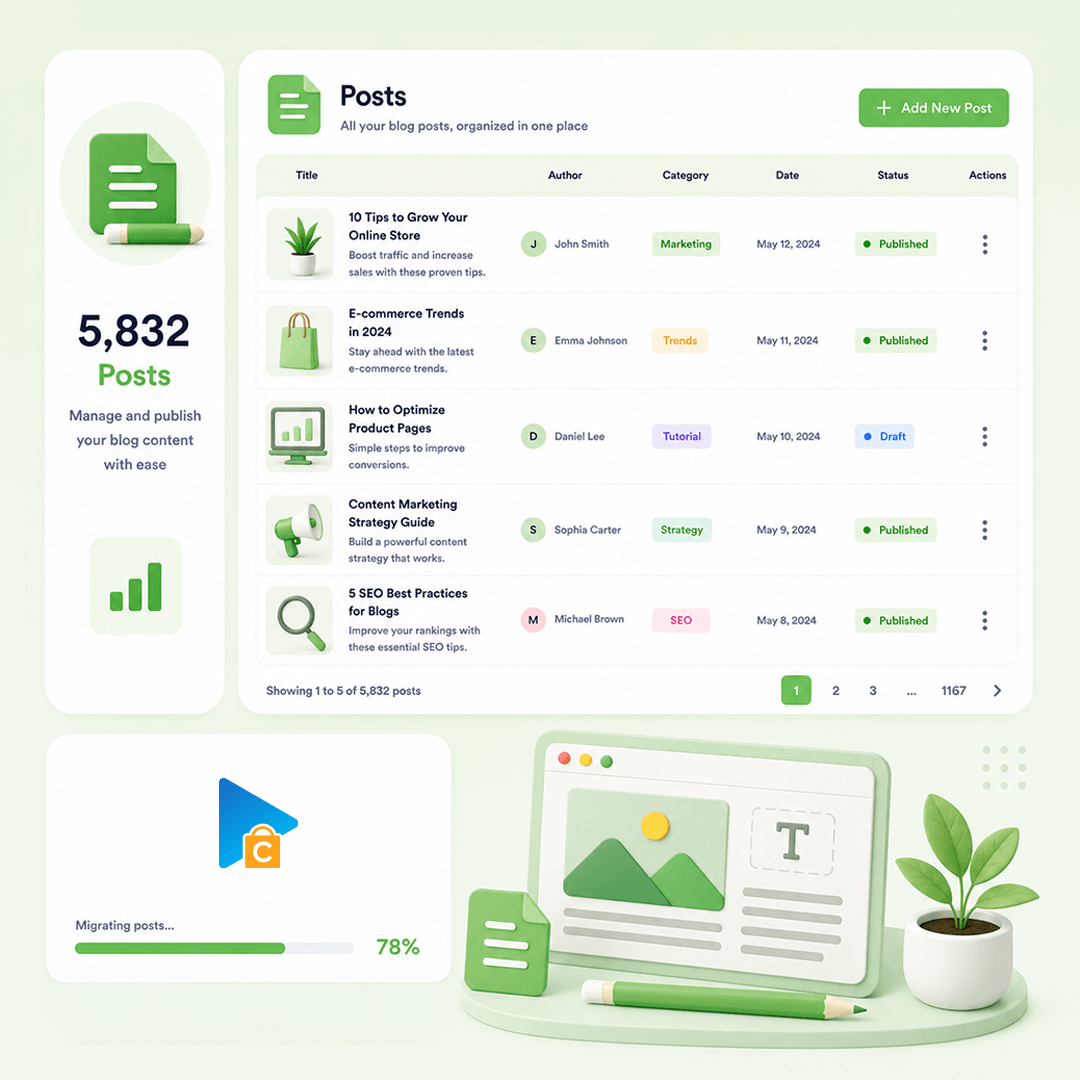
Blog Posts
Post Information: Title, Content, Excerpt, Tags, Slug, Status, Visibility
Post Images: Gallery, Images In Content, Alt, Featured Image
Post Categories : Category, Parent, Menu Order
Post SEO / Structure Data: Meta Title, Meta Description, Redirect, Plugin Structured Data
Post Comments: Name, Email, Comment, Date, Status
Multi-language Post Information: Title, Content, Short Description, Meta Title, Meta Description, URL Path
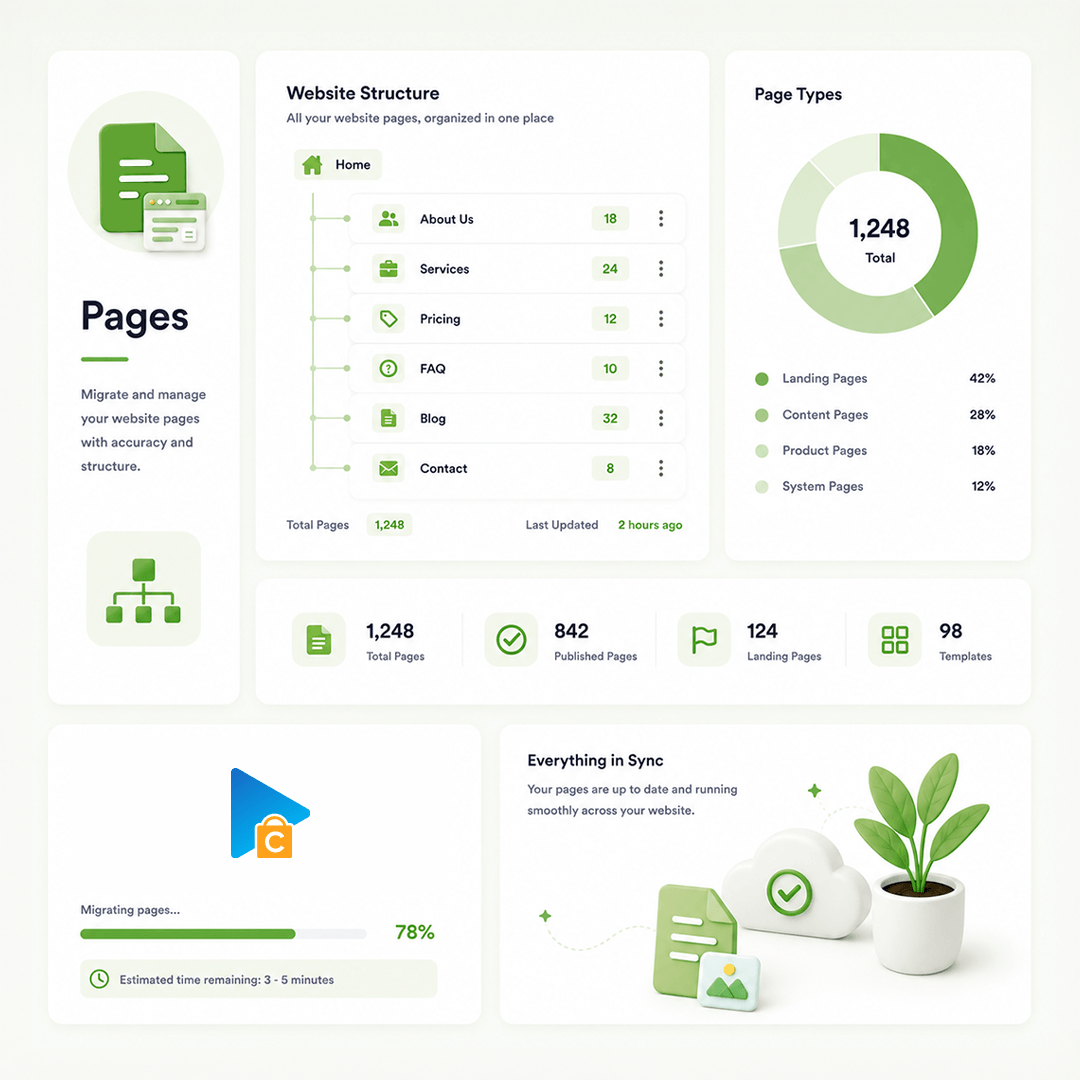
CMS Page
Page Information: ID, Title, Content, Excerpt, Slug, Status, Visibility, Template, Created, Updated, Menu Order, Parent
Page Images: Featured Image, Images In Content, Alt
Page SEO / Structure Data: Meta Title, Meta Description, Redirect
Multi-language Page Information : Title, Content, Excerpt, URL Path, Meta Title, Meta Description
How Our Migration

How Our Migration Process Works

A clear flow from secure connection to Demo and Full Migration.
Run it yourself or get expert help whenever you need it.
STEP1
Set up the connection
Connect Source Platform and Target Platform
STEP2
Configure Migration
Choose data, options, and migration mappings.
STEP3
Launch Full Migration
Move selected data to Target Platform.
Pricing

Pricing for WooCommerce Migrations

Flexible pricing based on the service you choose
  • Use our migration tool
  • Full documentation & support
  • Unlimited re-migration (12 months)
  • Free demo migration
  • We run the migration for you
  • Dedicated migration expert
  • Unlimited re-migration (12 months)
  • Priority email & chat support
  • Tailored migration plan
  • Custom data mapping & scripts
  • Unlimited re-migration (12 months)
  • 24/7 dedicated support
Testimonials

Hear From Our Happy Customers

Get a fully guided, expert-handled migration from start to finish.
 We ensure a smooth, secure, and zero-downtime transition every time.
SEAMLESS

It doesn't get any better than this when you're migrating products. I mean, as an agency we could think about ways to migrate products, but why? NEXT-CART does it better. Thank you all!

Rolando Main
Awesome tool and super helpfull…

Awesome tool and super helpfull support. Can strongly recommend. 

Jesper Friberg
Grande servizio a prezzo accessibile

Grande servizio a prezzo accessibile

Alma Mobile Srl
Used them for another Woocomerce to…

Used them for another Woocomerce to Shopify transfer. Great support when needed. Cannot fault the product or team.

James Parker
Fantastisk support

Tjänsten är mycket smidig använda. Migrerade produkter och ordrar från en mindre plattform till Woocommerce. Vi hade några tekniska utmaningar och det är här Next-Cart visar sin styrka - support i toppklass! Rekommenderas varmt!

Markus
I have used the service twice

I have used the service twice. The first time was smooth and easy, everything worked perfect. The second time I had some troubles (that had nothing to do with the service itself) and the support was excellent! They solved everything and helped me to finish the migration successfully. 

PANAGIOTIS DIAKOGIANNIS
Super tool

Super tool, easy to set and use, saves a lot of time

Johan Driesmans
Very good experience I have to migrate

Very good experience I have to migrate from prestashop 1.6 to woo and it work super fast.

davide volpato
All was simple and works perfect

All was simple and works perfect

Antonio Gonzalez

Frequently Asked Questions

What should I test in Demo Migration before a WooCommerce Full Migration?

Test both simple and variable products, especially parent-child variation relationships, SKUs, prices, images, stock, categories, tags, and attributes. Also review representative customers, orders, important pages and URLs, plus any plugin/custom data that is business-critical. If these samples cannot be explained correctly, refine the scope before Full Migration.

Supported standard fields can migrate normally, and Add-ons can handle bounded needs such as filtering records, transforming field values, or remapping supported fields. Plugin-owned records, custom tables, unsupported structures, or plugin-specific business logic may need Custom Service. Installing or configuring the plugin itself is separate from migrating its data unless explicitly included.

Standard Service can be enough when products, variations, customers, orders, coupons, categories, tags, media, CMS Pages, Blog Posts, and URLs are structurally clear. Custom Service review is more likely when the store depends on subscriptions, bookings, memberships, wholesale rules, custom checkout fields, HPOS-sensitive metadata, plugin-owned records, custom tables, or external-system references.

icon
icon

Start your WooCommerce Migration today!

Plan your WooCommerce migration with a clear process, secure data transfer, and expert support.

Banner