













Next-Cart
Magento Migration

Magento Migration: Move Your Store Seamlessly

Go enterprise on Magento. Migrate products, customers, orders, categories, and pricing with rigorous validation while preserving SEO and keeping your store operational.

Start Free Demo
Magento
Key Features

Why Businesses Trust Next-Cart for Magento Migration

Get a fully guided, expert-handled migration from start to finish. We ensure a smooth, secure, and zero-downtime transition every time.
banner
No downtime, no data loss

No downtime, no data loss

Keep selling while Next-Cart copies your data safely in the background.

Support for 80+ eCommerce platforms

Support for 80+ eCommerce platforms

Migrate from 80+ supported eCommerce platforms, giving you more flexibility to choose the right path.

1-year license with unlimited re-migration

1-year license with unlimited re-migration

Re-run migrations when needed during 12 months, giving you more time to review and refine your store.

Dedicated support team

Dedicated support team

Get dedicated expert support when questions or migration issues come up, so you can keep moving forward with confidence.

banner
Migration

Choose the Platform You Want to Migrate to

Move your existing store data from Magento to another platform.
Move your existing store data into Magento from any platform.
Supported Data Types

What Data Can You Migrate With Our Magento Migration Tool

A clear, step-by-step workflow where our technicians handle everything. You only review the final result, we take care of the rest.
Compatibility Overview
MagentoMagento
Version Rangetooltip
1.x – 2.4.9-alpha 3
Special Variants
Multistore / Multisite
Language & Localization
Multilingual, Multicurrency, RTL, Localized URLs
Main Editionstooltip
Magento Open-Source
Products
Product Types: Simple Product, Configurable Product, Grouped Product, Bundle Product, Virtual Product, Downloadable Product
Product Information: Name, SKU, Weight, Description, Short Description, Tags, URL Key, Length / Width / Height, Enable / Disable, Visibility, UPC / GTIN
Product Pricing : Price, Special Price, Tier Price
Product Options: Attribute, Attribute Option, Position, Qty (Child Product), Visual Swatch/ Text Swatch, Input Type
Product Variants : SKU, Attribute (Used for Variations), Price, Weight, Length / Width / Height, Quantity, Image, Status
Product Images: Base Image, Additional Images, Variant Images, Alt Text, Position, Label, Description
Product Inventory : Manage Stock, Quantity, Stock Status, Backorders, Sources
External Links / Relationships : Categories, Related Products, Up-sells, Cross-sells, Associated Products
Product Attributes & Custom Fields : Attribute Code, Values, Position, Visible on Storefront, Attribute Set, Input Type, Visual Swatch, Attribute Groups
Product Downloads: Title, File, Maximum Downloads, Expiration, Downloadable Product
Multi-language Product Information: Name, Attributes, URL Path, Short Description, Description
Product SEO / Structured Data: Meta Title, Meta Description, URL Rewrite, Meta Keywords, URL Key
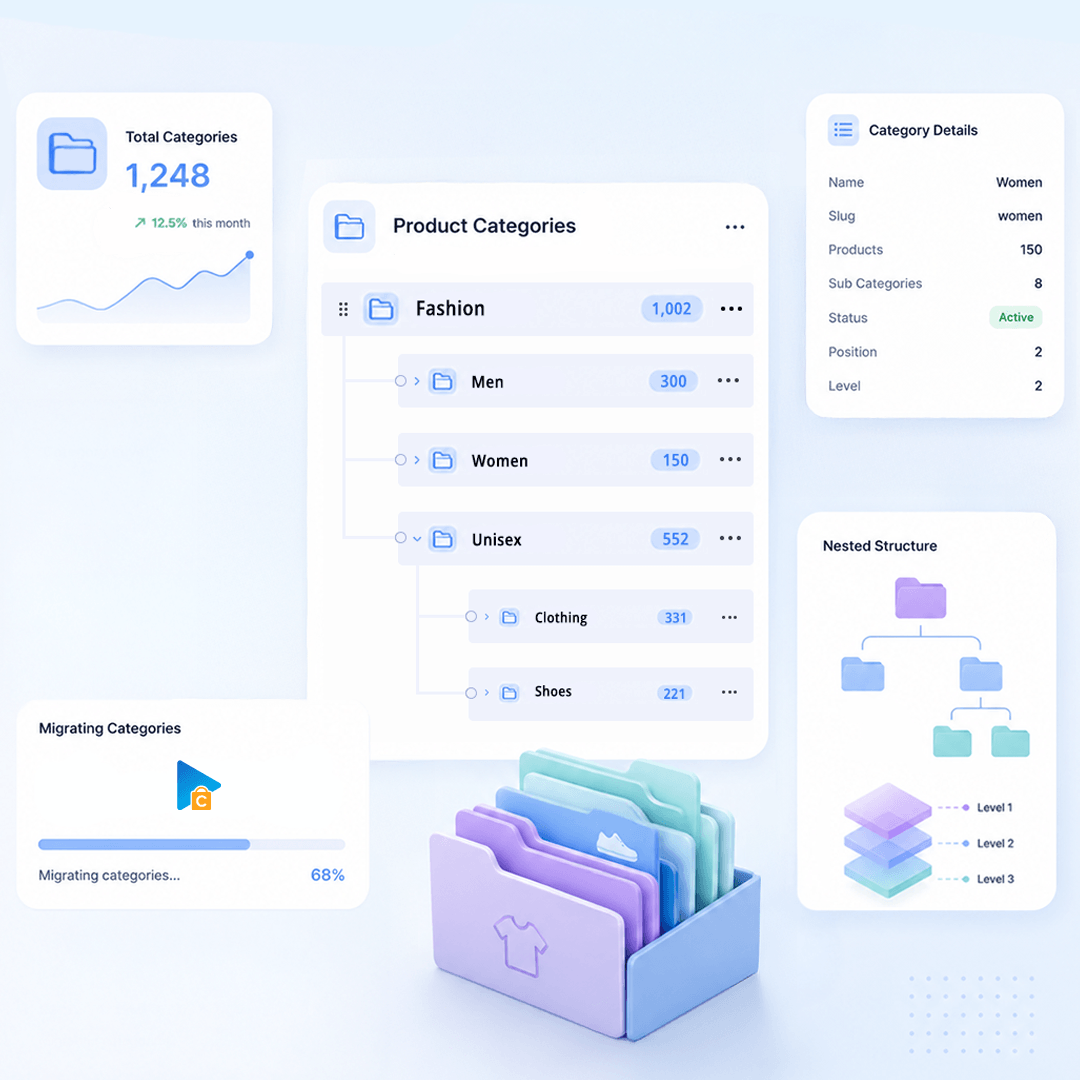
Product Categories
Category Information: Name, URL Key, Description, Is Active, URL Rewrite, Meta Title, Meta Description

Category Images: Image, Alt Text

Category Structure / Hierarchy: Parent Category, Subcategories, Position
Multi-language Category Information: Name, Description, Meta Title, Meta Description, URL Path
Taxes
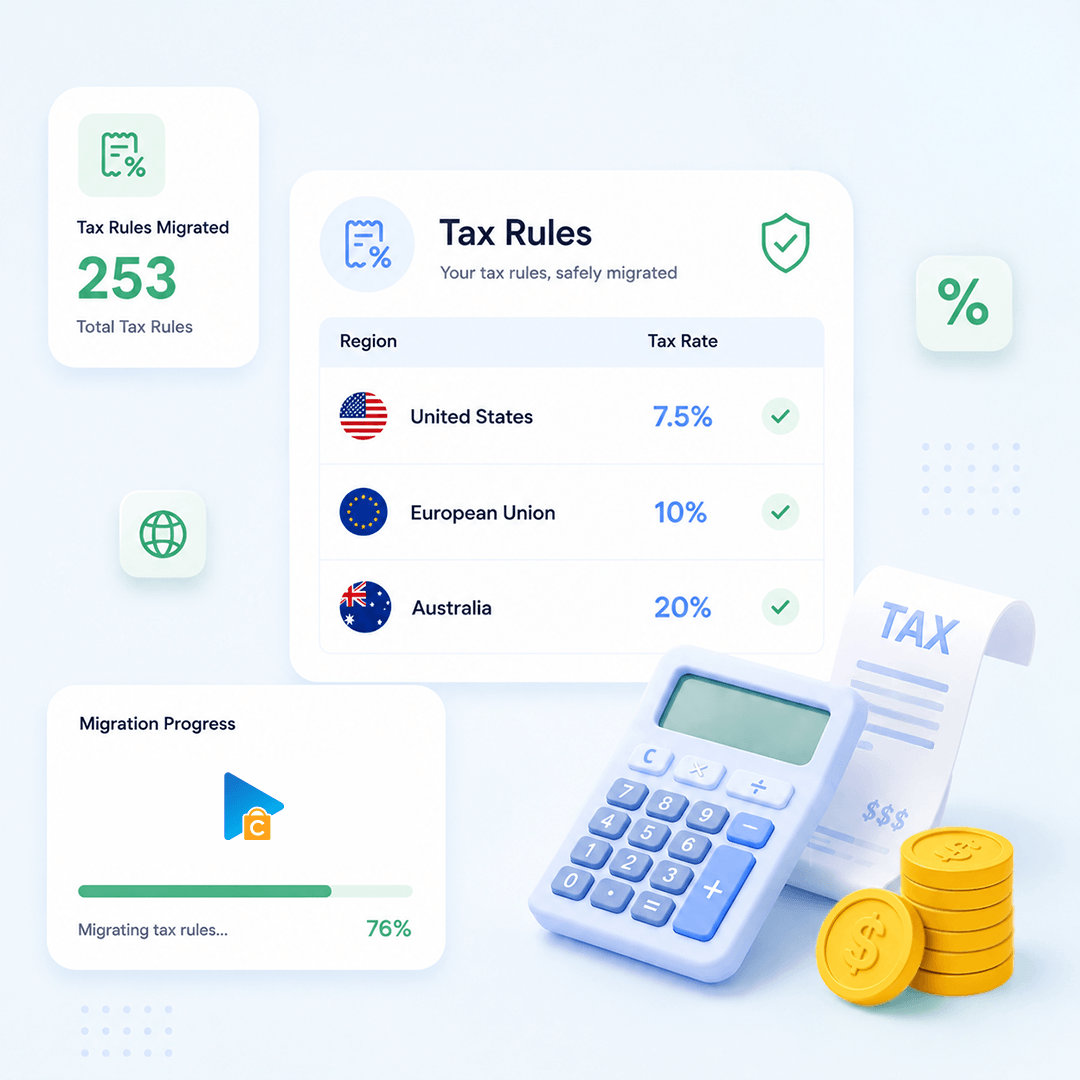
Tax Rules: Tax Rule, Tax Class, Country, State, Zip / Post Code, Rate, Apply to Shipping, SKU
Manufacturers
Manufacturer Information: ID, Name, URL Key, Description
Manufacturer Branding : Image, Alt
Manufacturer SEO: Meta Title, Meta Description
Multi-language Manufacturer: Name, Description
Customers
Customer Information : First Name, Last Name, Email, Telephone, Status, Created At, Password Hash, bcrypt
Customer Addresses: ID, First Name, Last Name, Company, Street, City, Region, Country, Postcode, Telephone, Billing / Shipping, Default Billing, Default Shipping
Customer Order History: Orders
Orders
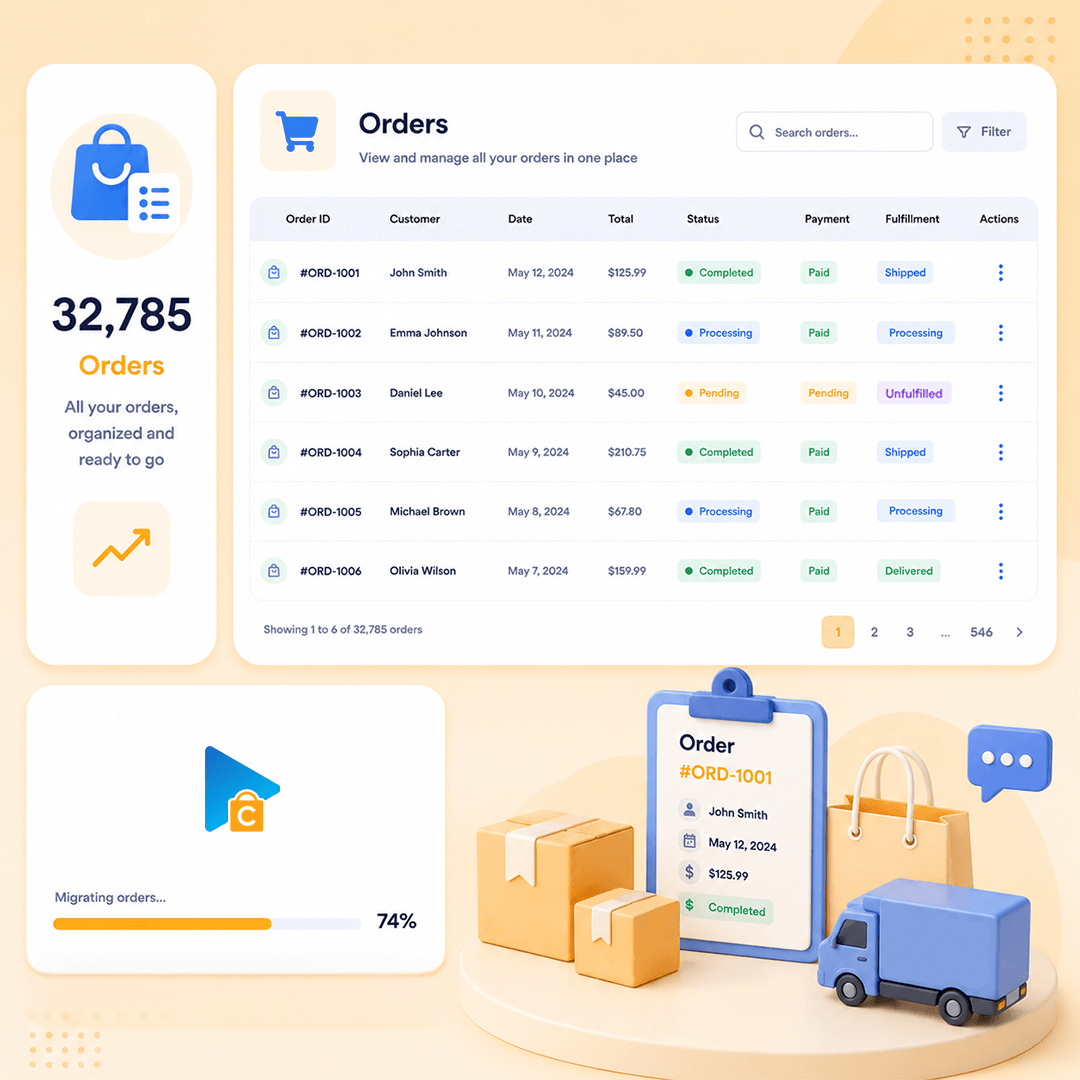
Order Information: Entity ID, Increment ID, Status, Order Currency, Subtotal, Discount, Shipping Amount, Tax Amount, Grand Total, Payment Method, Shipping Description, Tracking Number, Comments, Created At, Updated At
Product Details: Name, SKU, Qty Ordered, Price, Row Total, Tax Amount, Discount Amount, Product Options
Customer Details: First Name, Last Name, Company, Street, City, Region, Country, Postcode, Telephone
Order Relationships: Customer ID, Items
Coupons
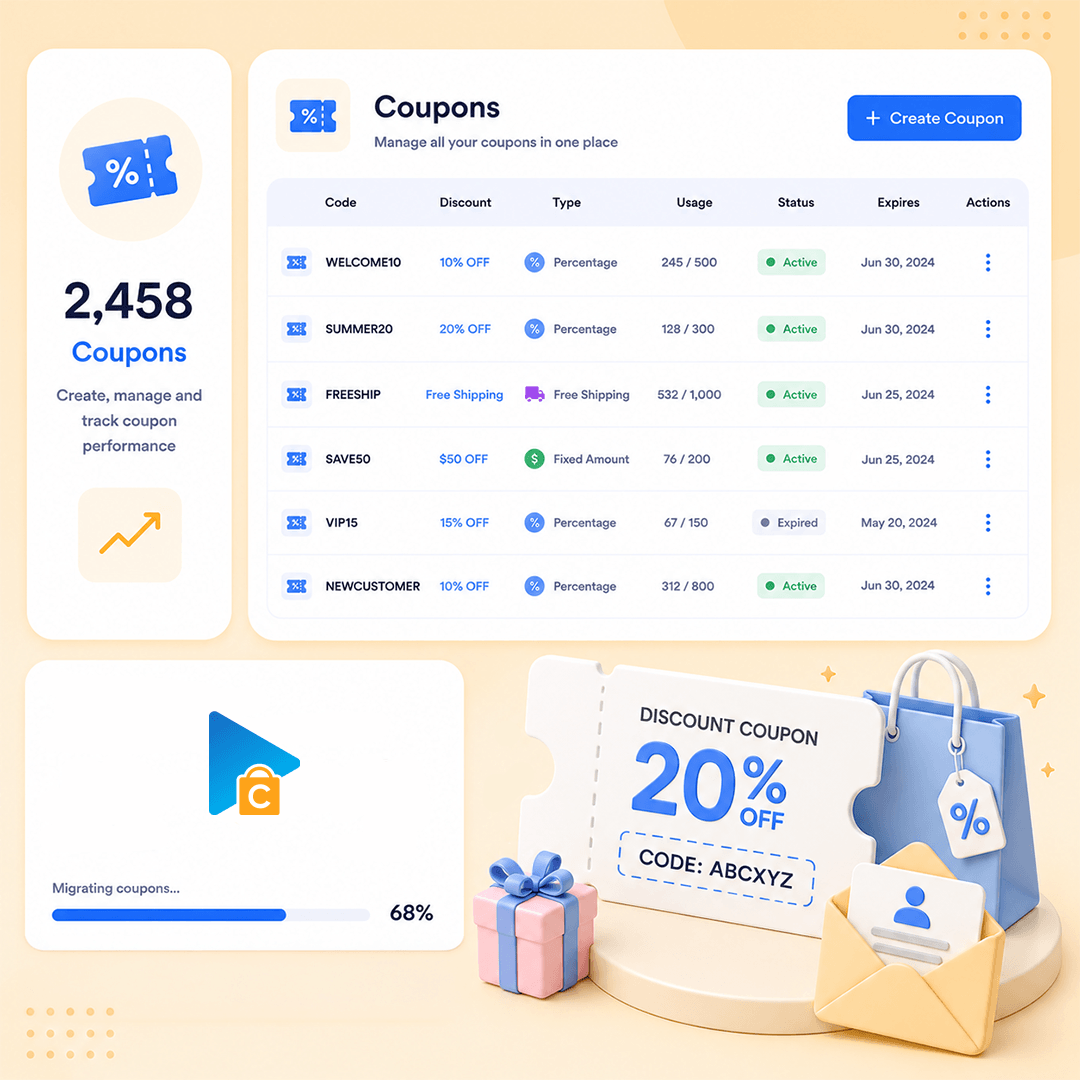
Coupon Information: Code, Description, Discount Type, Discount Amount, From Date, To Date
Usage Restrictions: Uses Per Customer, Apply to Sale, Products, Excluded Products, Categories, Excluded Categories, Usage Limit, Minimum Amount, Maximum Amount
Multi-language Coupon Information: Name, Description
Reviews
Review Information: Title, Detail, Rating, Status, Created At
Reviewer Information: Customer ID, Email, Nickname, Verified Purchase
Product Relationship: Entity ID, Child SKU
Blog Posts
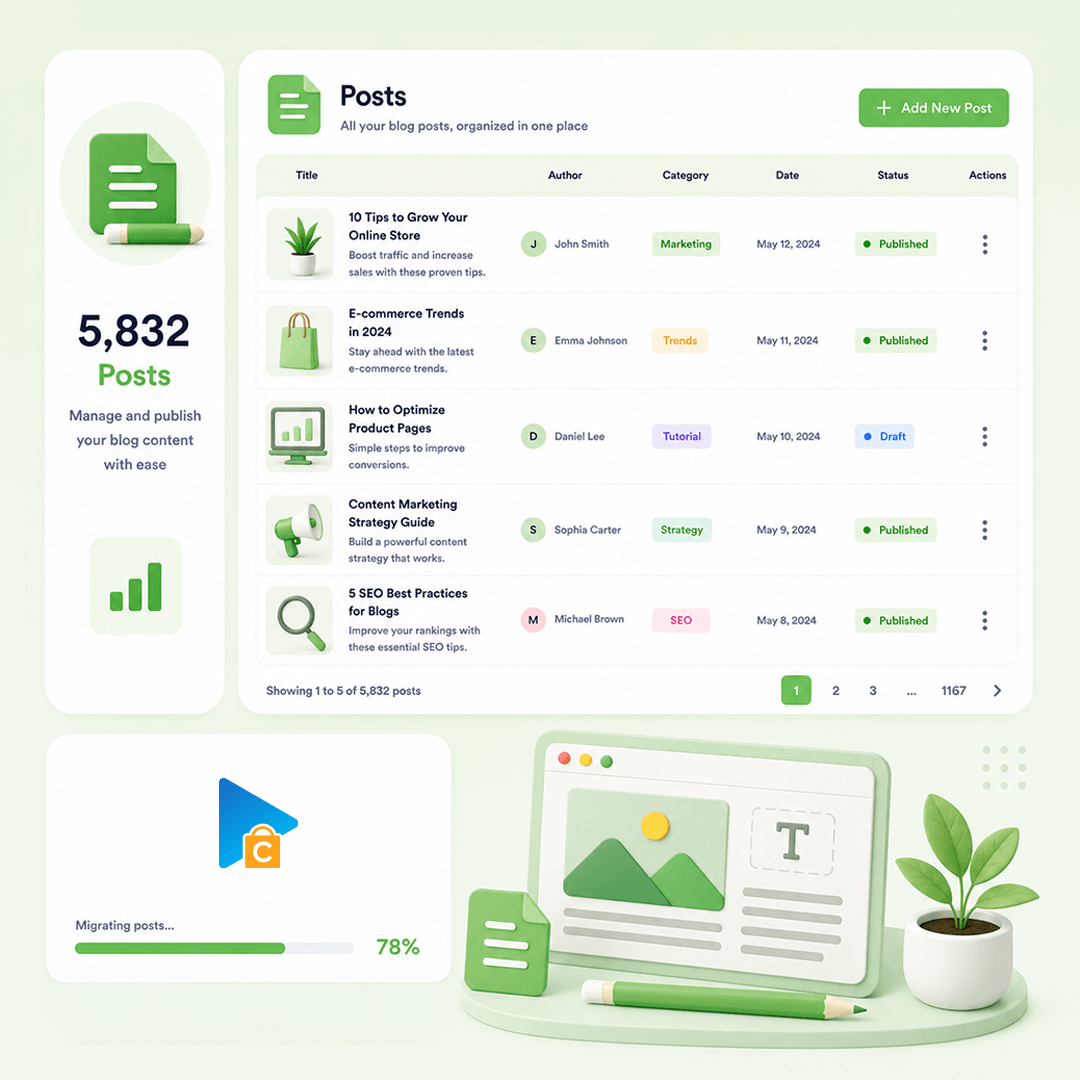
Post Information: Title, Content, Short Description, Tags, URL Key, Status, Visibility
Post Images: Image, Gallery, Images In Content, Alt, Title
Post Categories : Category, Parent, Position
Post SEO / Structure Data: Meta Title, Meta Description, URL Rewrite, Plugin Structured Data
Post Comments: Name, Email, Comment, Date, Status
Multi-language Post Information: Title, Content, Short Description, Meta Title, Meta Description, URL Path
CMS Page
Page Information: ID, Title, Content, URL Key, Status, Visibility, Page Layout, Parent, Sort Order, Created At, Updated At, Content Heading
Page Images: Image, Images In Content, Alt, Title
Page SEO / Structure Data: Meta Title, Meta Description, URL Rewrite
Multi-language Page Information : Title, Content, Excerpt, URL Path, Meta Title, Meta Description
How our

How our Migration Process works

A clear flow from secure connection to Demo and Full Migration.
Run it yourself or get expert help whenever you need it.
STEP1
Set up the connection
Connect Source Store and Target Store
STEP2
Configure Migration
Choose data, options, and migration mappings
STEP3
Launch Full Migration
Migrate selected data to Target Store
Pricing

Pricing for Magento Migrations

Flexible pricing based on the service you choose
  • Use our migration tool
  • Full documentation & support
  • Unlimited re-migration (12 months)
  • Free demo migration
  • We run the migration for you
  • Dedicated migration expert
  • Unlimited re-migration (12 months)
  • Priority email & chat support
  • Tailored migration plan
  • Custom data mapping & scripts
  • Unlimited re-migration (12 months)
  • 24/7 dedicated support
Testimonials

Hear From Our Happy Customers

Get a fully guided, expert-handled migration from start to finish.
 We ensure a smooth, secure, and zero-downtime transition every time.
App woks perfect and you get great…

App woks perfect and you get great support!

R Waldram
All was simple and works perfect

All was simple and works perfect

Antonio Gonzalez
Very Helpful

Helpful, quick response, perfect data migration quality !! My license expired but with a minimal new license, I was able to do a delta migration a year after the initial migration. All the needed mapping rules and tables were still available on the Next-Cart side !!

Electronic Parts Outlet
Awesome technical and support team

This is my second time with next cart. Thier support and technical team is amazing

Tech Javaid
It worked flawlessly

It worked flawlessly. Delivers what it promises at best price. Recommended.

Bruno Gaiteiro
Really great experience with migration

Really great experience with migration from Magento 1 to Woo

Michael Bang
Best migrating service there is.

Best migrating service there is.

Extremely professional, thoughtful, and polite.

Would suggest them to anyone who wants to go through the painless migrating process. :)

Filip C.
Great tool with ditto support

Great tool with ditto support. I was a little bit scary about migrating my shop from Magento to WooCommerce. There was absolutely no reason for. With a litlle customization and quick and spot-on support from the Next-Cart team it all went down without any issue.

Danny Aloserij
Great service and support.

Great service and support.

Igor Costa

Frequently Asked Questions

Does your migration tool support transferring product relationships to Magento?

Yes, our migration tool supports transferring product links to Magento. This includes:

  • Related products
  • Cross-sell products
  • Up-sell products

These links will be migrated to ensure that the relationships between your products are preserved on your Magento store.

Yes. We support migrating data from Magento 1 Community and Magento 1 Enterprise edition. You can find all supported Magento 1 versions in the list below:

  • Magento 1 Community (CE): 1.9, 1.8, 1.7, 1.6, 1.5, 1.4, 1.3, 1.2, 1.1, 1.0
  • Magento 1 Enterprise (EE): 1.14, 1.13, 1.12, 1.11, 1.10, 1.9, 1.8, 1.7, 1.6

In addition to migration from Magento 1, we also support migration to Magento 1.9.

After the migration is finished, you may need to manually reindex your Magento site to:

  • Show categories and products on the storefront
  • Show product attributes on the backend

Please follow the steps below to reindex your site:

  1. Login to your Magento web server via SSH. You can use Putty or any SSH client
  2. Go to your Magento website folder, then run the commands below:
    bin/magento indexer:reindex
    bin/magento cache:clean

After the commands are successfully executed, products and attributes will display properly on your Magento site.

Fore more details, please read their instruction at: Manage the indexers on Magento.

Yes. You can choose to migrate products to any store on your Magento site.

icon
icon

Start your Magento Migration today!

Plan your Magento migration with a clear process, secure data transfer, and expert support.

Banner