













Next-Cart
Ubercart Migration

Import Your Store Data From Ubercart

Bring your data from Ubercart. Move products, customers, orders, and supported records while keeping your Drupal website operational.

Start Free Demo
Key Features

Features for Migrating From Ubercart

Migrate data from Ubercart with a 1-year license, re-migration options, and dedicated support. Available features depend on your migration destination, store setup, and chosen service.
Ubercart Migration

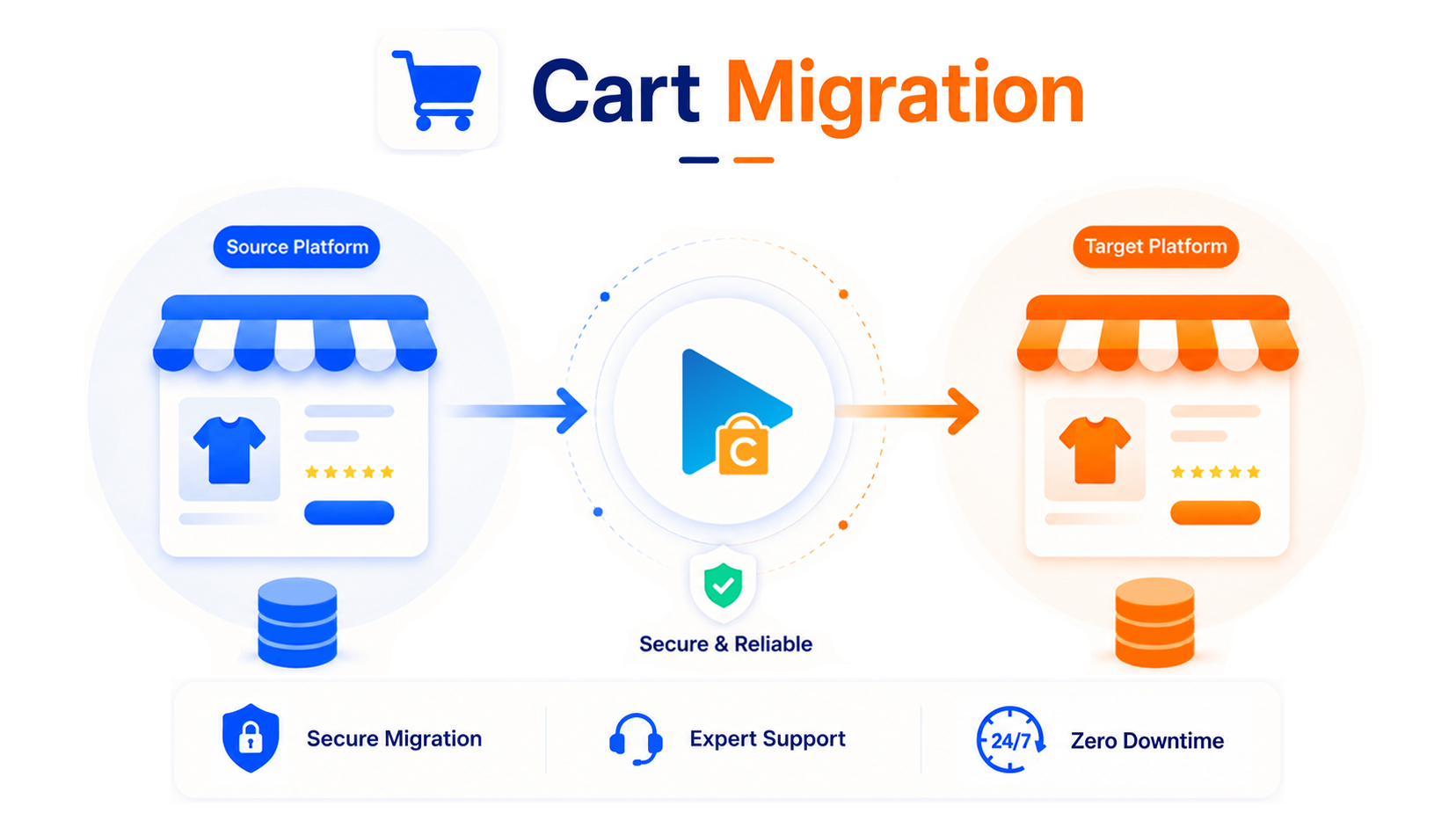
No Downtime, No Data Loss

Keep selling while Next-Cart migrates your data safely in the background.

Support for 80+ eCommerce Platforms

Migrate from 80+ supported eCommerce platforms, giving you more flexibility to choose the right path.

1-Year License With Unlimited Re-migration

Re-run migrations when needed during 12 months, giving you more time to review and refine your store.

Dedicated Support Team

Get dedicated expert support when questions or migration issues come up, so you can keep moving forward with confidence.

Migration

Choose Your Migration Path

Move your existing store data from Ubercart to another platform.
Move your existing store data into Ubercart from any platform.
Supported Data Types

Data Supported for Ubercart Migration

Explore the main data types supported by this platform. Exact fields, mappings and options depend on the other platform and your store setup. Choose a migration path to review the details.
Compatibility Overview
UbercartUbercart
Version Range
8.x-4.0-alpha5 (and all previous releases) on Drupal version 7/8, 1.x-3.15.1 (and all previous releases) on Backdrop
Main Editions
Ubercart extension on Drupal and Backdrop
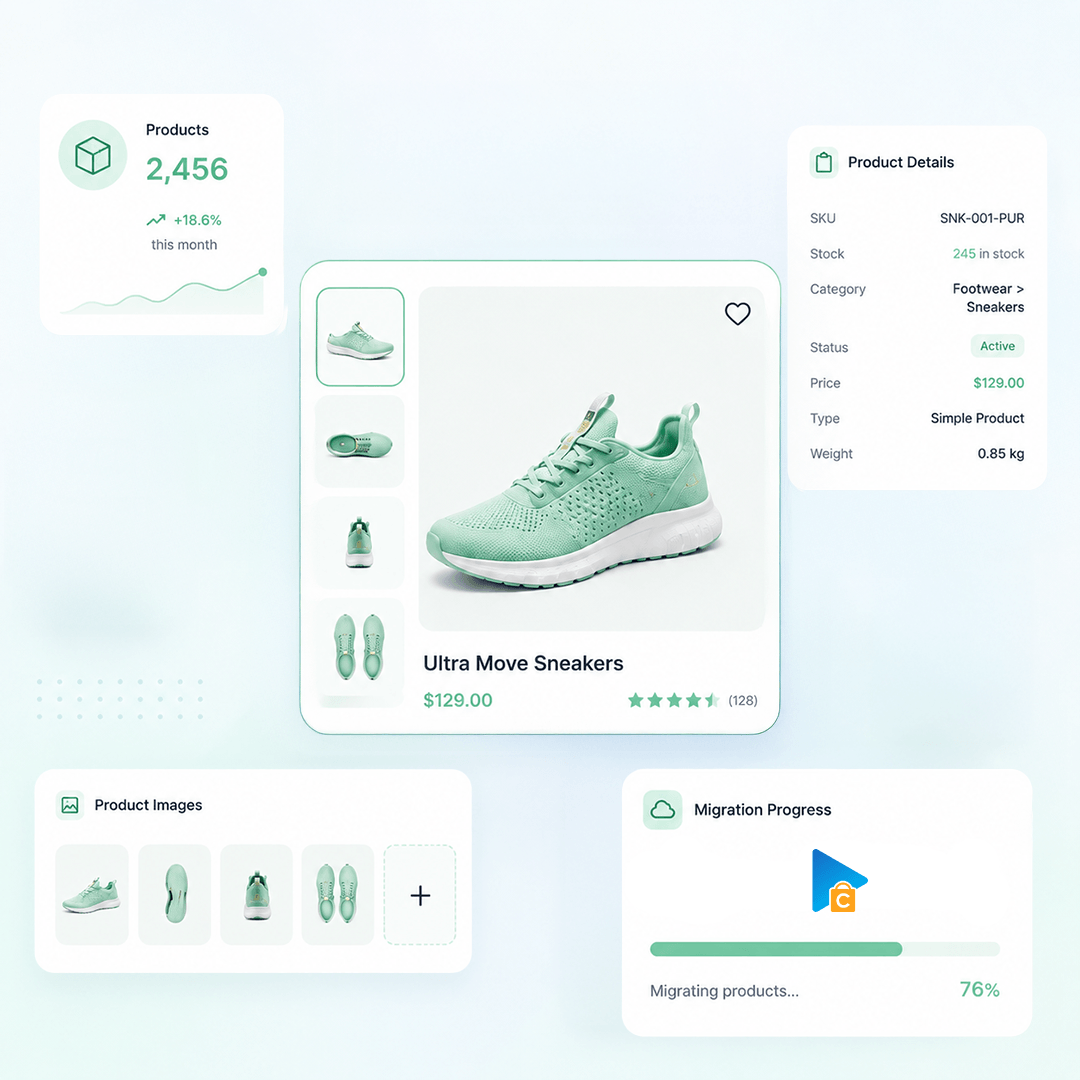
Products
Product Types: Simple Product, Variable Product, Virtual Product, Downloadable Product
Product Information: Name, SKU, Short Description, Description, Dimensions, Weight, URL Path
Product Pricing : Regular Price, Sale Price
Product Images: Main image, Gallery Images, Images in Description
Product Inventory : Manage Inventory, Stock Quantity, Stock Status
External Links / Relationships : Categories
Product Attributes & Custom Fields : Name, Attribute Value, Attribute Types
Product SEO / Structured Data: Meta Title, Meta Description, URL Path
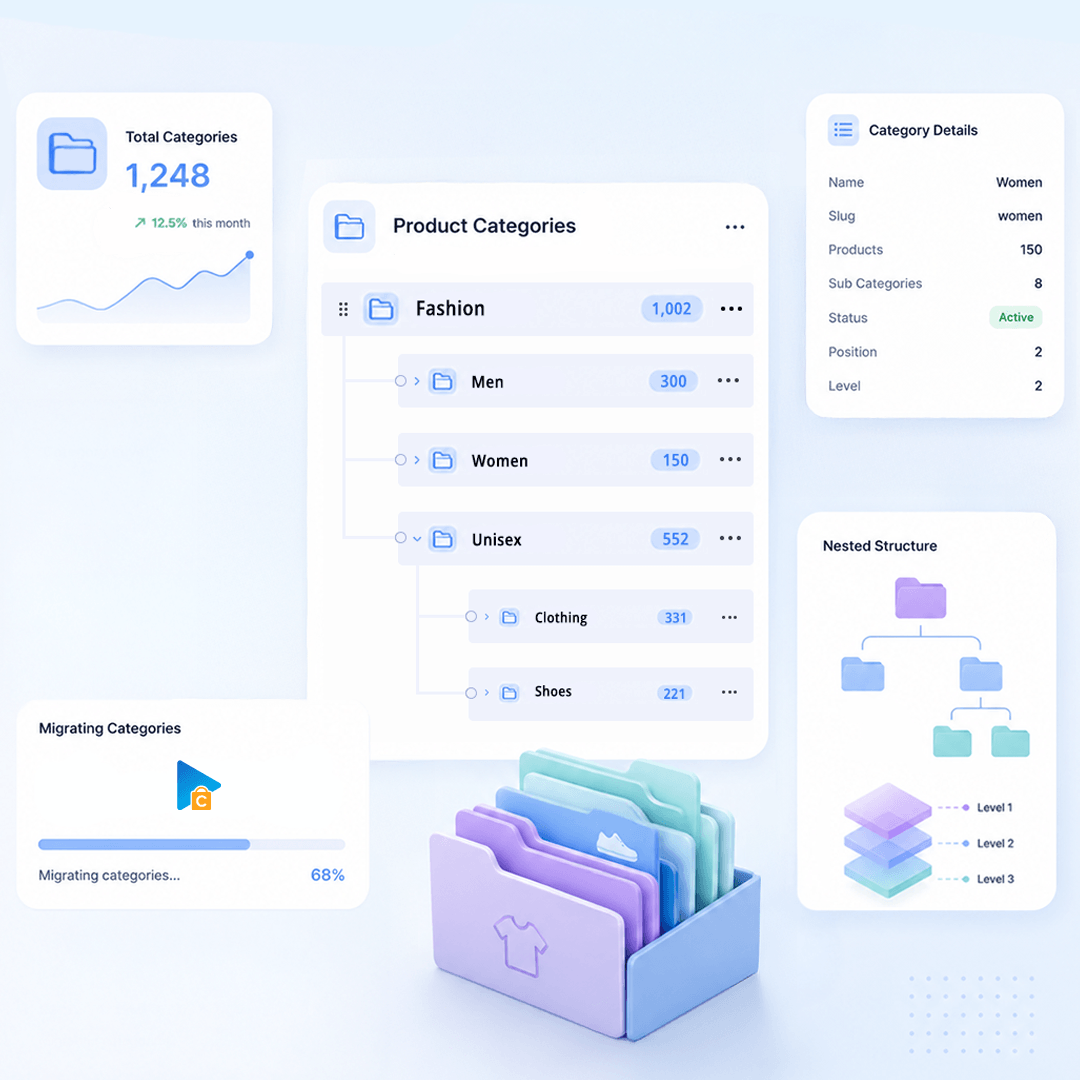
Product Categories
Category Information: Name, URL Path, Description, Status, SEO URLs, Meta Title, Meta Description
Category Images: Main Image, Alt Text
Category Structure / Hierarchy: Parent Category, Subcategories, Sort Order
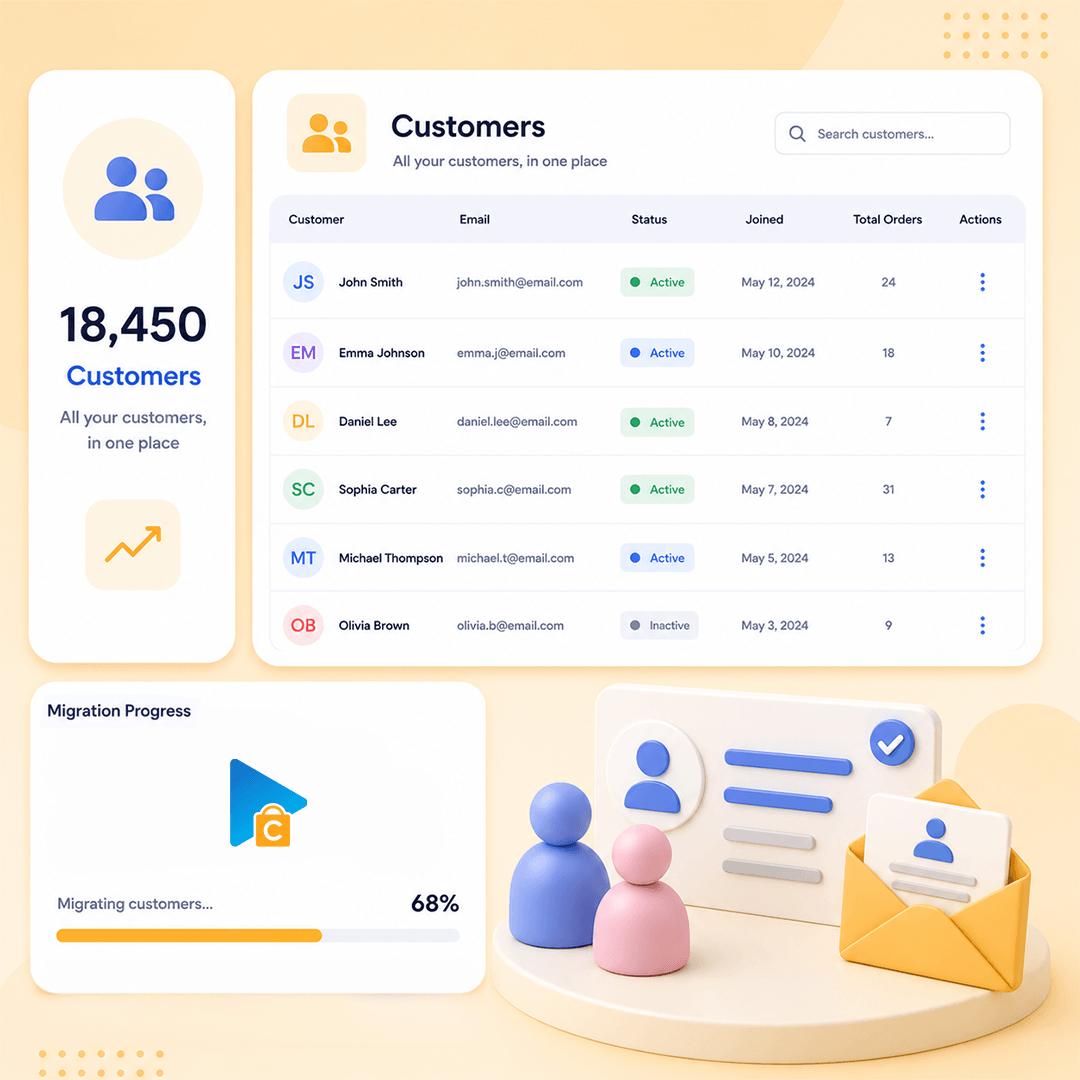
Customers
Customer Information : First Name, Last Name, Email, Phone, Status, Date Created, Password, Hash Type
Customer Order History: Order ID List
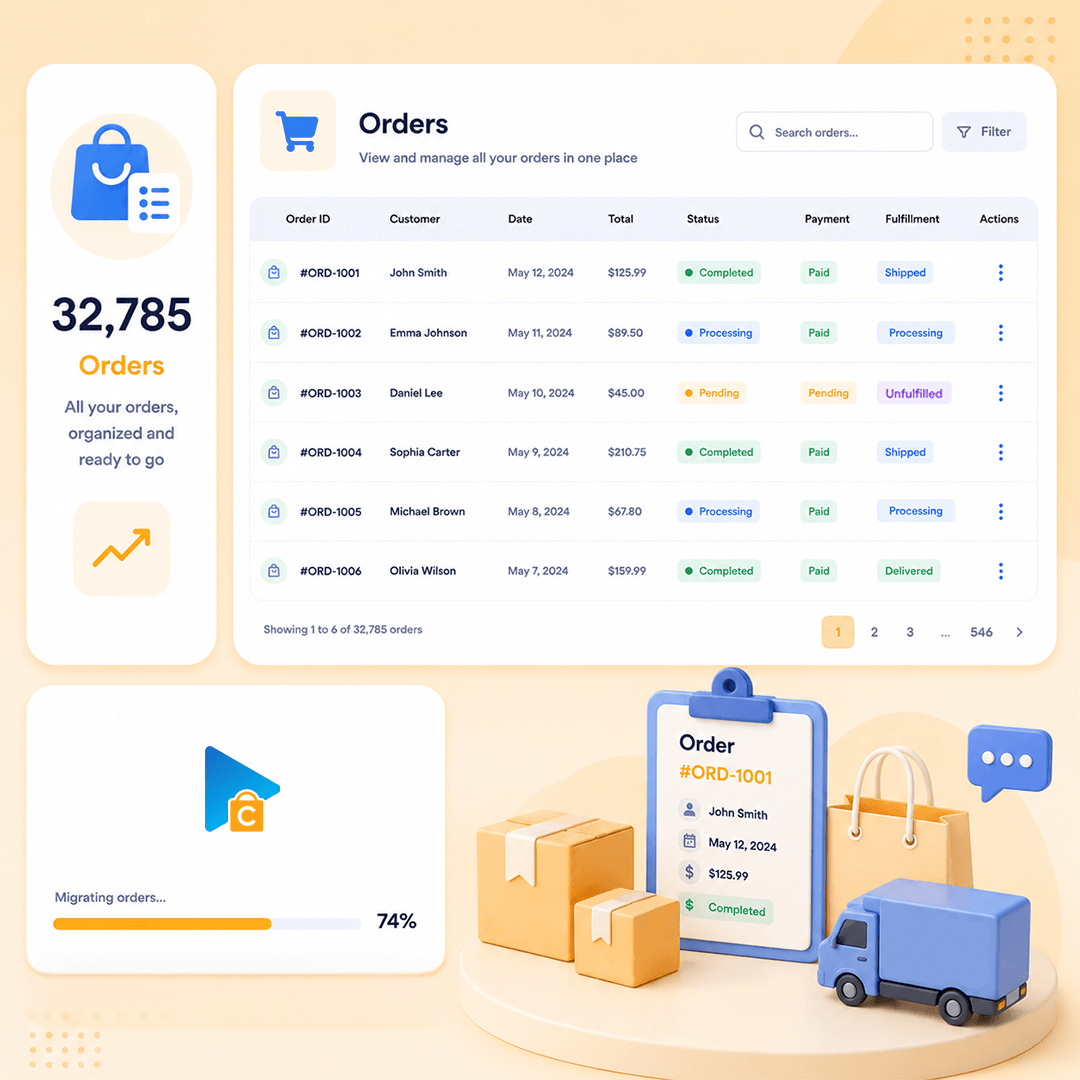
Orders
Order Information: ID, Number, Status, Currency, Subtotal, Discount, Shipping, Tax, Total, Payment Method, Shipping Method, Note, Created Date, Updated Date
Product Details: Product Name, SKU, Quantity, Unit Price, Line Total, Tax, Discount, Options
Customer Details: First Name, Last Name, Company, Street, City, Province, Country, Postcode, Phone
Order Relationships: Linked Customer, Linked Products
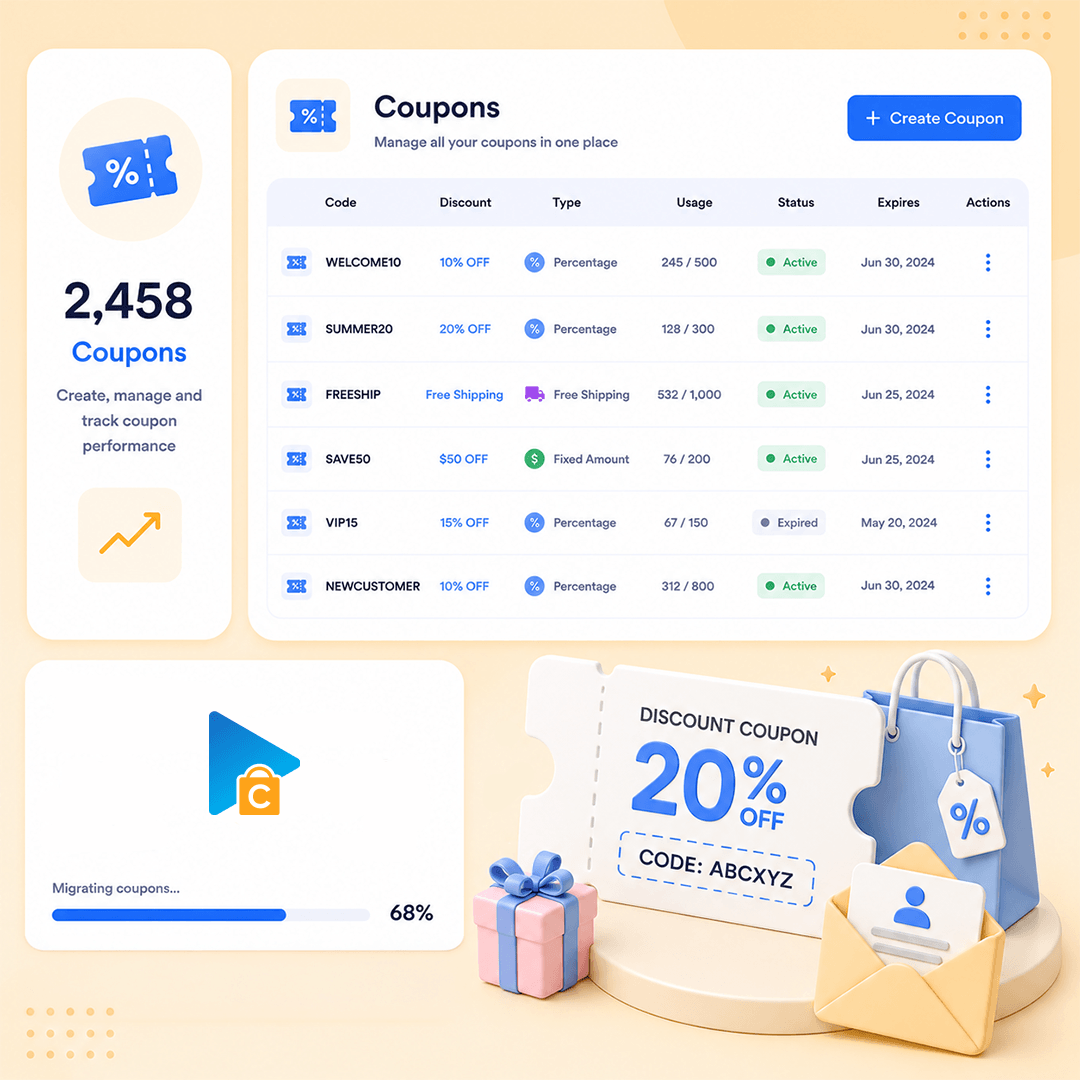
Coupons
Coupon Information: Code, Description, Discount Type, Discount Value, Status, Start Date, End Date
Usage Restrictions: Minimum Spend, Maximum Spend, Individual Use, Exclude Sale, Excluded Products, Excluded Categories, Products, Categories, Usage Limit, Usage Per Customer
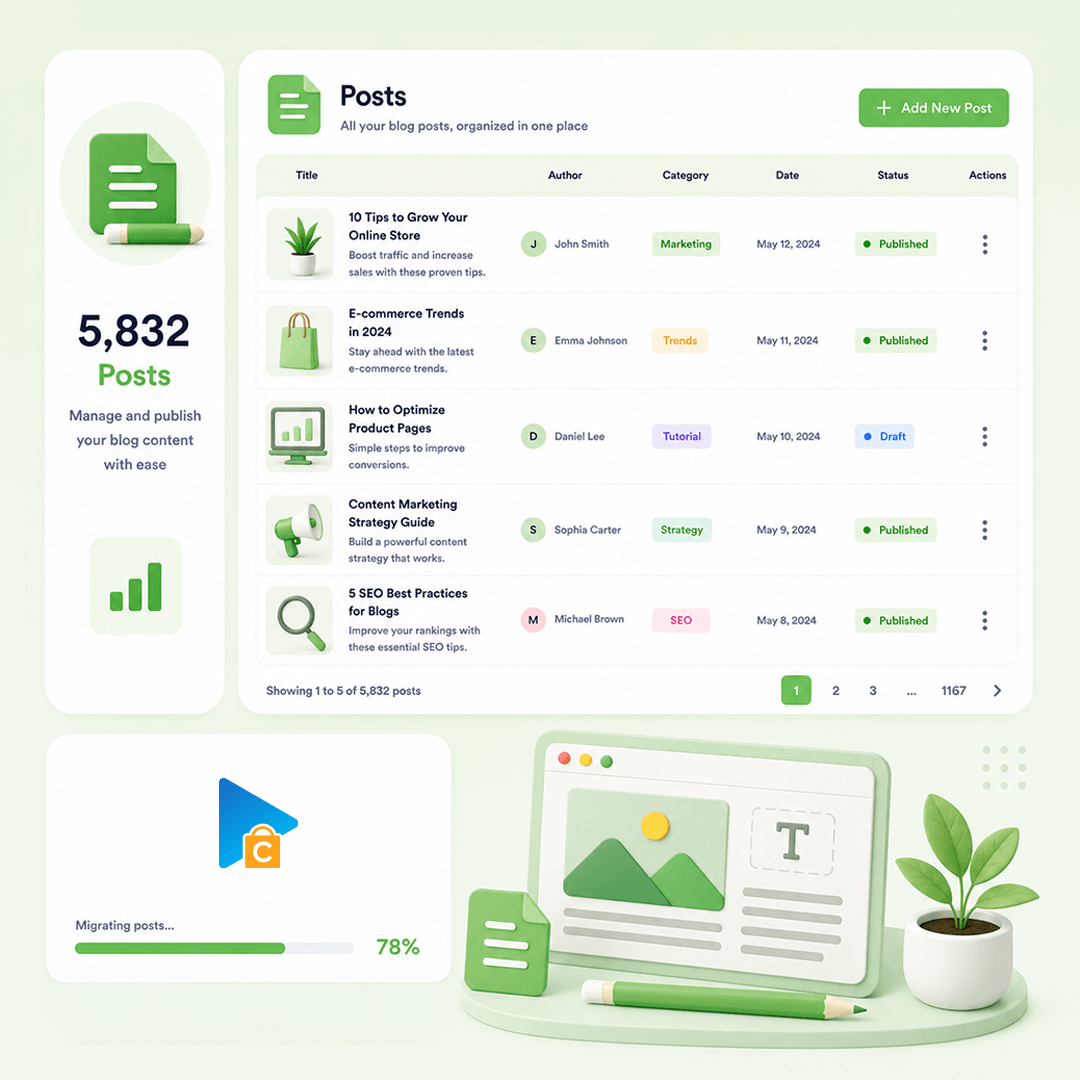
Blog Posts
Post Information: Title, Content, URL Path, Status
Post Images: Featured Image, Gallery Images, Images In Content, Alt Text, Title
Post Categories : Category, Parent, Position
Post SEO / Structure Data: Meta Title, Meta Description, Redirect, Plugin Structured Data
Post Comments: Name, Email, Comment, Date, Status
CMS Page
Page Information: ID, Title, Content, URL Path, Status, Parent Page ID, Created Date, Updated Date
Page Images: Featured Image, Images In Content
Page SEO / Structure Data: Meta Title, Meta Description

How Our Migration Process Works

A clear flow from secure connection to Demo and Full Migration.
Run it yourself or get expert help whenever you need it.
STEP1
Connect Your Stores
Connect Source Store and Target Store
STEP2
Configure Your Migration
Choose data, options, and migration mappings
STEP3
Run Full Migration
Migrate selected data to Target Store
Pricing

Pricing for Ubercart Migration

Flexible pricing based on the service you choose
  • Use our migration tool
  • Full documentation & support
  • Unlimited re-migration (12 months)
  • Free demo migration
  • We run the migration for you
  • Dedicated migration expert
  • Unlimited re-migration (12 months)
  • Priority email & chat support
  • Tailored migration plan
  • Custom data mapping & scripts
  • Unlimited re-migration (12 months)
  • 24/7 dedicated support
Testimonials

Ubercart Migration Reviews

Read reviews from customers who chose Next-Cart for their Ubercart migration.
Great support and willingness to go the
Great support and willingness to go the extra mile.
Eran Matis
Super easy tool
Super easy tool. Great support
George
Perfect service and support.
Viktor Varga

Start Your Ubercart Migration Today!

Plan your Ubercart migration with a clear process, secure data transfer, and expert support.