
Thu, 29 Oct 2026 - 21:23

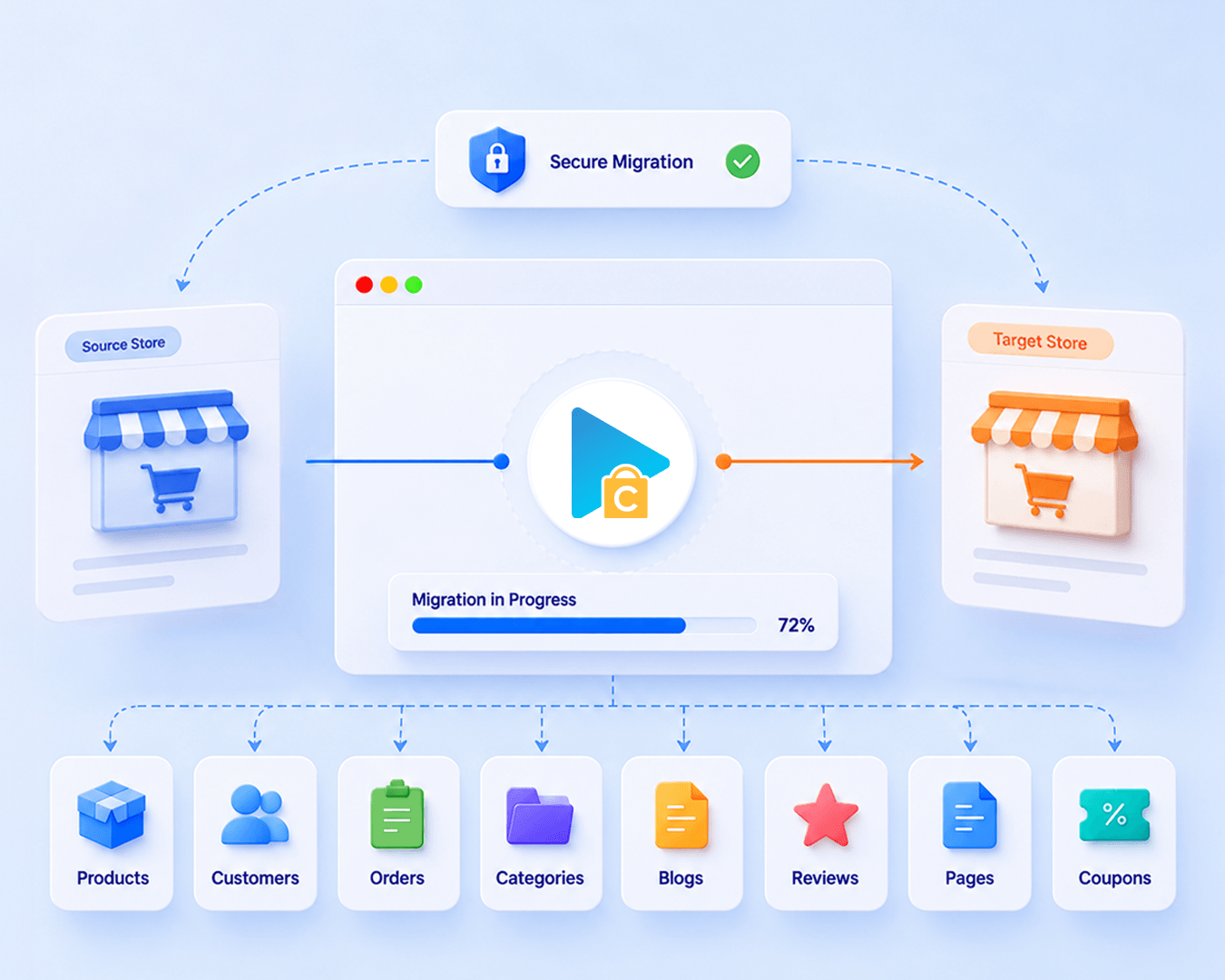








These four data types are used to estimate the price. Other supported data, including categories, coupons, and reviews, is also migrated at no extra charge.
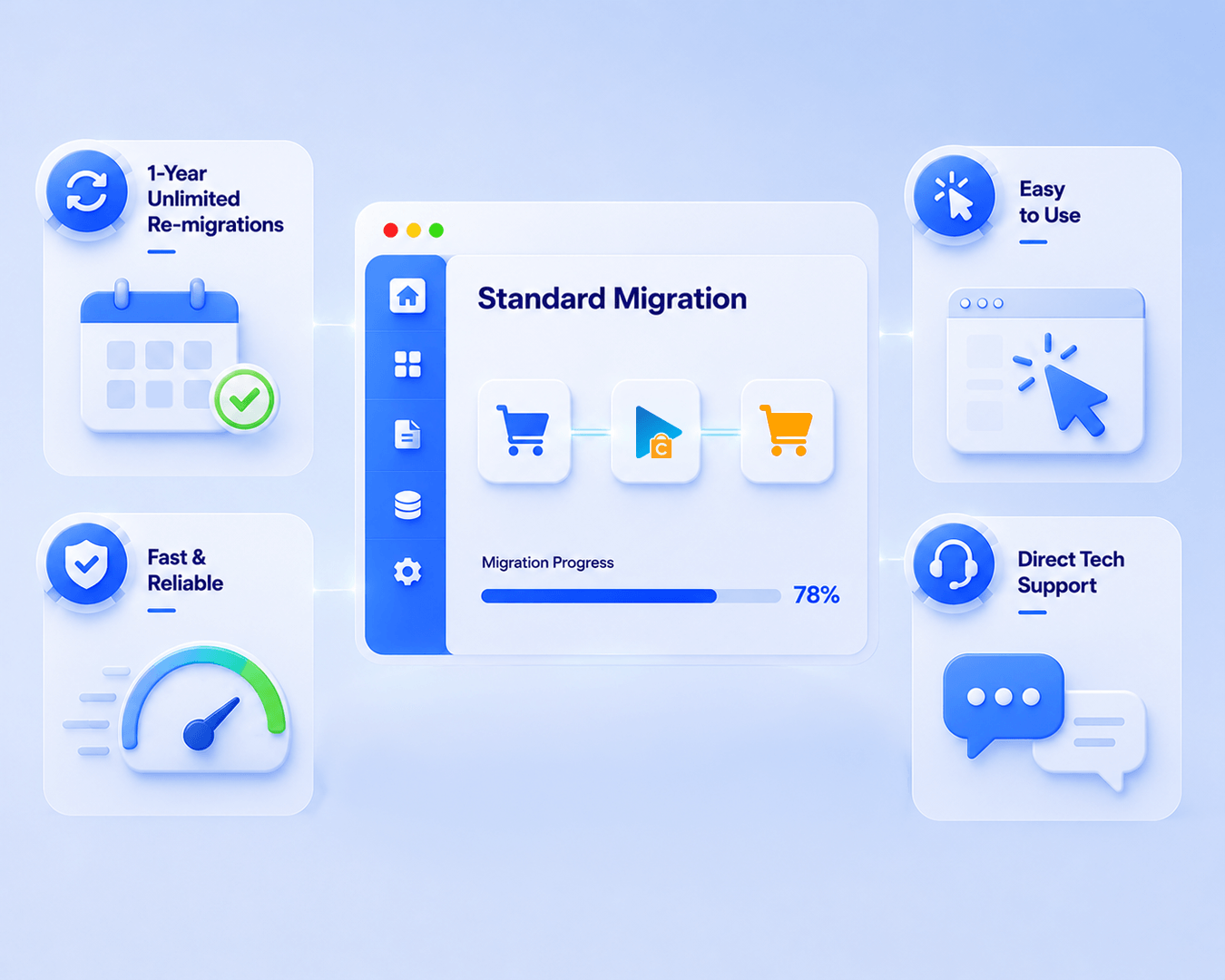
Standard Migration is best for merchants who want to run a supported migration themselves, keep control over the schedule and configuration, and follow step-by-step documentation. It works best when the Source Platform → Target Platform path and required standard data are supported. If you would rather have Next-Cart experts carry out the migration steps, Managed Migration may be a better fit.
You connect the stores, configure the migration, start Demo Migration or Full Migration, and validate the results on the new store. You can also run Re-migration or Recent Data Migration when needed. Next-Cart support can help with connection setup and issues, configuration questions, migration errors, and problems found in migrated data. Support continues until the new store goes live, within the lifetime of the migration.
Usually, no. You need access to both stores, the information required by the supported connection method, and the ability to follow the setup and validation guides. You should still be comfortable checking mappings and reviewing migrated data. Requirements involving custom code, unsupported data, or special business logic may need Custom Migration.
Standard Migration moves the standard data supported for your exact Source Platform → Target Platform pair, as listed on its Product Detail Page. Supported Add-ons can cover basic needs such as filtering records, transforming field values, or remapping source fields to other target fields or custom fields. Data outside the supported scope—such as complex custom fields, third-party app or plugin data, custom tables, unsupported entities, or bespoke logic—may require Custom Migration.
Yes. Upgrade to Managed Migration if you want our team to run the migration for you, or to Custom Migration if you need tailored data handling. You can move directly from Standard Migration to Custom Migration without purchasing Managed Migration first.
You can upgrade your existing migration while your license is valid. Previous payments are credited toward the updated price, so you only pay the difference. Custom requirements are reviewed and quoted before you purchase the upgrade. The upgrade does not extend your license.
Yes. Demo Migration is an optional free preview; it is not required before Full Migration. After a migration has run, Additional Migration Options let you continue with the last configuration, continue with a new configuration, or perform a new migration. Under the same service license, previously counted records do not use Entity Points again; only new Products, Customers, Orders, and Blog Posts consume Entity Points when migrated successfully for the first time. Always validate the result after each run.

 WooCommerce
 Shopify


































































































Not sure which platform your store uses? Send us your store URL or tell us what you need to migrate.
Our team will help identify your platform and recommend a solution, including a custom-built migration tool if needed.
Talk to an Expert

Not sure which platform your store uses? Send us your store URL or tell us what you need to migrate.
Our team will help identify your platform and recommend a solution, including a custom-built migration tool if needed.
Talk to an Expert