
The LemonStand API uses an Authorization header to verify all requests. You must first create a new (or acquire an existing) API access token from your store administration area. After you have acquired your token you can use it to access other resources within the token scope.
Generating Private API Token
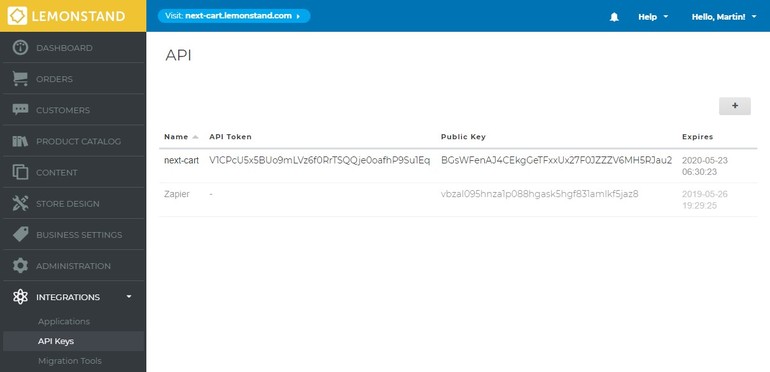
- Log in to the backend of your store.
- Navigate to the API Keys section under the Integrations menu tab.
- Add a new API Key then copy the API Token to corresponding field in Next-Cart Migration Tool.