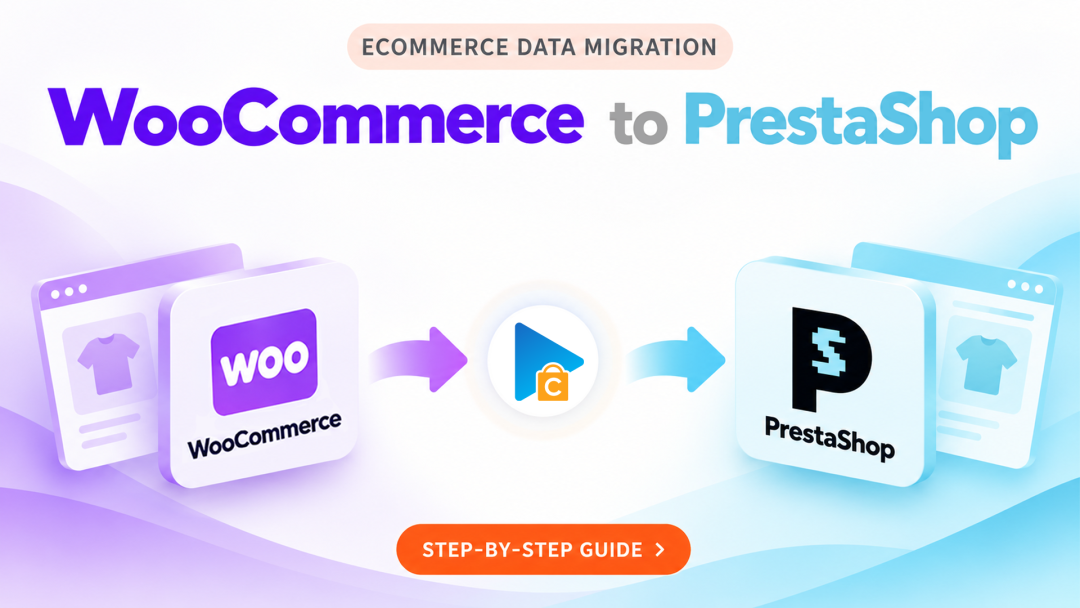
WooCommerce to PrestaShop Migration with Next-Cart
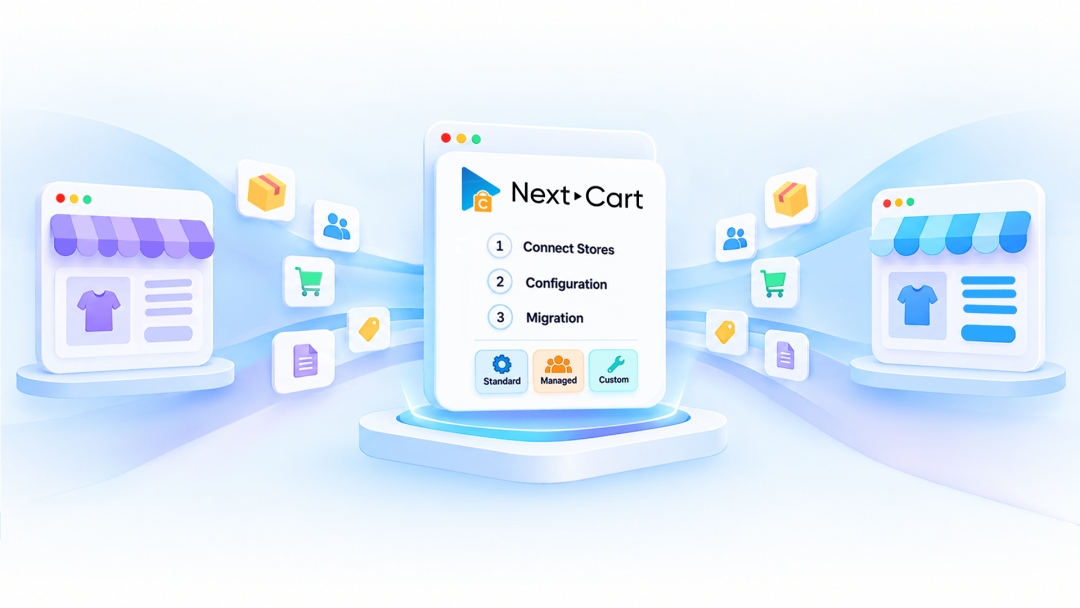
► In this tutorial, we’ll walk you through the WooCommerce to PrestaShop migration process in 3 simple steps using the Next-Cart Migration Tool.
Step 1: Connect Stores
- Select WooCommerce as your source store.
- Select PrestaShop as your target store.
- Enter the required information to connect both stores.
Step 2: Configuration
- Select the data you want to migrate.
- Configure the available migration settings and data mapping.
- Configure available add-ons, such as Data Filter, Data Transformation, and Advanced Data Mapping, if needed.
- Review your configuration before starting the migration.
Step 3: Migration
- Start the migration.
- Monitor the migration progress.
- Review your migrated data in PrestaShop after completion.
We recommend running a Demo Migration before purchasing a full migration package so you can preview the results and review your configuration.
Learn more about our WooCommerce to PrestaShop migration solution before getting started.