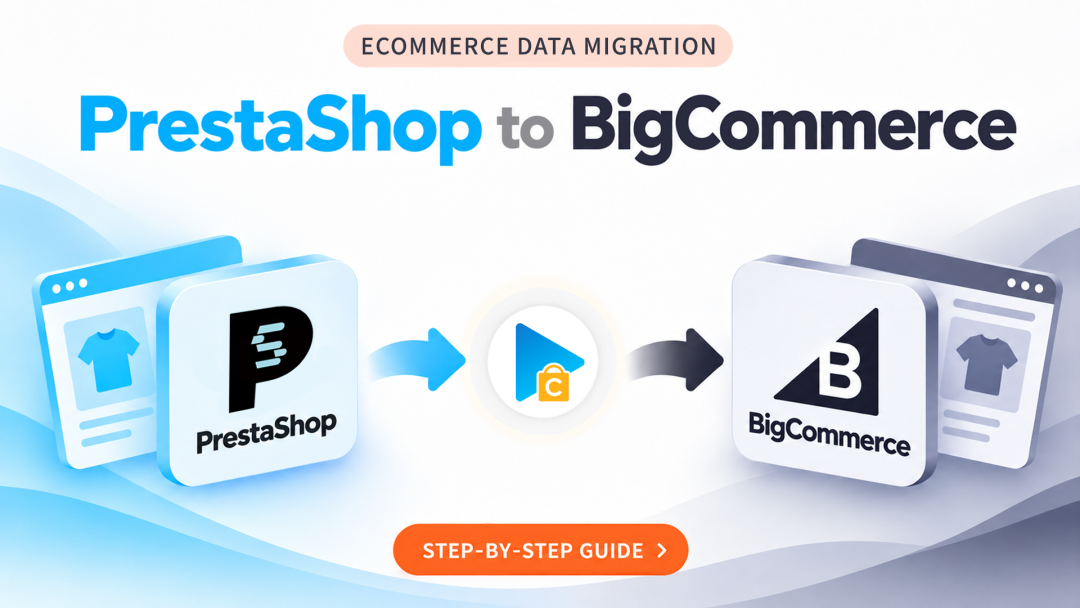
PrestaShop to BigCommerce Migration with Next-Cart
As your online business expands, the way you manage your store becomes just as important as the products you sell. If you're considering moving from PrestaShop to BigCommerce, you may be looking for a different approach to store management, infrastructure, and business operations.
However, switching platforms doesn't mean you should have to rebuild your product catalog, customer records, and order history from the ground up. Next-Cart helps you transfer selected store data from PrestaShop to BigCommerce, giving you a practical way to carry your existing business information into your new platform.
In this guide, we'll walk you through the PrestaShop to BigCommerce migration process, highlight important platform differences, and show you how to complete the transfer in 3 steps.
What to Consider When Moving from PrestaShop to BigCommerce?
PrestaShop and BigCommerce offer different approaches to running an online store. PrestaShop gives merchants greater control over their hosting environment and technical setup, while BigCommerce provides a hosted commerce platform with built-in infrastructure and store management capabilities.
Moving between these environments involves more than transferring records. Here are several areas worth considering before making the switch:
- Product Catalog Structure: Review how product attributes, combinations, variants, and categories are organized in each platform.
- Store Configuration: Your existing PrestaShop settings may not have direct equivalents in BigCommerce, so certain configurations will need to be reviewed separately.
- Customer and Order Information: Consider how historical business records will be represented in your new store.
- Storefront and Functionality: Your existing theme, modules, and custom features will need to be evaluated for compatibility with BigCommerce.
Identifying these differences early helps you plan the transition more effectively and avoid overlooking important parts of your new store setup.
How to Migrate from PrestaShop to BigCommerce in 3 Steps
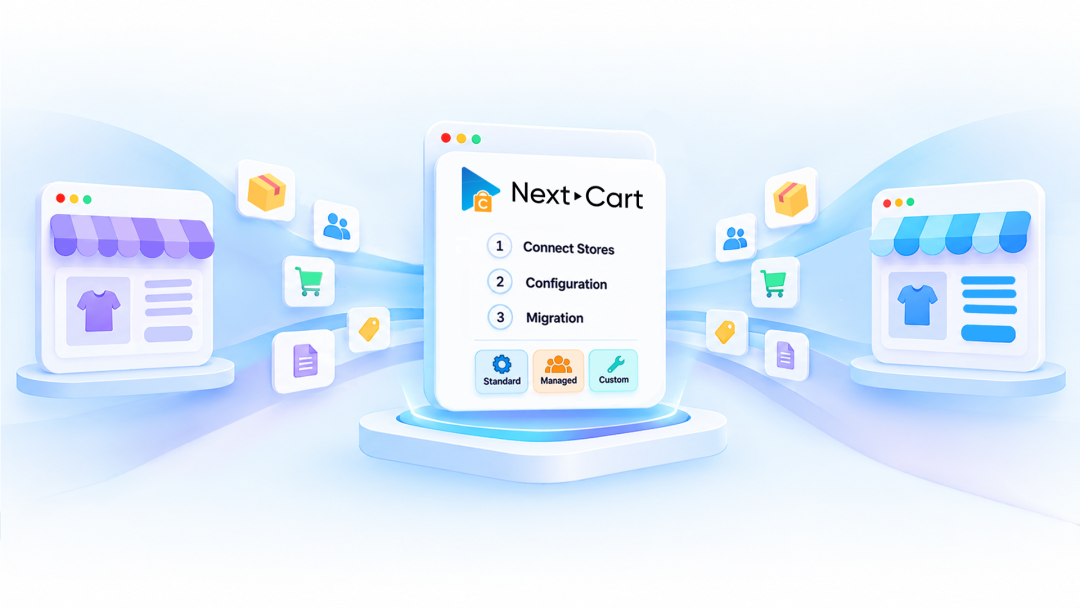
Once you've prepared your destination store, you can begin transferring your existing data. Next-Cart organizes the process into three stages, allowing you to configure and manage your migration step by step.
Step 1: Connect Stores
- Select PrestaShop as your source store.
- Select BigCommerce as your target store.
- Provide the required connection information to establish access to both platforms.
Step 2: Configuration
- Select the data entities you want to transfer.
- Review the available migration settings and data mapping.
- Configure additional options if your store requires specific data handling.
- Check your selections and configuration before starting the transfer.
Step 3: Migration
- Start the migration process.
- Follow the progress as your selected data is transferred to BigCommerce.
- Inspect the migrated information in your new store.
- Submit a helpdesk ticket if you encounter technical issues or need assistance.
Which Store Data Can You Transfer to BigCommerce?
Your existing PrestaShop store contains more than just product listings. It also holds customer relationships, transaction history, and other information that supports your day-to-day business operations.
Depending on the supported entities and your migration configuration, Next-Cart can help transfer various types of store data, including:
- Products and Product Variants: Product details, attributes, combinations, and associated information.
- Categories: Product classification and category hierarchy.
- Product Images: Images associated with your product catalog.
- Customers: Existing customer records and supported account information.
- Orders: Historical transactions and associated order details.
- Additional Data: Taxes, manufacturers, coupons, reviews, blog posts, and CMS pages where supported.
Since the two platforms may handle certain data types differently, reviewing the available entities and mapping settings is important before proceeding with the full migration.
Adapt Your Data to BigCommerce with Advanced Customization
One of the key challenges in platform migration is making sure existing information fits the structure of the destination store. A field, attribute, or data relationship in PrestaShop may not work in exactly the same way in BigCommerce.
For migration projects that require more than standard configurations, Next-Cart offers additional customization capabilities:
- Data Filter: Control the migration scope by selecting records that meet specific conditions.
- Data Transformation: Modify existing values or formats to better suit BigCommerce requirements.
- Advanced Data Mapping: Define custom field relationships between PrestaShop and BigCommerce.
These capabilities are particularly useful when your existing catalog contains customized attributes, non-standard data formats, or relationships that need additional configuration.
Review Your Migration Before Going Live
Before making your BigCommerce store available to customers, take a closer look at the transferred data and test the essential shopping experience.
Here are some areas to include in your final review:
- Compare product details, prices, images, and variants against your original catalog.
- Check category assignments and product navigation.
- Verify customer records and historical order information.
- Test product pages, cart functionality, and the checkout process.
- Check important URLs and redirects to ensure visitors can reach the correct pages.
If you haven't started the full migration yet, we recommend running a Demo Migration first. It allows you to preview sample results in BigCommerce, identify potential adjustments, and evaluate your configuration before purchasing a full migration package.
Take Your PrestaShop Store to BigCommerce
Moving from PrestaShop to BigCommerce is an opportunity to rethink how your online store is managed and prepare your business for its next stage. By planning the transition carefully, you can bring your existing store information into a new commerce environment without recreating everything manually.
With Next-Cart, you can transfer your selected data, review the migration results, and move forward with a BigCommerce store configured around your business needs.
Ready to make the transition?