














Next-Cart
QuickBooks Migration

Import Your Store Data from QuickBooks

Moving from QuickBooks? Preserve available products, inventory, orders, and legacy commerce data as you transition to a new platform.

Start Free Demo
QuickBooks
Key Features

Why Businesses Trust Next-Cart for QuickBooks Migration

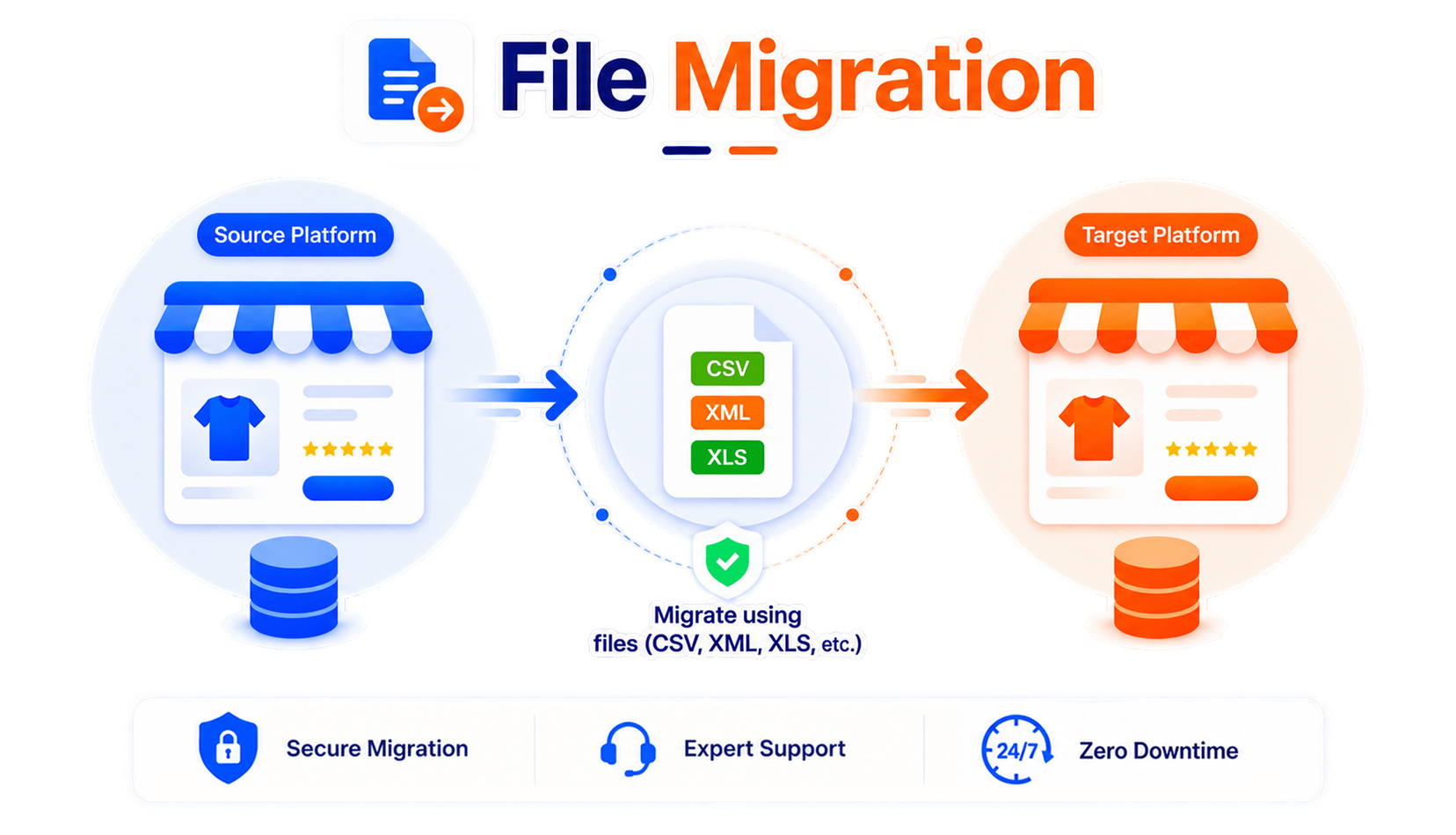
Get a fully guided, expert-handled migration from start to finish. We ensure a smooth, secure, and zero-downtime transition every time.
banner
No downtime, no data loss

No downtime, no data loss

Keep selling while Next-Cart copies your data safely in the background.

Support for 80+ eCommerce platforms

Support for 80+ eCommerce platforms

Migrate from 80+ supported eCommerce platforms, giving you more flexibility to choose the right path.

1-year license with unlimited re-migration

1-year license with unlimited re-migration

Re-run migrations when needed during 12 months, giving you more time to review and refine your store.

Dedicated support team

Dedicated support team

Get dedicated expert support when questions or migration issues come up, so you can keep moving forward with confidence.

banner
Migration

Choose The Platform You Want to Migrate To

Move your existing store data from QuickBooks to another platform.
Move your existing store data into QuickBooks from any platform.
Supported Data Types

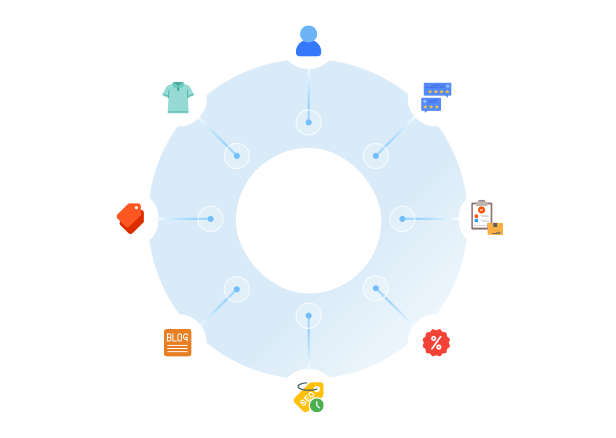
What Data Can You Migrate With Our QuickBooks Migration Tool

A clear, step-by-step workflow where our technicians handle everything. You only review the final result, we take care of the rest.
Compatibility Overview
QuickBooksQuickBooks
Version Rangetooltip
Simple Start, Essentials, Plus, Advanced
Main Editionstooltip
QuickBooks Admin Site
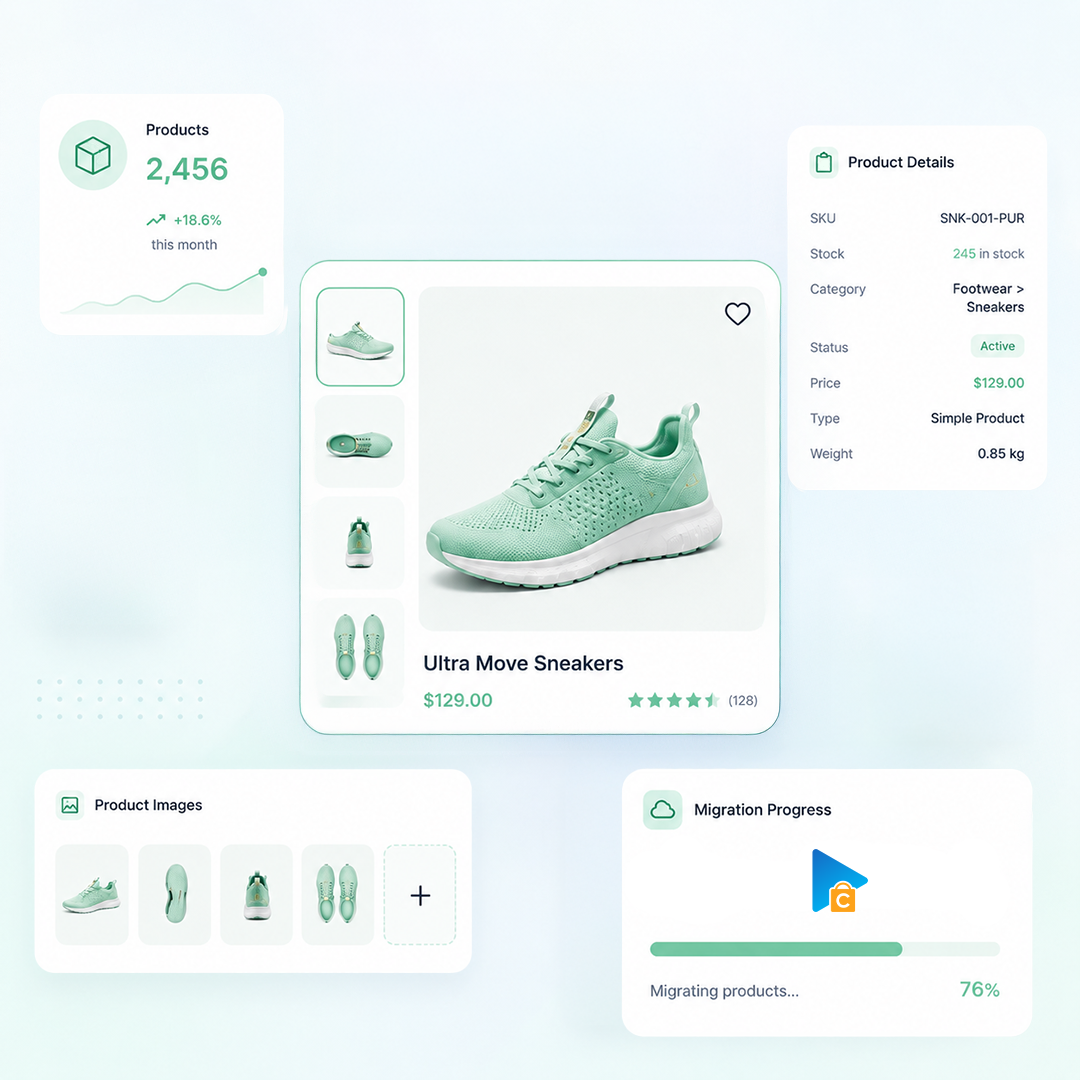
Products
Product Types: Simple Product, Variable Product, Virtual Product
Product Information: Name, SKU, Short Description, Description, Weight, Dimensions, URL Path
Product Pricing : Regular Price, Sale Price
Product Images: Main image, Gallery Images, Images in Description
Product Inventory : Manage Inventory, Stock Quantity, Stock Status
External Links / Relationships : Categories
Product Attributes & Custom Fields : Name, Values, Attribute Types
Product SEO / Structured Data: Meta Title, Meta Description, URL Path
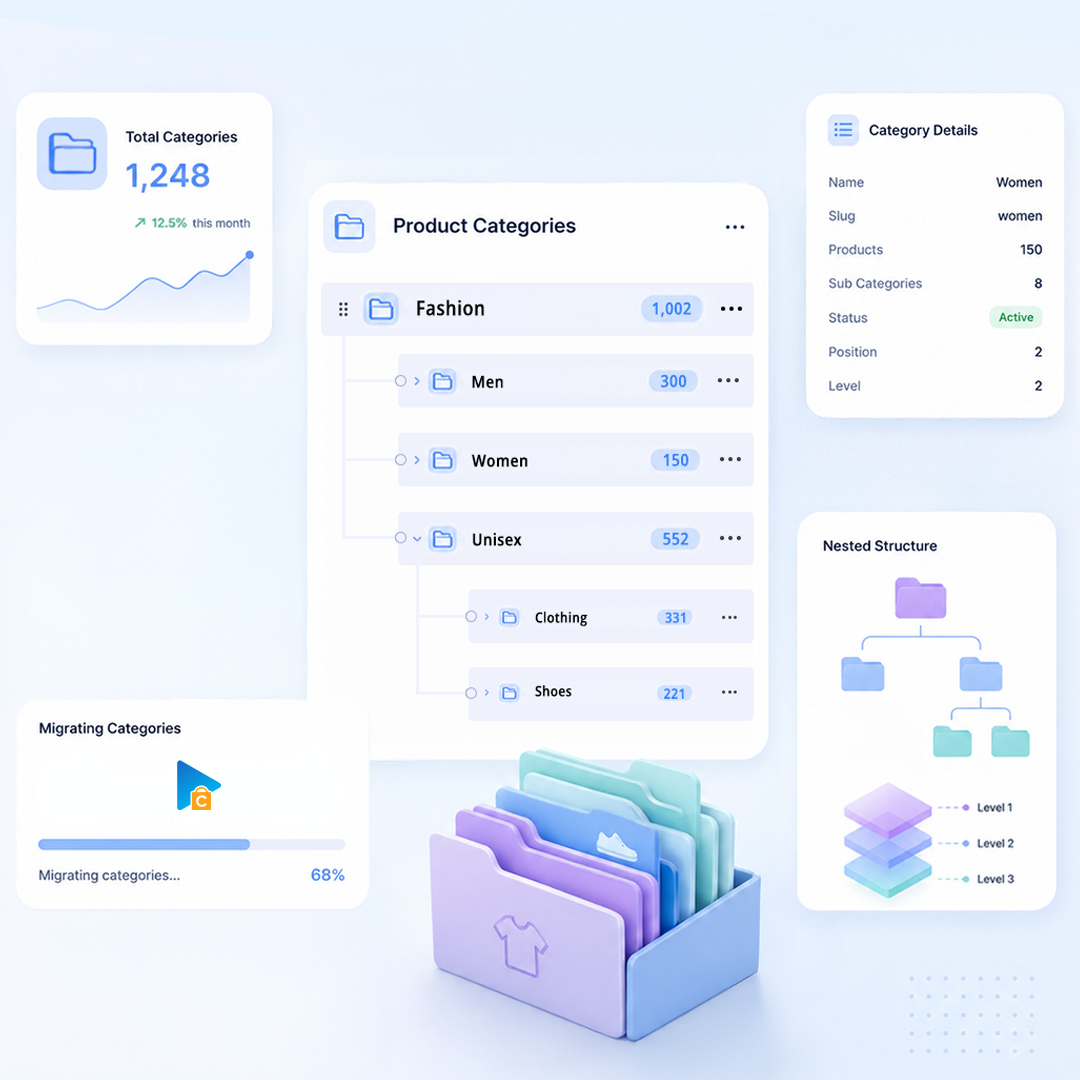
Product Categories
Category Information: Name
Category Images: Main Image
Customers
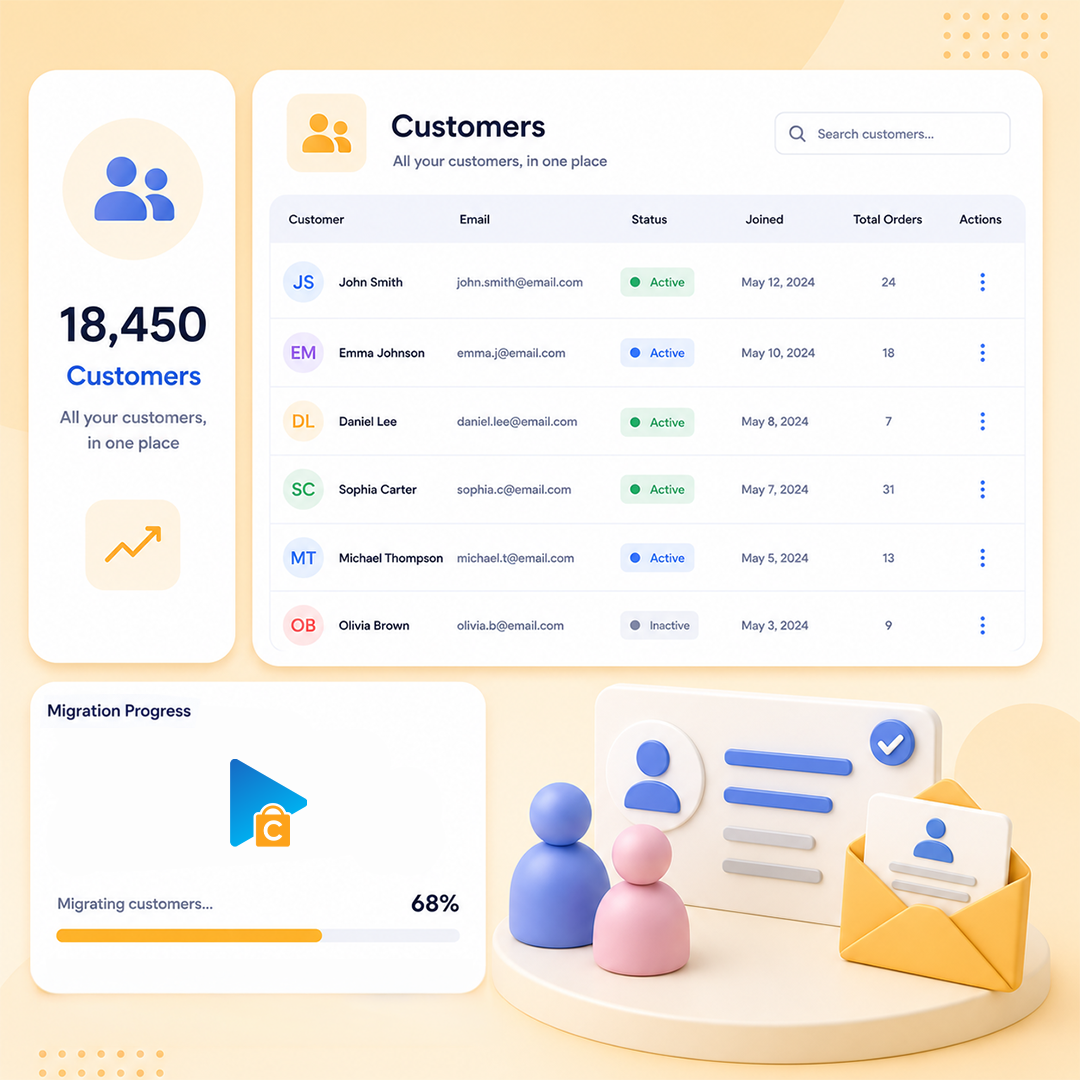
Customer Information : First Name, Last Name, Email, Phone, Date Created
How Our Migration

How Our Migration Process Works

A clear flow from secure connection to Demo and Full Migration.
Run it yourself or get expert help whenever you need it.
STEP1
Set up the connection
Connect Source Platform and Target Platform
STEP2
Configure Migration
Choose data, options, and migration mappings.
STEP3
Launch Full Migration
Move selected data to Target Platform.
Pricing

Pricing for QuickBooks Migrations

Flexible pricing based on the service you choose
  • Use our migration tool
  • Full documentation & support
  • Unlimited re-migration (12 months)
  • Free demo migration
  • We run the migration for you
  • Dedicated migration expert
  • Unlimited re-migration (12 months)
  • Priority email & chat support
  • Tailored migration plan
  • Custom data mapping & scripts
  • Unlimited re-migration (12 months)
  • 24/7 dedicated support
icon
icon

Start your QuickBooks Migration today!

Plan your QuickBooks migration with a clear process, secure data transfer, and expert support.

Banner