
Start Your Joomla! to Shift4Shop Migration Today!
Move your store from Joomla! to Shift4Shop with a secure, guided migration tailored to your business.





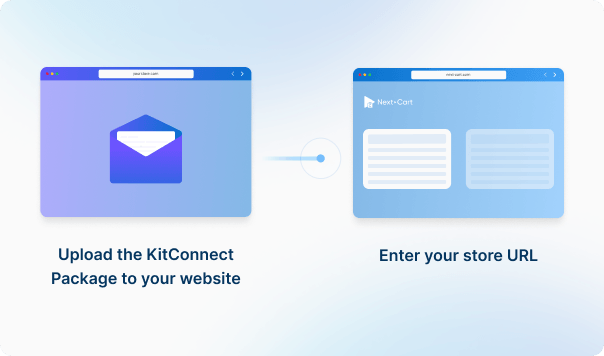




Enter your Joomla! store URL, then download the KitConnect package, unzip it, and upload it to your Joomla! website.
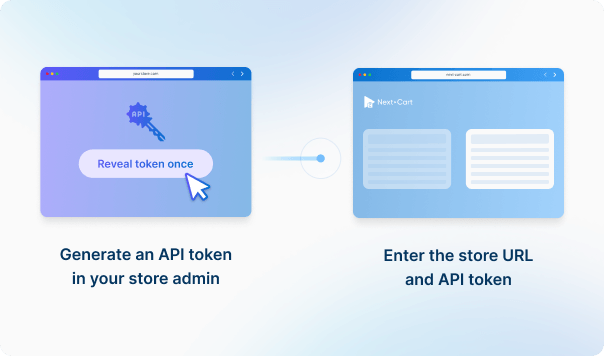
Enter your Shift4Shop store URL to establish the connection.



 Joomla!Shift4Shop
 Joomla!Shift4Shop

If you are going to migrate orders to Shift4Shop, please go to Settings > Store Settings > Checkout and uncheck all settings inside the Order Notification section. It ensures no emails will be sent to your customers during the migration. Don't forget to turn on the notifications settings when the site goes live.


Move your store from Joomla! to Shift4Shop with a secure, guided migration tailored to your business.

































































































Not sure which platform your store uses? Send us your store URL or tell us what you need to migrate.
Our team will help identify your platform and recommend a solution, including a custom-built migration tool if needed.
Talk to an Expert

Not sure which platform your store uses? Send us your store URL or tell us what you need to migrate.
Our team will help identify your platform and recommend a solution, including a custom-built migration tool if needed.
Talk to an Expert