
Fri, 27 Nov 2026 - 17:33

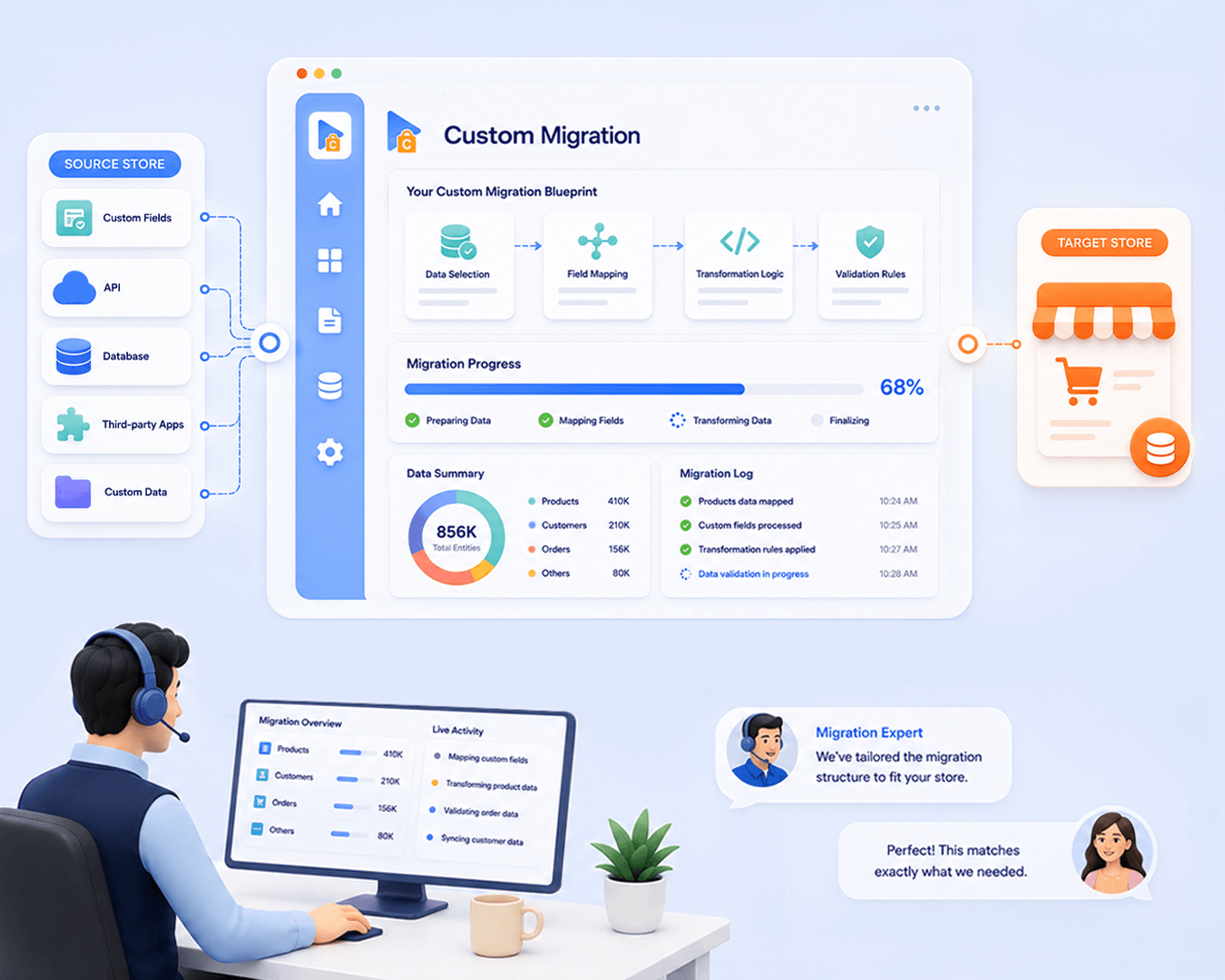








These four data types are used to estimate the price. Other supported data, including categories, coupons, and reviews, is also migrated at no extra charge.
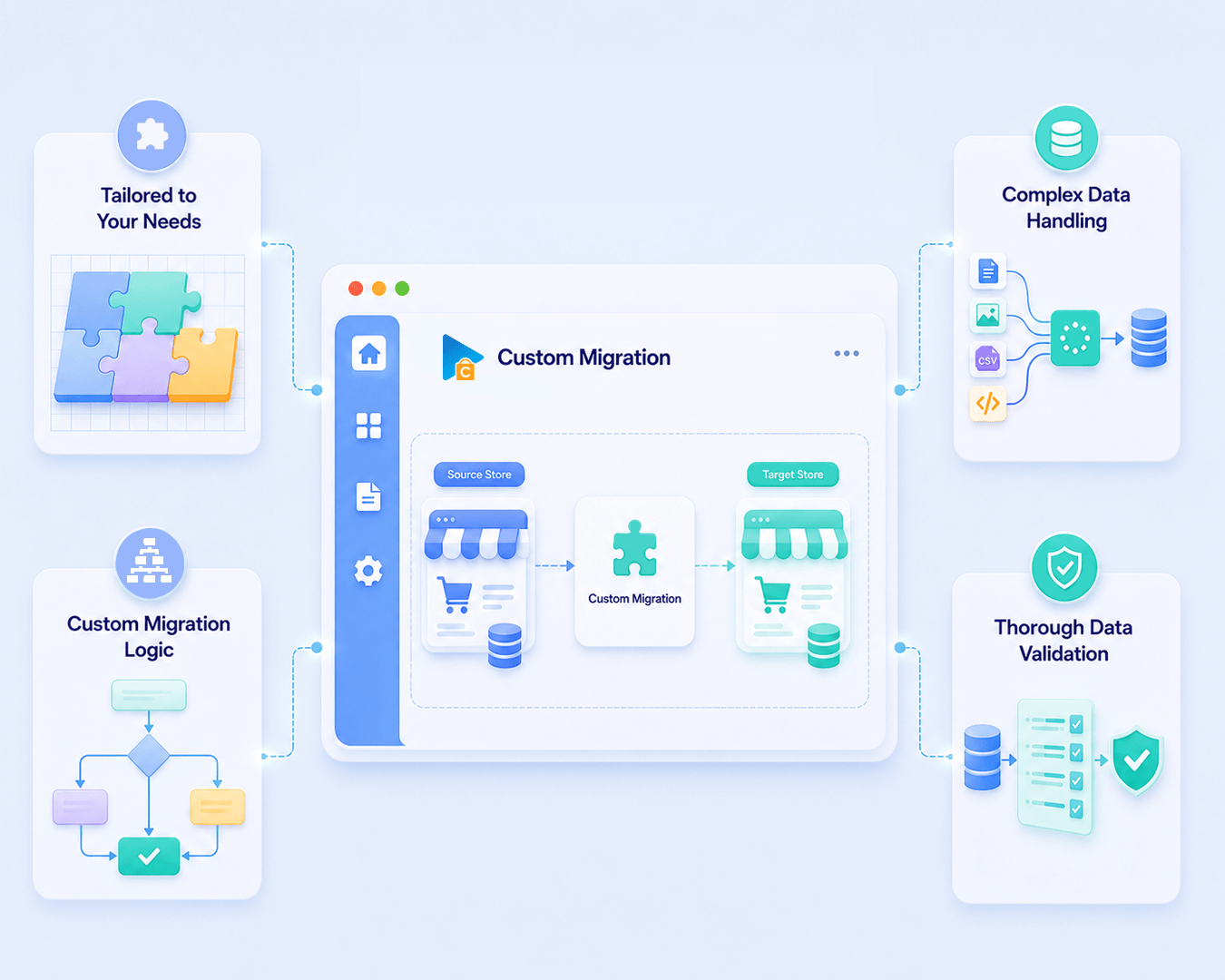
Choose Custom Migration when you need data changes or migration logic beyond our standard tools and options. At Checkout, you can select and pay for predefined Custom Jobs, or describe your requirements to receive a quote before paying. Store size alone does not determine whether you need Custom Migration.
After payment, our team uses your store details and requirements to prepare and test the customizations. We may ask for sample data or additional details about your apps, fields, or data rules. Once the customizations are ready, you can run the migration yourself or have our team run it with Expert Handle.
Yes, when the data is accessible and a workable Target Platform representation can be agreed. Next-Cart first identifies which system owns the data, which migrated records it belongs to, where it should land, and which business process still depends on it. Custom Migration can preserve the agreed migration-side data and relationships, but installing or operating the app or integration itself is separate unless explicitly included.
No. Custom Migration covers the customizations your migration needs. After we prepare and test them, you can run the migration yourself or choose Expert Handle for our team to run it. Theme changes, app installation, integrations, payment, shipping, tax and email setup, and rebuilding business workflows are separate unless expressly agreed.
The price starts with the Standard Migration rate for your Entity Points Plan, then adds the cost of your custom work, any add-ons, and optional Expert Handle. At Checkout, you can choose predefined Custom Jobs at their listed prices or describe your requirements to receive a quote before paying.
When you upgrade an existing migration, the amount already paid is credited and you pay only the difference. The upgrade stays within the same migration and does not extend its one-year validity.
Yes. While your license is valid, you can add predefined Custom Jobs to your existing migration or describe the additional work you need to receive a quote before paying. You pay for the additions without buying the original service again. Adding custom work does not extend your license.

Have Unique Requirements?
 WooCommerce
 Shopify






























































































Not sure which platform your store uses? Send us your store URL or tell us what you need to migrate.
Our team will help identify your platform and recommend a solution, including a custom-built migration tool if needed.
Talk to an Expert

Not sure which platform your store uses? Send us your store URL or tell us what you need to migrate.
Our team will help identify your platform and recommend a solution, including a custom-built migration tool if needed.
Talk to an Expert
