
Start Your Jumpseller to Bagisto Migration Today!
Move your store from Jumpseller to Bagisto with a secure, guided migration tailored to your business.





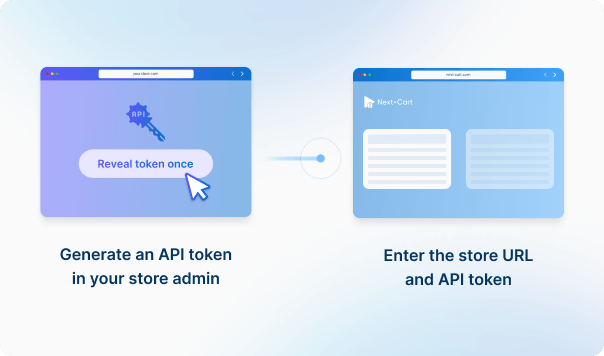




Enter your Jumpseller store URL and API credentials to establish the connection.
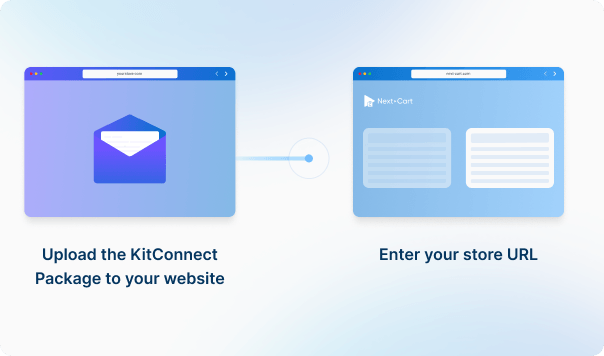
Enter your Bagisto store URL, then download the KitConnect package, unzip it, and upload it to your Bagisto website.



 JumpsellerBagisto
 JumpsellerBagisto



Move your store from Jumpseller to Bagisto with a secure, guided migration tailored to your business.

































































































Not sure which platform your store uses? Send us your store URL or tell us what you need to migrate.
Our team will help identify your platform and recommend a solution, including a custom-built migration tool if needed.
Talk to an Expert

Not sure which platform your store uses? Send us your store URL or tell us what you need to migrate.
Our team will help identify your platform and recommend a solution, including a custom-built migration tool if needed.
Talk to an Expert