

Start Your WooCommerce to Shift4Shop Migration Today!
Move your store from WooCommerce to Shift4Shop with a secure, guided migration tailored to your business.


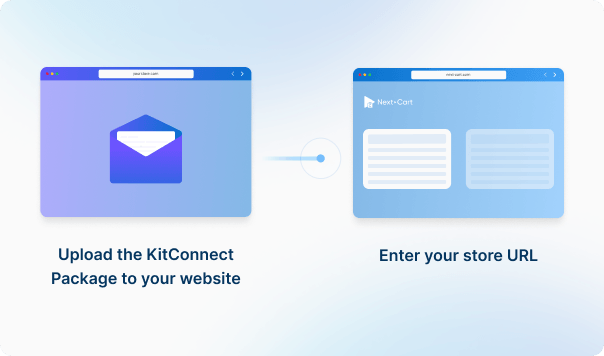
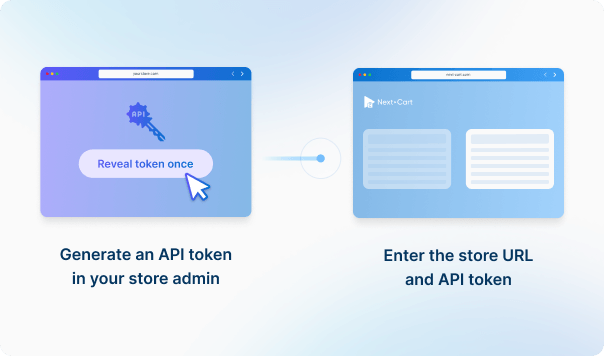




Upload the KitConnect package to your WooCommerce website, then enter your store URL to establish the connection. This allows the system to securely access your store data for migration.
Enter your Shift4Shop store URL to establish the connection.




 WooCommerce
 Shift4Shop
 WooCommerceShift4Shop

These four data types are used to estimate the price. Other supported data, including categories, coupons, and reviews, is also migrated at no extra charge.
You can increase your plan’s data limit, upgrade your service, or add custom work while your license is valid.
You only pay the price difference, and your license expiry date stays the same. Custom work is reviewed and quoted separately.
Learn about upgrades (Opens in a new tab)If you are going to migrate orders to Shift4Shop, please go to Settings > Store Settings > Checkout and uncheck all settings inside the Order Notification section. It ensures no emails will be sent to your customers during the migration. Don't forget to turn on the notifications settings when the site goes live.
The short answer is Yes. Within 1 year from the date of purchase, you can re-migrate data whenever you want with our dedicated support.
Moreover, our migration also has an option that allows you to migrate only new data (products, categories, customers, orders, etc.) that have not been migrated in the previous migration. It's called Recent Data Migration and you can do it as many times as you want as well.
Featured images, gallery images, and images within the descriptions of products, categories, blog posts, and pages will be downloaded and saved to your Target Store.
Yes. Our Custom Migration will help you migrate data to any third-party modules/extensions on the new website. You can also add custom work to your purchased migration by upgrading it.
The link between customers and orders will be preserved on your Target store if they all are transferred through our migration tool. Consequently, your customers will see all past orders in their account dashboard on your new website.


Move your store from WooCommerce to Shift4Shop with a secure, guided migration tailored to your business.


































































































