Start your Zen Cart to eShop Migration today!
Move your store from Zen Cart to eShop with a secure, guided migration tailored to your business.
We use optional technologies only with your permission. You can accept, reject, or choose each purpose.
Use the controls below to manage optional technologies. Necessary technologies are always on to keep the site secure and working.
You can change or withdraw your choices at any time from Cookie Settings in the footer.






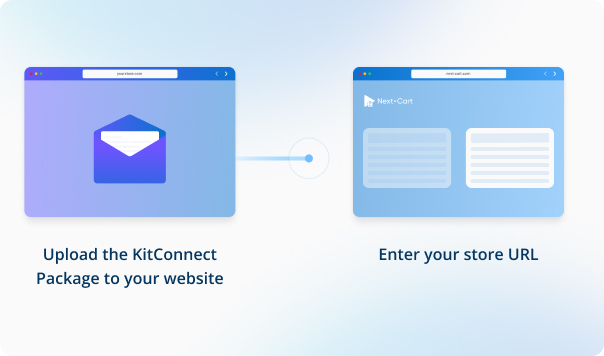
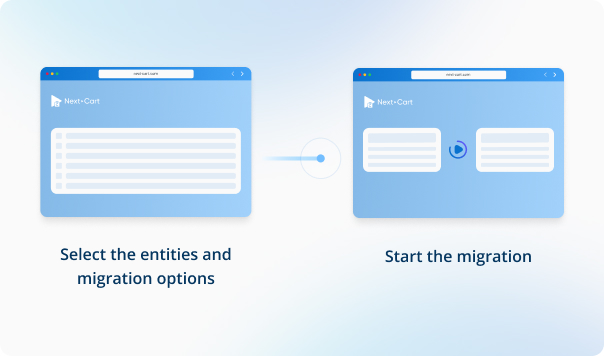


Enter your eShop store URL, then download the KitConnect package, unzip it, and upload it to your eShop website.



 Zen CarteShop
 Zen CarteShop

In Zen Cart, product images typically follow a specific naming convention when there are multiple images for a single product. The images are named in the format: [name]_[position].[extension]. For example, if a product has three images and the main image is named "shirt.jpg", the images would be named as follows:
Our migration tool is designed to detect and migrate images according to this naming rule. However, some Zen Cart websites are customized to allow flexible naming for product images, which may not follow this convention. In such cases, only the main image will be transferred during the migration, as additional images may not be detected by our standard migration tool.
If your Zen Cart store has been customized to allow arbitrary image naming, and you're experiencing this issue, we can customize the migration tool to accommodate your specific setup. Please let us know, and we'll adjust the tool accordingly.


Move your store from Zen Cart to eShop with a secure, guided migration tailored to your business.