
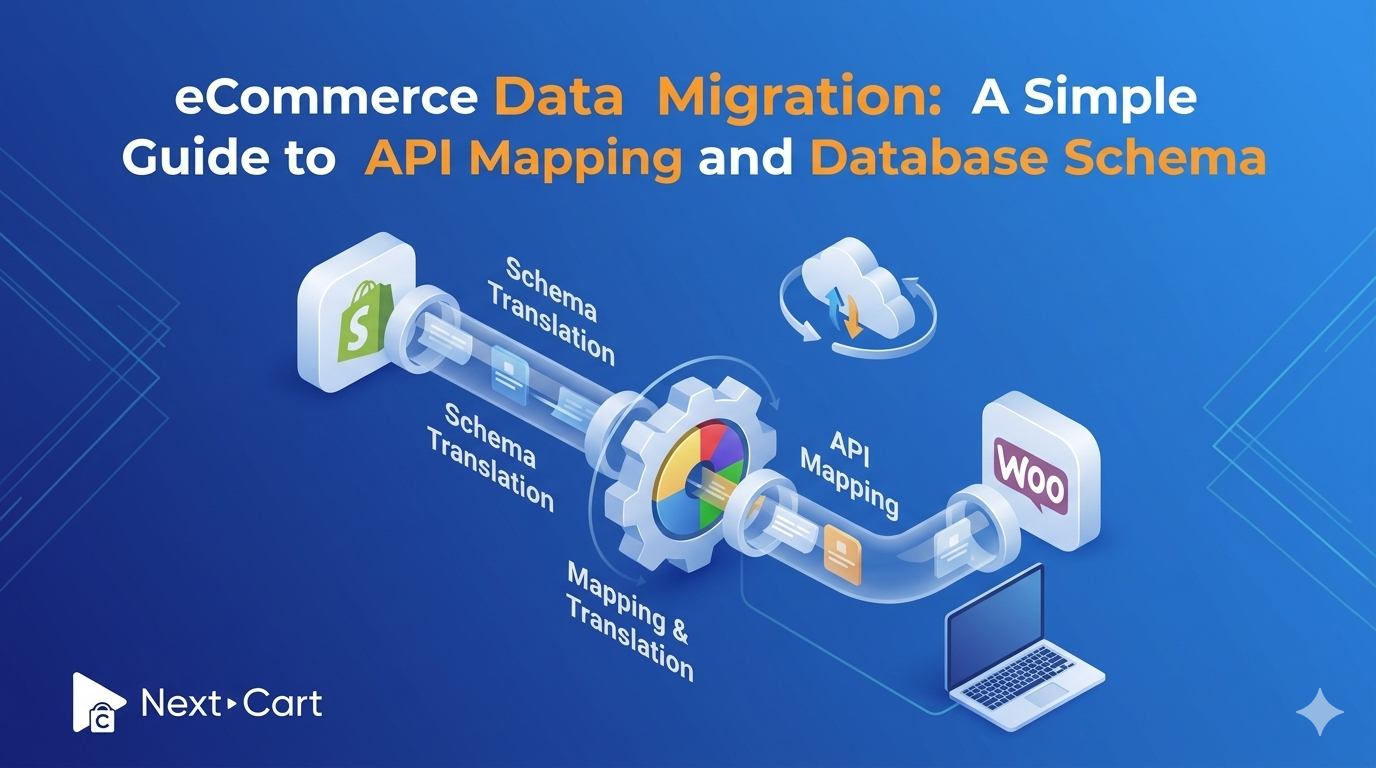
eCommerce data migration – The “black box” of tech
For many online store owners, eCommerce data migration is not an appealing idea. It is just like stepping into unfamiliar territory with all its technical complexity. It often appears as a “black box.” People imagine data goes in one side of the box and, hopefully, comes out intact on the other. There is always uncertainty in this process.
This is the main reason why businesses delay migration, even though they know their current platform is holding them back.
The hesitation of migration stems from fear – fear of losing data, breaking any functionality, or disrupting customer experience.
In reality, if there are any migration issues, most aren’t caused by moving data itself. Misunderstandings about how data is structured and transferred between platforms are actually the core reason. When two different systems don’t “understand” each other, migrated data can be misplaced or incomplete. This is what people often describe as “lost in translation.”
The goal of this article is to open that “black box” and make things inside transparent. We will break down two of the most complex concepts in the box: the database schema and API mapping.
Finally, you will see that eCommerce data migration is entirely manageable when done with the right tools and teams. You will understand how the risks associated with manual processes can be removed with modern solutions.
Keep reading!
Database schema: The blueprint of your store
The concept of a database schema is about how data is organized.
Imagine your online store as a house with different rooms, each designed for a specific purpose. The living room contains furniture, the kitchen holds appliances, and the bedroom stores personal belongings. Everything has its place. And the house’s structure shows you how to find and use those things.
A database schema works in exactly the same way, but in a digital environment.
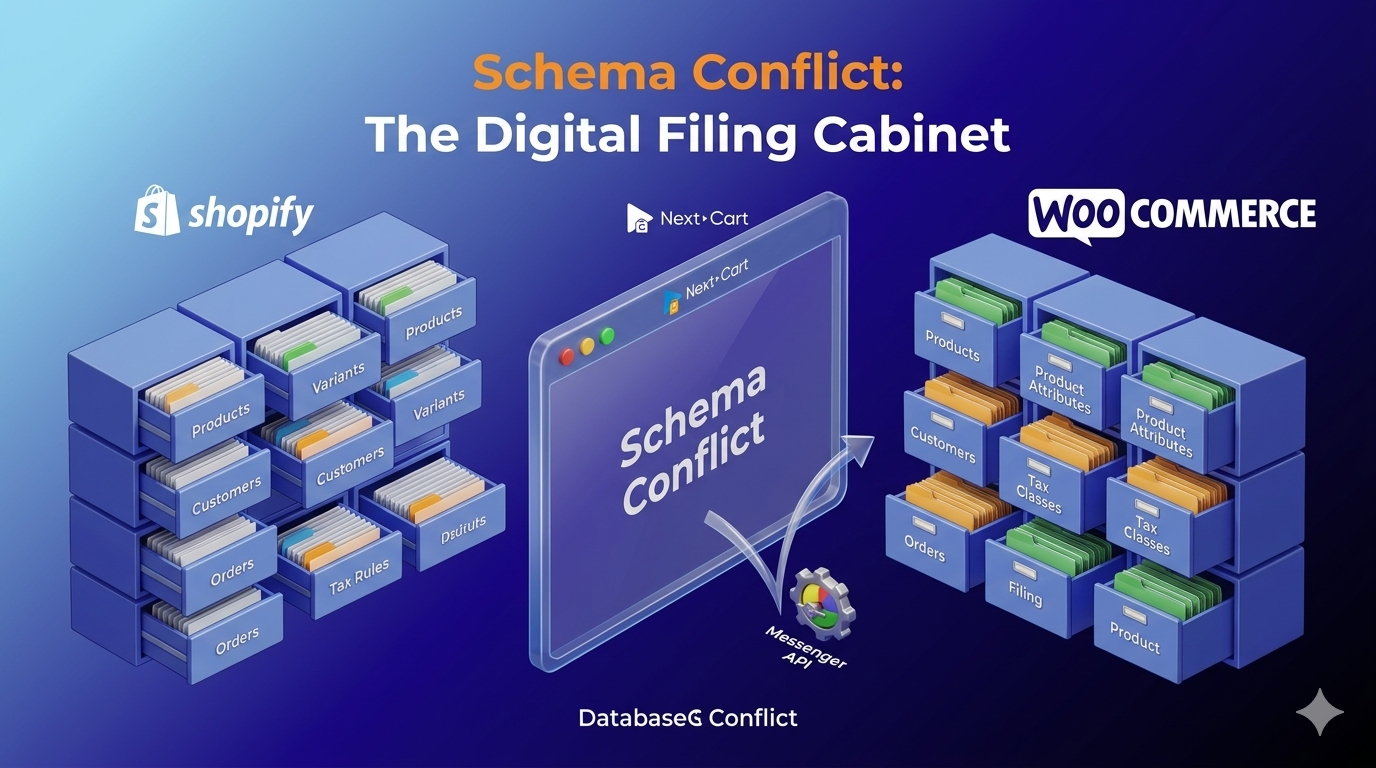
A database schema defines how data is organized. For example, it determines where products are stored, how customer information is structured, and how orders are recorded. It works like the blueprint that governs your entire system behind the scenes.
The challenge arises during migration because every eCommerce platform builds this “house” differently.
For instance, one platform may store product variations – such as size and color – in a single location, while another splits them into different sections but links them together. Similarly, customer data, tax rules, and shipping configurations can be structured differently across platforms.
Even though the data represents the same real-world information, the way it is arranged varies.
This structural difference is the reason why you cannot simply copy and paste data from one platform to another. Without understanding how the source and target platforms are designed, transferring data between them is like moving into a new house without knowing where to place things. Then items may end up in the wrong place, and relationships between data can break down.
For example, due to a misunderstanding, a product might lose its category association, or its variations might not display correctly. Also, customer orders could appear incomplete because products and transactions are not linked.
These issues are all caused by mismatched structures.
API mapping: The universal translator
You have understood how data is structured during an eCommerce data migration, thanks to the database schema. Then, how it moves between systems will be managed by API mapping.
In other words, if the database schema is the blueprint of your store, API mapping ensures everything is placed correctly in the new platform according to that blueprint. Or, it acts as a translator between two platforms that don’t speak the same language.

The challenge is that each system may use different terms for the same type of data, leading to confusion.
For instance, the source platform might label a product name as “Product_Title,” while the target platform simply calls it “Name.” When these two fields are not clearly mapped, the system receiving the data may not recognize where to place it.
It’s where API mapping comes in by creating a direct relationship between fields. Then, every piece of data knows exactly where it belongs.
This process applies to product descriptions, pricing, images, SEO metadata, customer details, and order histories. When each element is carefully matched, data integrity is preserved during the transfer.
To visualize this process, imagine a moving team that has been given detailed instructions for every item in your house. They know that the living room televisions should be placed in the new house’s living room, not elsewhere.
Beyond simple labels, modern eCommerce stores often include advanced attribute data, such as SEO meta tags and encrypted customer passwords. These elements require special handling during the API mapping process. Then, the Next-Cart team steps in to help customers with a well-designed API mapping system that ensures even complex data points are transferred accurately.
Proper mapping plays an important role in eliminating the risk of misplaced or unusual data. Equally important, automation should be applied instead of manual mapping to save time and avoid human errors.
The risks of manual migration (the “DIY” trap)
Some store owners attempt to handle immigration manually, using spreadsheet tools like Excel or CSV exports. This approach may seem straightforward at first. But a range of risks can arise on the way.
Firstly, humans often make mistakes, especially when handling a large volume of repetitive data. Moreover, spreadsheets are not fundamentally designed to manage complex data relationships, making it harder for humans to work with them.
Common mistakes include deleting a row or misaligning a column. These small errors can break the connections between products, categories, and orders. Moreover, these errors are not always immediately visible, which makes them even more dangerous.
Secondly, image paths can be broken. In many cases, exports only include links to image files rather than the files themselves. Then, product images will fail to display on the new site. This leads to poor visual appeal and SEO performance, and lower customer trust.
Next, the customer order history is particularly vulnerable during manual migration. Orders often come with complex records that accurately reflect relationships among customers, products, and transactions. If any part of this structure is lost or misaligned, the result can be disrupted reporting and poor customer service, which can affect long-term business insights.
Perhaps the most overlooked consequence of manual migration is technical debt. When the initial data is not transferred correctly, ongoing issues will take place and become increasingly difficult to resolve. Even worse, your store may appear to function on the surface, but underlying problems cause bugs, slow performance, and operational complications.
In this sense, manual migration often makes short-term savings but causes long-term costs. The initially simple solution can quickly evolve into a more complex problem to fix later.
Precision at scale – The Next-Cart advantage
A more advanced and reliable approach is needed for eCommerce data migration. Here, the Next-Cart tool can transform the migration process into a fully automated operation for multiple websites across various industries.
Instead of relying on manual input, Next-Cart uses intelligent automated mapping systems that are specially designed to recognize the unique structures of different eCommerce platforms. The system instantly understands how data is organized in source and destination stores, and reduces the risk of human errors.
In addition, Next-Cart is strong at handling custom fields. Every store has unique data that goes beyond standard fields. It could be custom product attributes created by third-party extensions. In these situations, the Next-Cart team identifies an optimized approach to map them accurately to the new platform while maintaining the integrity of your store.
Our multi-step validation process before, during, and after migration ensures ultimate accuracy. This “Check & Re-check” protocol ensures zero data loss and remains intact throughout the process.
By automating the most complex aspects of eCommerce data migration, Next-Cart removes the uncertainty associated with manual methods, ensuring that your data is transferred safely and correctly.
Expert tips: Preparing data for a smooth move
Proper preparation is an essential step in your eCommerce data migration process. It is about taking the time to review and organize your data before migration.
A good starting point is to audit outdated or unnecessary data that is accumulated in your existing store over time. It could be inactive products, duplicate entries, or unused categories. Cleaning up this information will help simplify the migration process and improve the new store’s performance.
The next step in the preparation is to take a migration preview or demo. You can see how your data actually appears on the new platform before the full transfer. This is also an opportunity to identify potential issues and make adjustments in advance.
Also, make sure your current storage remains active during the migration process. It is important that your business continues to operate without any interruption in customer experience. This will also allow you to compare the old and new stores in real time.
Maintaining access to your original store provides an additional layer of security. And a preparation for a clear plan and the right tools will help you significantly reduce risks and improve outcomes.
In conclusion,
At first glance, eCommerce data migration may seem complex with technical challenges. But to break it down, it is actually a process of organization and translation. That’s where the database schema and API mapping come into play. Understanding their roles reveals that eCommerce data migration is not about moving data blindly, but about placing it correctly in a new system.
Additionally, you don’t need to be a developer or technical expert to have your store migrated successfully. You just need a solution that understands your practical needs and handles them with precision.
Next-Cart was established to do exactly that. The tool supported by the expert team can help you automate the entire migration process and eliminate the risks associated with manual work, ultimately ensuring your data remains secure, accurate, and fully functional.
If you are considering a platform change, don’t let uncertainty hold you back. The right tools and expertise can turn the migration into a smooth and predictable transition.
Take the complexity out of your move. Start a free demo migration with Next-Cart today and see how your data can be mapped and transferred perfectly!