
With eCommerce data mapping, you don’t need a degree in coding to migrate
For years, data migration has been seen as a “black box” that only IT experts can touch. Many store owners view it as a high-risk technical process, in which a single wrong move can lead to critical data loss or corruption. This perception makes business owners hesitant to upgrade platforms even when they know it’s the right move.
The myth persists because migration once required technical expertise, including direct database access, manual scripts, and a deep understanding of how systems store and interpret data. However, the landscape has changed. Today, tools like Next-Cart have redefined the migration experience.
These modern tools translate technical complexity into intuitive “point-and-click” workflows. Instead of interacting with code, you now work on clearly labeled fields and guided steps. What once required a developer can now be handled by a business owner who understands their own store.
Additionally, this shift reframes migration as a strategic business decision. When you take control of your eCommerce data mapping, you gain clarity of your data structure and how it functions in the new environment.
The purpose of this guide is to break the migration process down into understandable concepts and steps that you can confidently manage.
The core concept: What is “Mapping” anyway?
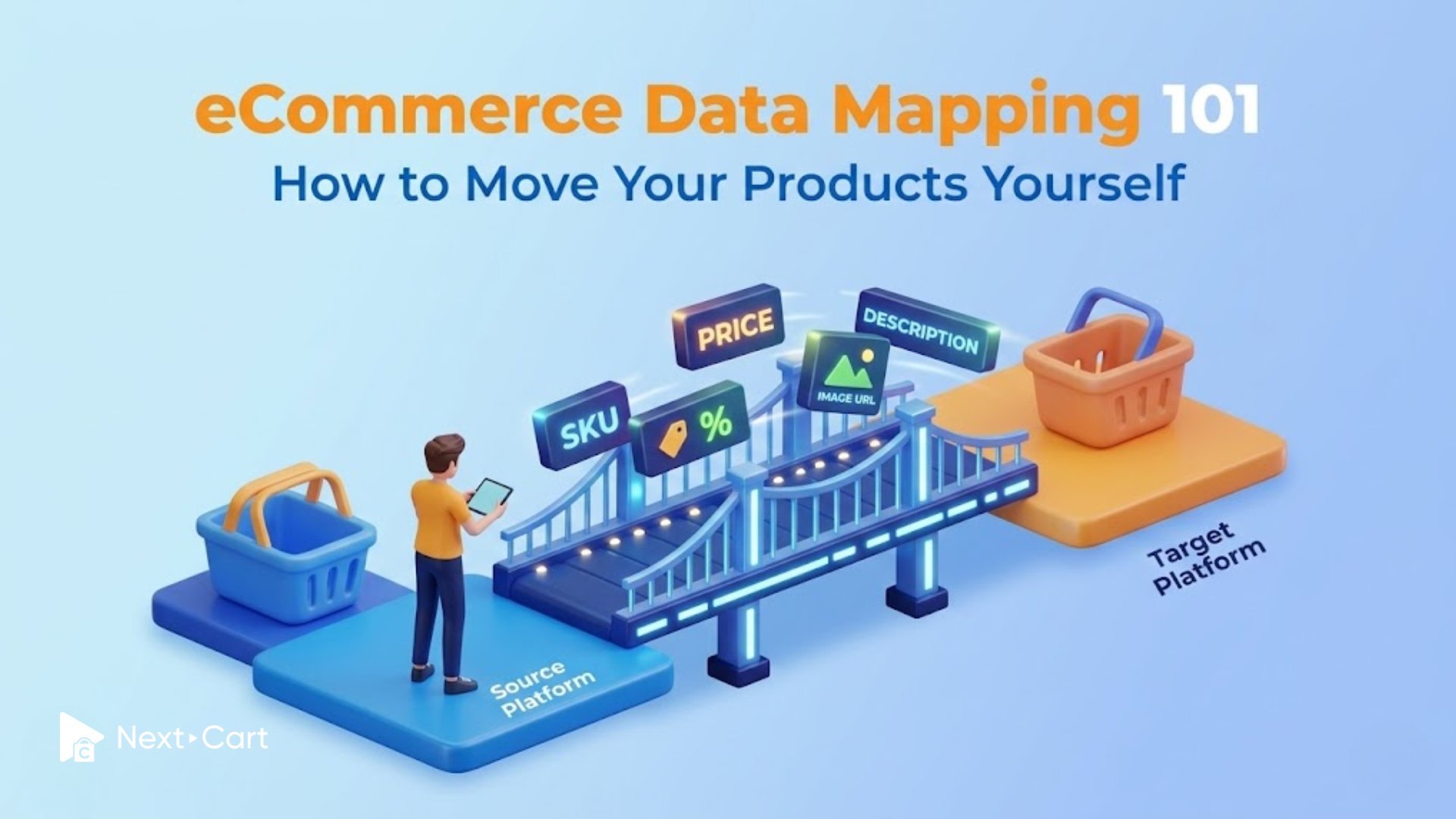
At its simplest, eCommerce data mapping means connecting equivalent information across two systems, ensuring data from your current store is correctly migrated to your new store.
Let’s first think about this as switching to a new phone. Your contacts don’t disappear; they are transferred and displayed in a new interface. The layout structure of the two phones may differ, but the meaning of the data remains the same – a phone number is still a phone number.
In eCommerce, the differences between platforms can be more nuanced. For example, one system might use “Title” for a product name, while another uses “Product Name.” Or some platforms structure categories in nested hierarchies, while others flatten them. Customer data, order statuses, or product variations can be handled differently.
This is where eCommerce data mapping becomes essential. It acts as a translator, ensuring that each piece of data lands in the correct place with the correct meaning. Without mapping, a data transfer could result in disorganized or unusable information.
The Next-Cart tool resolves this through Schema Detection. It automatically analyzes your source and target stores to identify how each platform structures its data. Then, it proposes logical matches between fields. Here, you are not required to understand the underlying database schemas, as the tool presents a user-friendly interface. Instead, you just need to review, confirm, or adjust the suggested mappings, staying in control without needing technical expertise.
Step-by-step of your self-service eCommerce data mapping journey
Once you understand what mapping is and how it serves the migration, the process itself becomes far less intimidating. It is a series of logical steps that you can follow with ease.
Step 1: Establishing the secure link
The migration begins with creating a secure connection between your current store and your new platform. This connection allows the migration tool to access your data without compromising its integrity or security.
You can establish this link by using API keys or a bridge file. Do these terms sound technical to you? No worries, the actual process is straightforward. You simply follow the guided instructions to generate a key. Or you can upload a small file that grants access.
From there, Next-Cart handles the communication behind the scenes. The tool reads your store’s data structure and prepares it for mapping.
This step lays the foundation for everything following. A stable, secure connection ensures that your data can be transferred accurately and efficiently.
Step 2: Selecting your “entities”
With the secure link in place, the next step is deciding which data you want to migrate. These data types are known as entities, the core components of your store. Common entities include products, categories, customers, orders, and blog content.
You have the flexibility to choose which specific data to move, rather than moving everything. In fact, over time, most stores accumulate redundant data of outdated products or inactive customers. By selecting meaningful entities, you can streamline your store and focus on what’s relevant. Then, this is where migration becomes a strategic opportunity.
For example, you might decide to migrate all active products but leave discontinued ones behind. Or you may choose to bring over customer data but exclude old guest checkouts.
This step ensures that your new store starts in a clean, optimized state.
Step 3: The mapping interface
The mapping interface is where you define how your data will be structured in the new platform. You will be presented with a clear comparison between your source fields and target fields.
In many cases, the migration tool will automatically suggest matches based on its analysis. However, these suggestions are not rigid. You can review and adjust them to ensure every field aligns with your expectations.
For example, with other status mapping, a “Pending” status in one system might correspond to “Awaiting Payment” in another. eCommerce data mapping ensures these statuses are aligned so your orders remain accurate.
Category mapping plays an equally important role. Your product organization affects both your internal workflow and your customers’ browsing experience. Proper mapping helps preserve your category hierarchy and maintain consistency in navigation.
Customer group mapping is another key consideration in the interface. The segments of your audience, such as VIPs and wholesalers, need to carry over. The mapping ensures that these relationships remain intact and align with your pricing, promotions, and marketing strategies.
Ultimately, this step is about translating your business logic into a new system while preserving its structure and meaning.
Handling the tricky bits (without calling support)
During the migration, certain aspects naturally raise questions. It is where the differences between platforms are more apparent. Fortunately, they are also where automation provides value.
- Product variants
Product variants, such as size, color, or material, are often structured differently across platforms. One system might treat them as individual products, while another groups them under a single parent product.
Next-Cart addresses this by analyzing relationships within your data, identifying which items belong together, and reconstructing them appropriately in the target store.
This means you don’t need to manually rebuild variant relationships. With the tool, your product options remain intact.
- SEO preservation
When it comes to search engine optimization, your store’s visibility depends on metadata, such as page titles, descriptions, and URLs. Losing or altering this information during migration can impact your rankings.
Carefully mapping will ensure these SEO elements are transferred exactly alongside your products, maintaining continuity in your page indexing and search engine rankings. Your new store retains the foundation you’ve already built in the old store, with its traffic and performance.
- Images & media
Images are among the most labor-intensive parts of migration when processed with conventional methods. However, modern tools eliminate the need for manual uploads.
Instead of transferring files individually, Next-Cart maps image URLs to the correct product in your new store. Then your visual content appears exactly where it should, without any additional reuploading. This advance not only saves time but also reduces the risk of errors.
Pro tips for a smooth DIY migration
Take into account several practices to make your powerful automation migration tools run even more smoothly.
First, you can start with a demo migration before launching the full transfer. Most migration services allow you to test a small number of entities to preview how the mapping behaves. You can review product structures, category relationships, images, variants, and SEO fields before migrating the entire store. Equally important, this opportunity gives merchants confidence when seeing the process work on a smaller scale, removing much of the anxiety surrounding migration.
Second, migration is also an excellent opportunity for data cleanup – old products, broken images, duplicate categories, and outdated pages. Evaluate what still matters to your business today and create a cleaner store structure.
After the migration is complete, spend time carefully reviewing your target store before going live. You do not need to inspect every single product individually. Instead, sample different product types and categories to ensure the mapping logic works consistently across the site. Any migration issue is usually a labeling mismatch that can be corrected quickly. The important thing is to identify them early, before customers interact with the new store.
In Conclusion
At its core, eCommerce data mapping is about logic, ensuring that your data retains its meaning as it moves from one system to another. Meanwhile, Next-Cart provides the tools to make this logic accessible, handling technical heavy lifting. And you play a role in defining the structure, confirming the mapping, and guiding the outcome.
In this process, you shift from a passive participant to an active decision-maker, shaping how it functions in your new store. You’re no longer relying on others to interpret your data. That’s what we call “taking the driver’s seat”: controlling your systems, ensuring data clarity, and building a foundation for future growth.