
eCommerce re-platforming often represents an important investment for a business’s future. Perhaps you’re moving away from an expensive platform to reduce the Total Cost of Ownership (TCO). Maybe you’re looking for more flexibility and better integrations. Yet once the decision has been made, another question quickly emerges.
Who is going to move all your data?
It is essential to migrate the foundation of your store smoothly and effectively, including products, customers, orders, categories, blog posts, images, and custom settings. This process requires careful planning, technical execution, and ongoing validation.
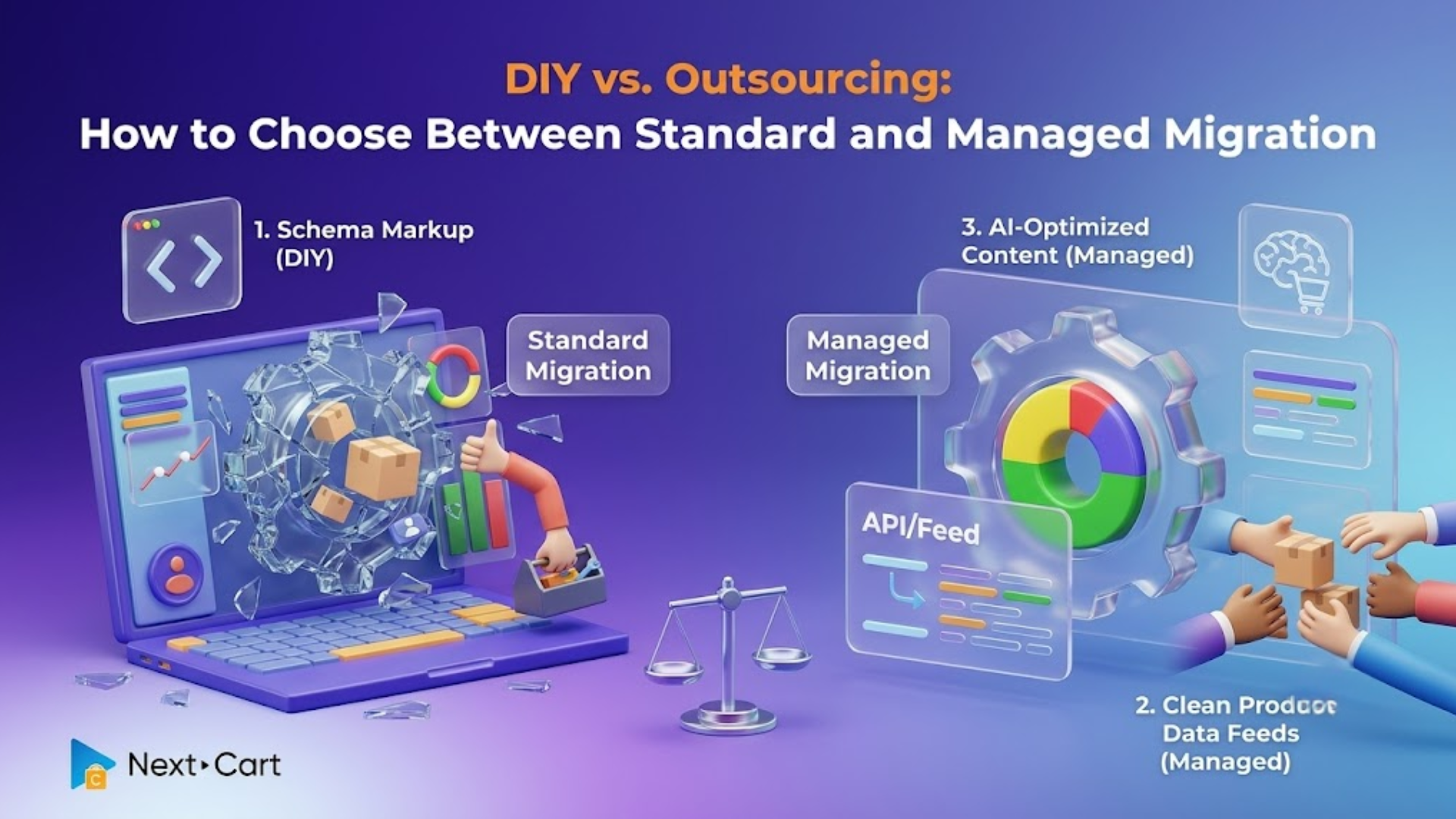
This is where Next-Cart offers two distinct pathways. The first is Standard Migration, an assisted self-service that gives merchants control over the migration process while providing expert support when needed. The second is Managed Migration, a fully delegated service where Next-Cart technicians handle the technical work from start to finish.
Neither option is better than the other. The best choice depends on your budget, technical comfort level, available time, and the complexity of your data. Let’s understand the differences between these approaches and choose the best migration path that aligns with your business goals.
- Standard Migration: The assisted DIY approach
- Managed Migration: The hands-free experience
- The decision matrix: Which option is right for your eCommerce re-platforming project?
- The first consideration is technical comfort.
- The second factor is data complexity.
- Time availability should also be considered.
- Consider post-migration requirements.
- Summary and expert advice
Standard Migration: The assisted DIY approach
Let’s discover the Standard Migration option: who should choose this approach and how it works during your eCommerce re-platforming process.
Who often chooses Standard Migration?
For merchants who prefer to maintain control of their migration project, Standard Migration offers a practical solution. It strikes a balance between complete independence and full outsourcing.
This option is well-suited for store owners who are technically confident. Also, digital agencies managing client projects and businesses with relatively straightforward databases often choose this eCommerce re-platforming approach. Standard Migration is ideal for those who are comfortable using website administration tools. It provides significant flexibility while keeping costs under control.
One common misconception is that choosing Standard Migration means you’re entirely on your own. In reality, the tool is designed to be self-directed but fully supported by Next-Cart’s technical team. The objective is to give merchants control without leaving them stranded when technical challenges arise.
How Standard Migration works
The workflow begins by connecting the source and target stores.
This step involves installing Kitconnet, Next-Card’s secure PHP connection bridge, on a self-hosted server or establishing connections through available APIs. For some merchants, this step is straightforward. For those unfamiliar with server environments, this can seem intimidating at first.
This is where Next-Cart’s support team can play a role. If you encounter difficulties installing Kitconnect, accessing hosting environments, or configuring APIs, experienced technicians are available to guide you through the process.
The next stage involves configuration. During this phase, merchants determine how data from the source store should map to the target platform.
Although most migrations follow predictable patterns, every platform has its own database schema. Occasionally, merchants may have unique requirements or questions about how certain fields should be mapped. Then, technical support remains available to help ensure accurate configurations before migration begins.
After configuration comes the migration itself. Using Next-Cart’s web-based interface, merchants can initiate the transfer directly from their browser. The migration engine handles data movement, while the user monitors progress via the dashboard.
If unexpected issues occur during the migration process, Next-Cart technicians step in to investigate and resolve them. The team can also help identify data anomalies and address unexpected compatibility issues between platforms.
Once the migration is complete, merchants review the data in the target store to verify that products, categories, customer accounts, orders, and content are accurate. If any data-related concerns are discovered, technical specialists remain available to investigate and correct issues.
Perhaps most importantly, support doesn’t end after the initial migration finishes. Merchants can continue using Re-Migration and Recent Data Migration services as preparing for launch. Throughout the migration lifecycle, Next-Cart technicians remain available to provide guidance until the target store officially goes live.
Managed Migration: The hands-free experience
Other merchants would rather focus on growing their businesses. For busy store owners and enterprise-level merchants, Managed Migration offers a different approach.
Instead of acting as the migration operator, the merchant becomes the project stakeholder and leaves the technical execution for the Next-Cart team.
The process begins with a merchant’s migration request. A dedicated Next-Cart technician then takes ownership of the project. From that point forward, the migration workflow becomes largely invisible to the client, as technicians handle the rest: establish connections between stores, configure migration settings, prepare results, and troubleshoot any issues behind the scenes.
This approach is particularly valuable for businesses with large catalogs, multi-variant products, or extensive customer databases, in which even minor configuration errors can create significant complications. Having experienced migration specialists oversee the process helps reduce risk.
After the migration is completed, technicians conduct extensive validation procedures. Any issues are investigated and resolved before the project is handed over to the client.
Meanwhile, many merchants continue to operate their existing stores while testing the new platform, so new customer orders, product updates, and inventory changes continue to occur. Maintaining synchronization between the old and new stores becomes critical.
With Managed Migration, Next-Cart technicians continue supporting data synchronization until the target store officially goes live.
For organizations where time is more valuable than migration costs, this hands-free approach delivers the greatest return on investment.
The decision matrix: Which option is right for your eCommerce re-platforming project?
Choosing between Standard Migration and Managed Migration ultimately comes down to understanding your own business circumstances.
The first consideration is technical comfort.
If you know how to access your hosting environment, upload files to your root directory, configure APIs, and troubleshoot basic technical issues, Standard Migration may be a practical choice. The tool is designed to be user-friendly, and expert assistance is available whenever needed.
On the other hand, if terms like FTP access, server directories, and API credentials sound unfamiliar, you might need Managed Migration to save time and frustration. Rather than learning unfamiliar technical processes, you can rely on migration specialists to handle them.
The second factor is data complexity.
For a relatively straightforward store with standard product catalogs, customer records, and order histories, Standard Migration is a suitable choice. However, businesses with customized databases, unique workflows, specialized fields, or highly tailored integrations may benefit from a hands-on migration approach.
In particularly complex situations, Next-Cart offers Custom Migration services. These projects are designed for stores containing extra data structures, custom fields, or unique requirements that extend beyond standard migration workflows. Technicians will perform additional customization work to ensure every critical data element is preserved.
Time availability should also be considered.
While the migration software automates much of the work, there are still decisions to make, such as reviewing configurations and completing validation tasks.
Ask yourself: would your time be better spent reviewing database mappings or planning the marketing strategy? For many business owners, the answer is obvious.
Consider post-migration requirements.
One of the most valuable features available through Next-Cart is Re-Migration. This feature allows merchants to rerun migrations after testing to ensure that adjustments made during development are reflected in the target store.
Equally important is Delta Migration, also known as Recent Data Migration. This feature is specially designed to address one of the most common concerns surrounding eCommerce re-platforming: what happens to new orders placed during the migration process?
Without Delta Migration, merchants could either freeze activity during the data migration or manually transfer new orders after launch. Delta Migration eliminates this dilemma by transferring newly generated data that appears after the initial migration. Therefore, businesses can continue accepting orders and generating revenue while the new store is being prepared.
When launch day arrives, the latest customer and order information can be synchronized. This feature helps minimize disruption and preserve a seamless customer experience.
Summary and expert advice
There is no perfect migration package for all businesses. The right solution depends on resources, priorities, and internal capabilities.
For businesses with technical confidence, straightforward data structures, and a desire to maintain direct control over the migration process, Standard Migration is suitable. It is affordable and flexible, allowing merchants to take control of their project while receiving expert support when needed.
For larger organizations or merchants preferring to avoid technical responsibilities, Managed Migration is a more strategic alternative. By delegating the migration to experienced specialists, businesses can focus on their business operations and minimize the risks of errors. Additionally, if your primary objective is to reduce downtime, protect the seamless customer experience, and avoid migration errors, Managed Migration is often the safest route.
However, that doesn’t mean every business needs a fully managed service. Many successful merchants achieve excellent results through Standard Migration with support from the Next-Cart technical team.
The most important thing is not choosing the most expensive option or the most popular option. It should be the one that aligns with your team’s skills, budget, and business objectives
If you’re unsure which path is right for your store, start by running a Free Demo Migration through Next-Card’s Standard Migration tool to explore the interface and understand the workflow. Alternatively, schedule a discovery conversation with the migration team to discuss your requirements and whether a Managed Migration would provide greater value.
Finally, when it comes to eCommerce re-platforming, success isn’t determined by how much work you do yourself. It is determined by how effectively you reach launch day with your data intact, how well your customers are supported, and how ready your business is for the next stage.